42
Basic operation
Listening to CD
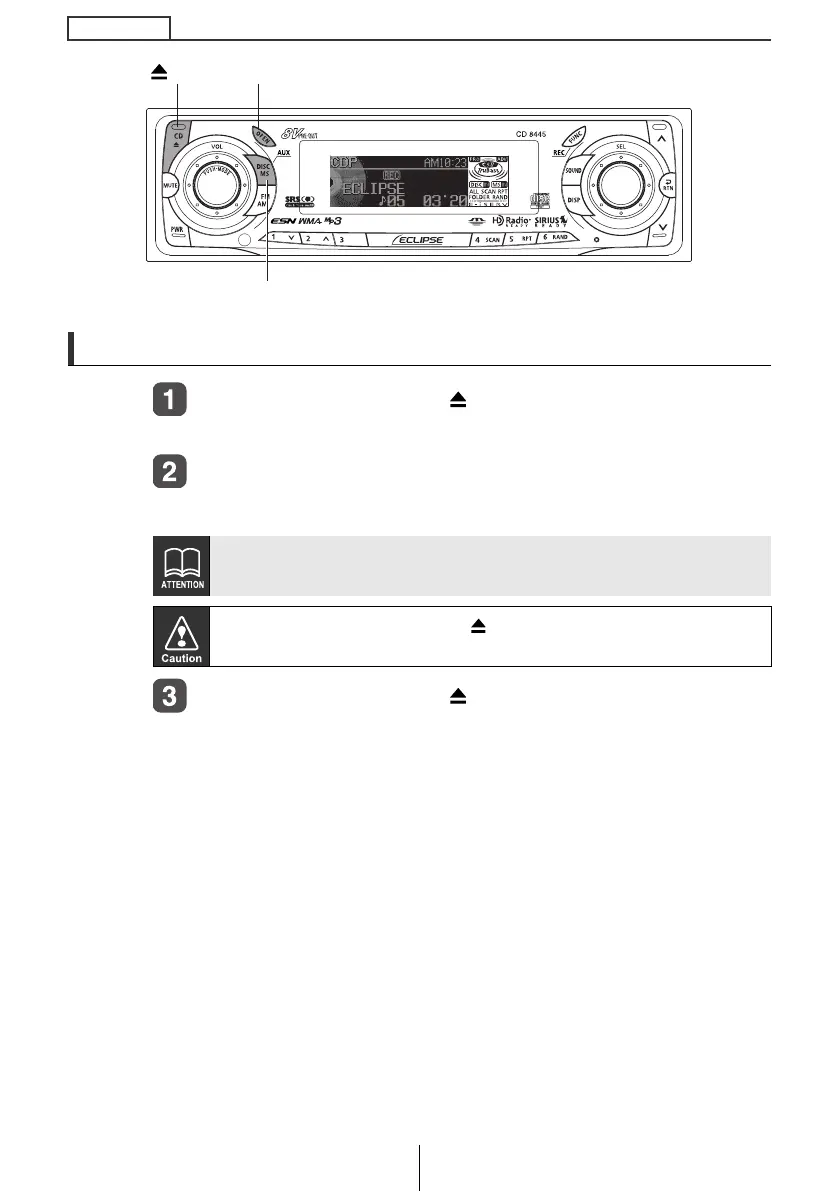
Press the [OPEN] or [CD ] button.
The front panel opens.
Insert a CD into the disc slot, label side up.
The CD will immediately start playing.
Press the [OPEN] or [CD ] button.
The front panel closes.
When a CD is already loaded, press the [DISC MS] button to switch to
the CD mode.
Do not press the [OPEN] or [
CD
] button while CD is being inserted.
This could cause an injury and damage to the front panel.
[OPEN] button
[CD ] button
[DISC MS] button
CD8445.book 42 ページ 2004年12月13日 月曜日 午前11時30分



 To Next Page