54
Basic operation
Disabling the display
You can turn the display on and off in the following way.
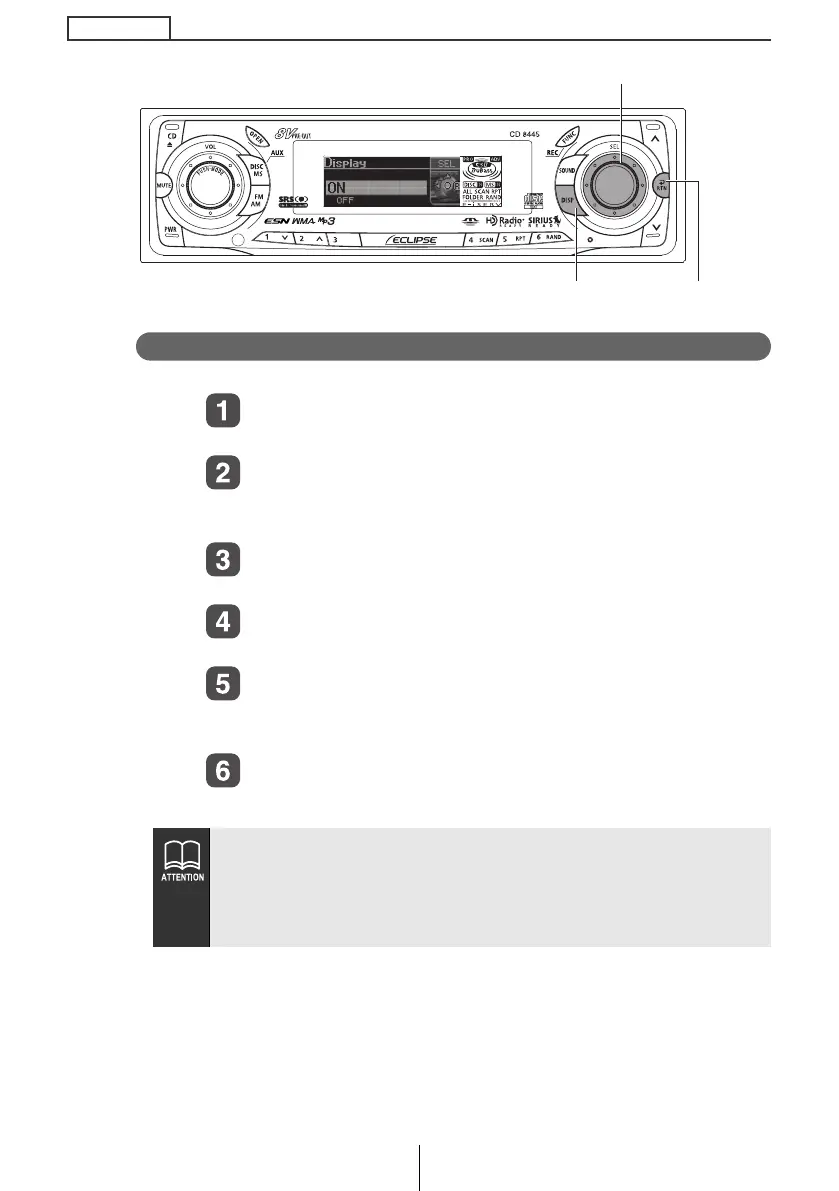
Turn the [SEL] button to select Disp ON/OFF.
The selected item will be highlighted.
Press the [SEL] button.
The screen for turning the screen display on and off will
appear.
Turn the [SEL] button to select ON or OFF.
The selected item will be highlighted.
Press the [SEL] button.
The selected settings will take effect.
Press the [RTN] button.
At this time, other adjustments can also be made in display
adjustment mode.
Press the [DISP] or [RTN] button to exit display
adjustment mode.
● When the display is OFF, when one of the buttons is activated,
the screen display will come on within 6 seconds.
● When the OFF function is selected, the screen display will turn
off. However, it is possible to adjust the display adjustment
mode.
[SEL] button
[DISP] button [RTN] button
CD8445.book 54 ページ 2004年12月13日 月曜日 午前11時30分



 To Next Page