159
How to operate the AREA SHOT function (U.S.A. only)
X
Re-scrolling through text information
Text information including intersection street names and turn
directions can be scrolled across the screen by switching through
guidance points. A maximum of 11 characters can be displayed on
a single screen. Excess characters are scrolled on the display.
When scrolling is complete, the first eleven characters are once
more displayed on the screen. To re-scroll perform the following
operation:
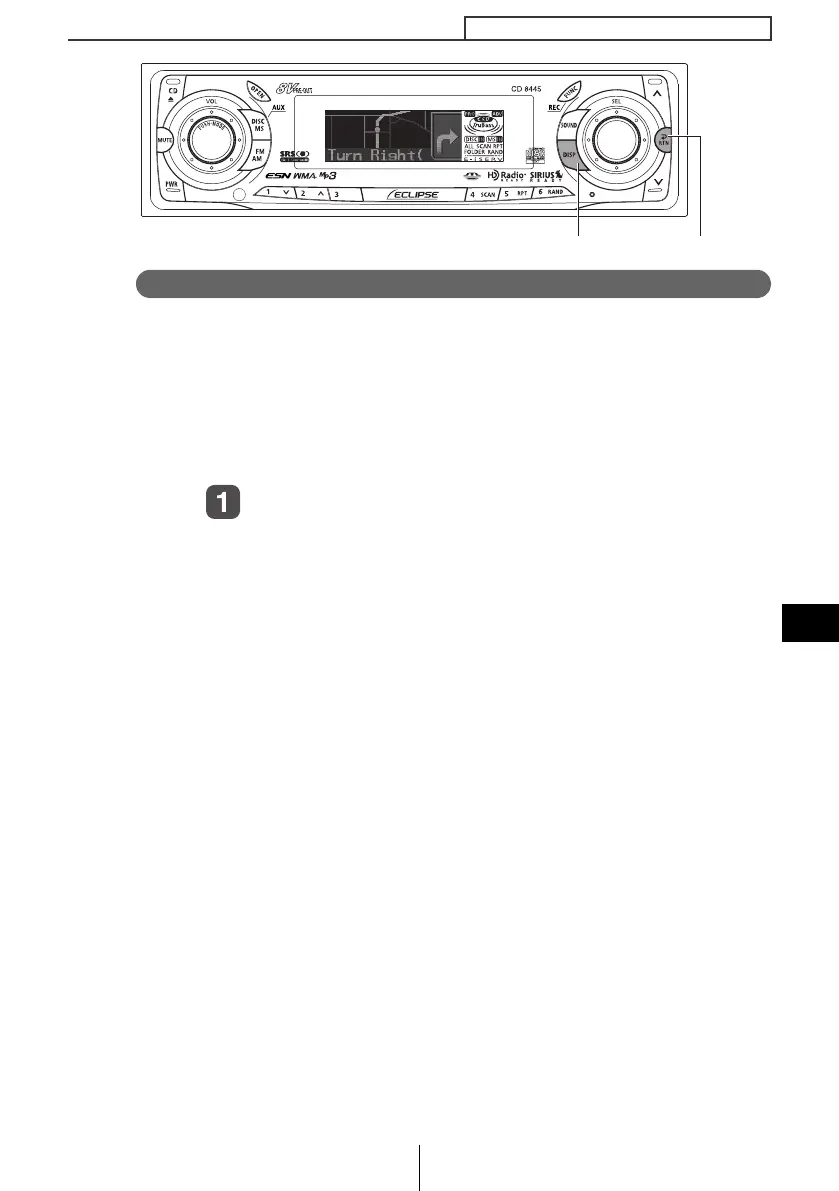
Press the [DISP] button.
Guidance information can be re-scrolled.
[
DISP
] button [
RTN
] button
CD8445.book 159 ページ 2004年12月13日 月曜日 午前11時30分



 To Next Page