148
How to operate the Sound Adjustment Mode
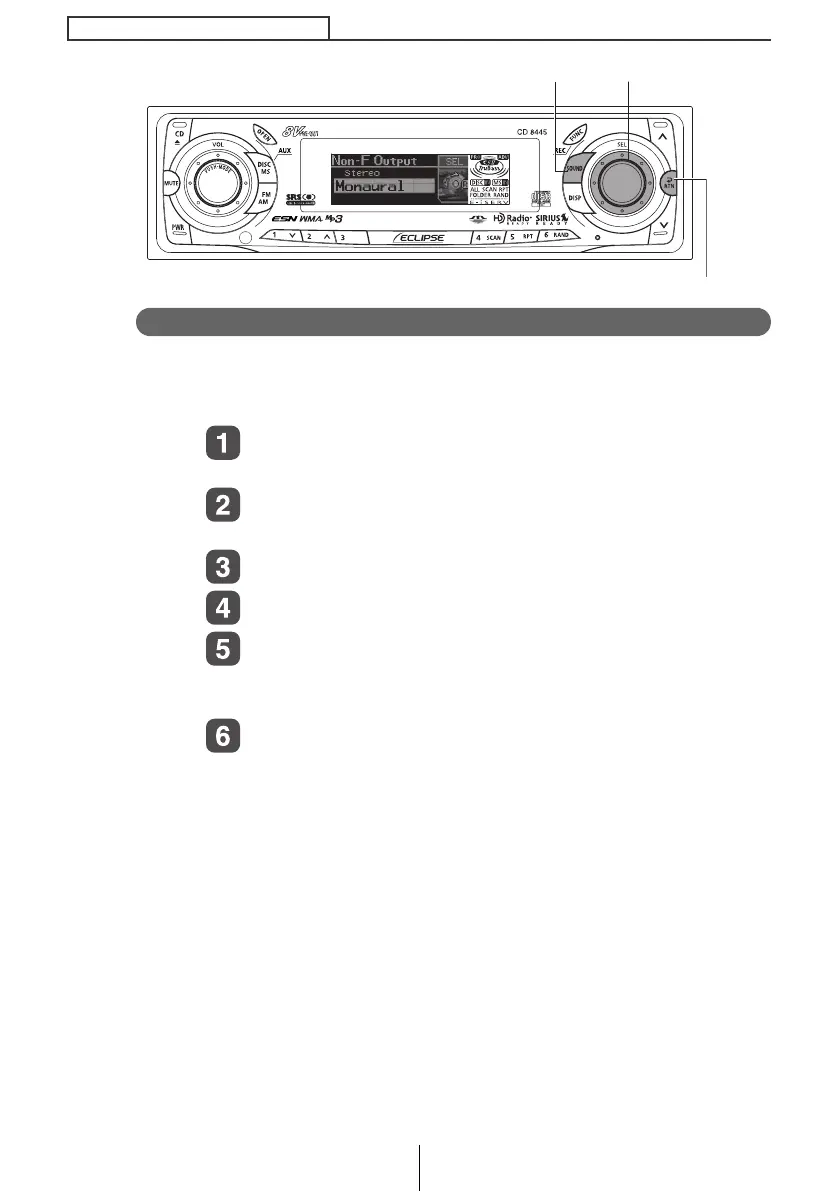
Non-Fader Output
Non-Fader Output can be stereo or mono. Select the method that
matches the output method for the sub-woofer system that is
connected to the deck.
Turn the [SEL] button to select Non-F Output.
The selected item is highlighted.
Press the [SEL] button.
The mode will change to Non-F Output.
Turn the [SEL] button to select Stereo or Monaural.
Press the [SEL] button.
Press the [RTN] button.
At this time, other adjustments can also be made in advance
mode.
Press the [SOUND] or [RTN] button to exit sound
adjustment mode.
[SOUND] button
[RTN] button
[SEL] button
CD8445.book 148 ページ 2004年12月13日 月曜日 午前11時30分



 To Next Page