25
ESN security operating procedure
III
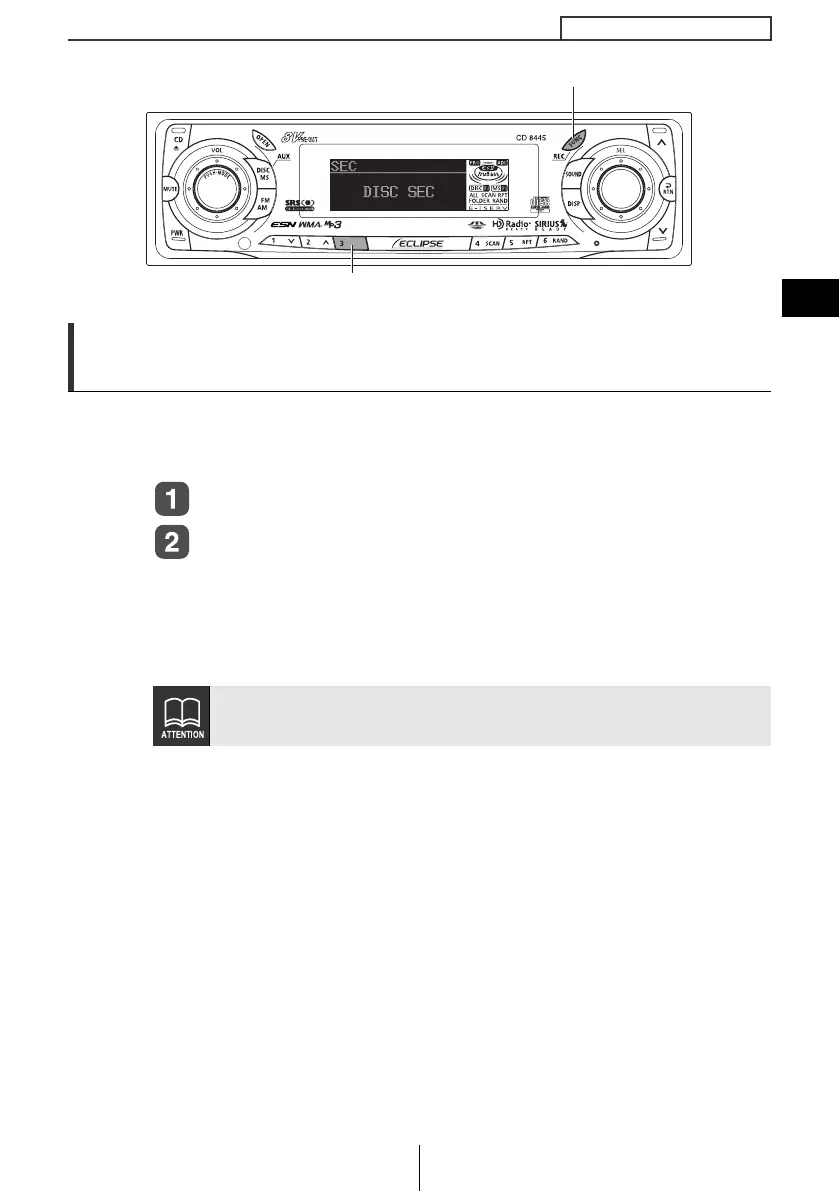
How to switch the security type (Key CD security/
Memory Stick security)
You can switch the type of security being used (Key CD security or
Memory Stick security). The initial setting is for Key CD security to be
used.
Check that the unit is in standby.
Press and hold the [FUNC] button, then button [3], and
hold both for the more than two seconds.
Security type will switch from Key CD security (DISC SEC) ↔
Memory Stick security (MS SEC) in order each time the button is
pressed.
If a security is activated, switching the security type is not available.
Button [3]
[FUNC] button
CD8445.book 25 ページ 2004年12月13日 月曜日 午前11時30分



 To Next Page