156
How to operate the AREA SHOT function (U.S.A. only)
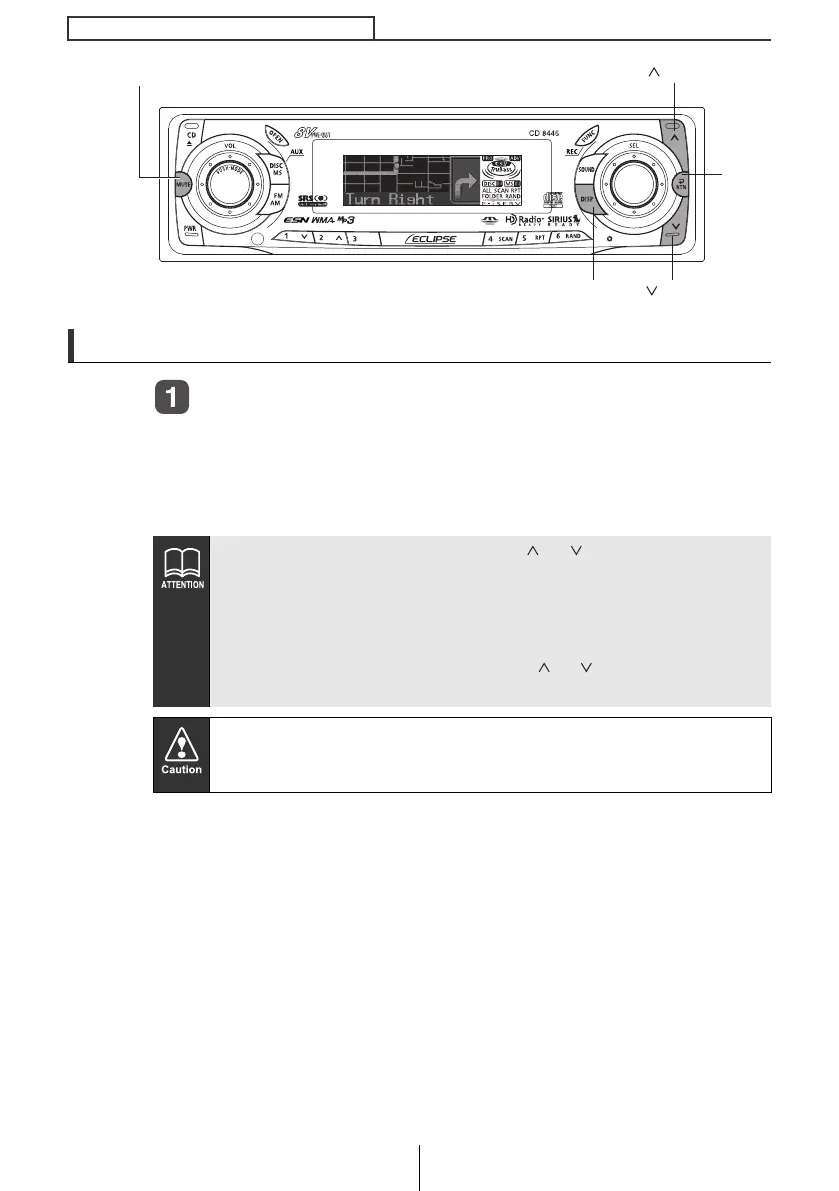
Changing the AREA SHOT mode
Press the [MUTE] button for more than one second.
Guidance point maps, intersection street names and turning
directions are displayed on the screen. Pressing and holding the
[MUTE] button (for 1 second or more) a second time closes the
Area Shot mode.
● Pressing any button other than [ ], [ ], [DISP] and [RTN]
displays the audio control screen enabling audio system
operation. If no button is pressed within 6 seconds, the
guidance point screen returns.
● If the audio control screen is displayed while the Area Shot
mode is ON, pressing the [RTN], [ ], [ ] or [DISP] buttons
displays the guidance point screen.
● Modes may not be changed if guidance data has not been
imported properly.
● Do not look at the screen while driving.
[MUTE] button
[DISP] button
[RTN]
button
[ ] button
[ ] button
CD8445.book 156 ページ 2004年12月13日 月曜日 午前11時30分



 To Next Page