61
Basic operation
IV
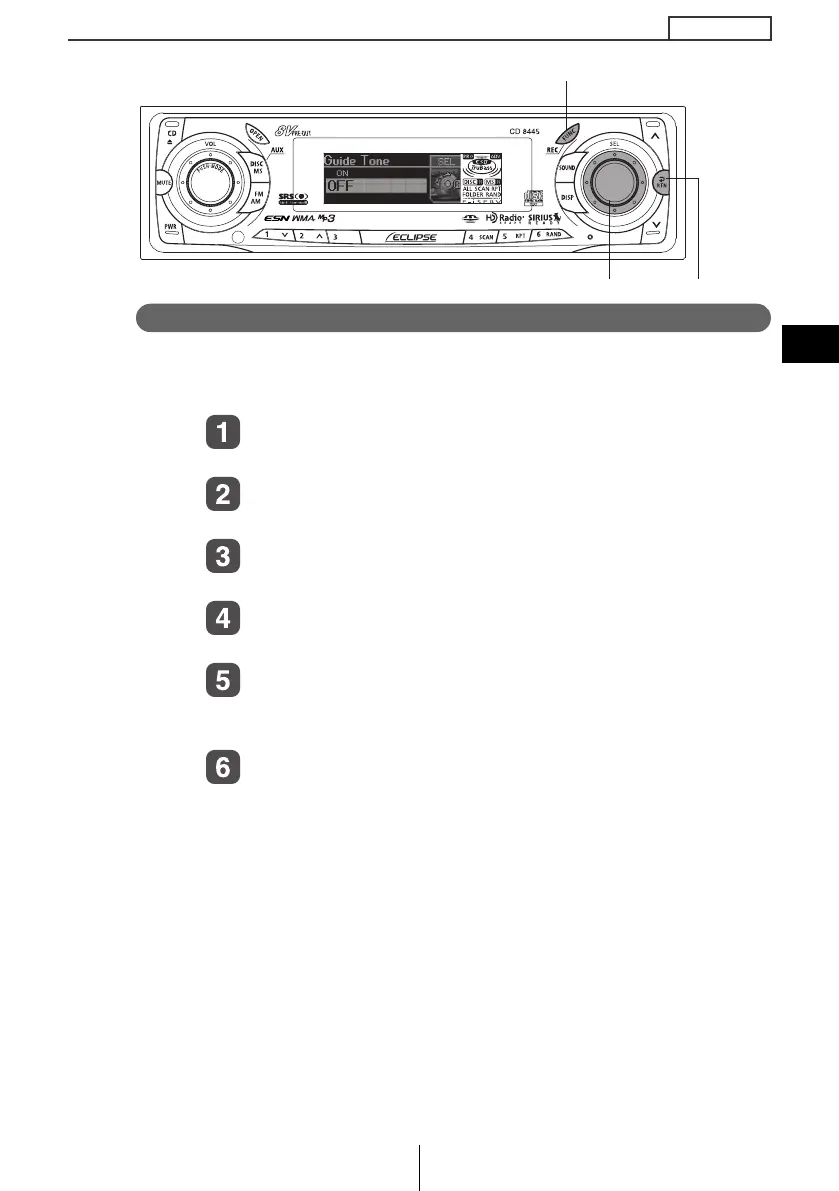
Disabling the guide tone feature (for button operation)
The receiver is set at the factory to emit a beep tone in response to
button operation. The guide tone feature may be disabled in the
following procedure:
Turn the [SEL] button to select Guide Tone.
The selected item will be highlighted.
Press the [SEL] button.
The guide tone mode will be switched ON/OFF.
Turn the [SEL] button to select ON or OFF.
The selected item will be highlighted.
Press the [SEL] button.
The selected settings will take effect.
Press the [RTN] button.
At this time, other adjustments can also be made in function
mode.
Press the [FUNC] or [RTN] button to exit function
mode.
[SEL] button
[RTN] button
[FUNC] button
CD8445.book 61 ページ 2004年12月13日 月曜日 午前11時30分



 To Next Page