138
How to operate the Sound Adjustment Mode
Press the [RTN] button.
At this time, other adjustments can also be made in advance
mode.
Press the [SOUND] or [RTN] button to exit sound
adjustment mode.
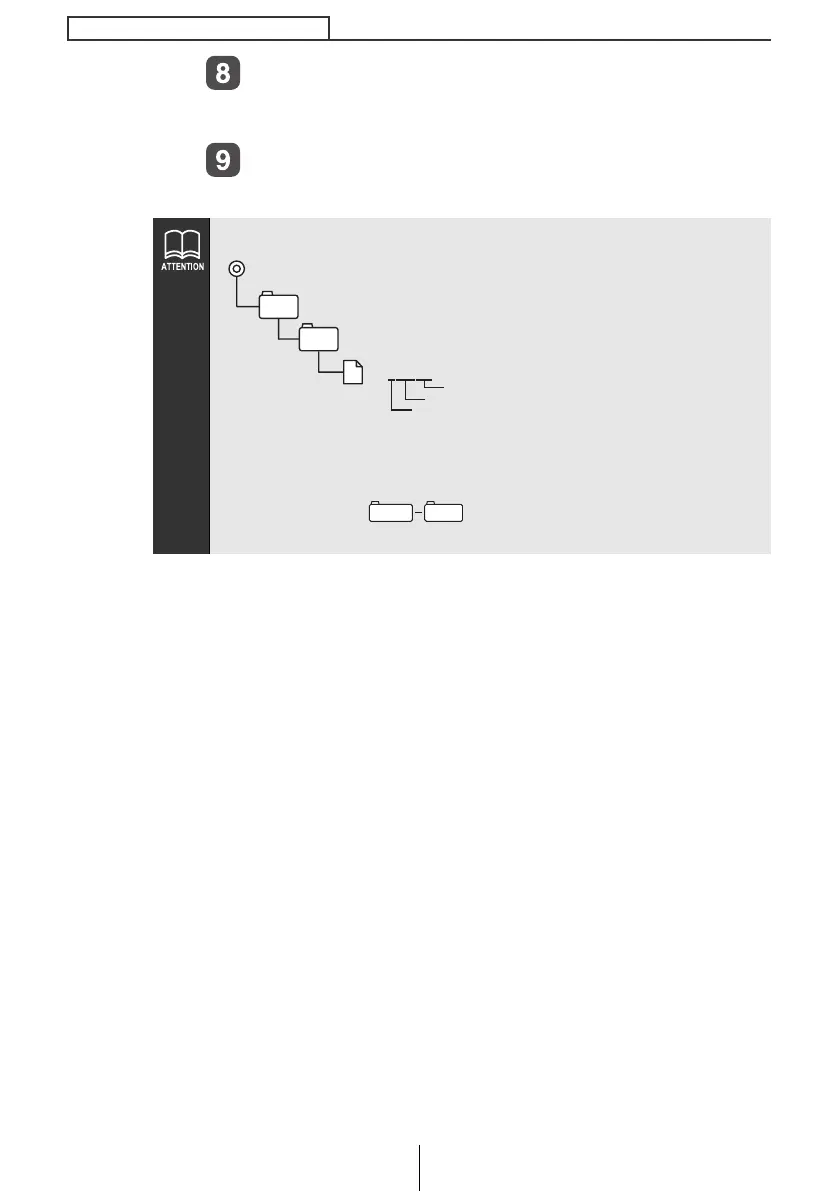
● Sound quality data is written to Memory Stick as follows.
● The folders and files that are required for E-iSERV sound effect
customizations are created automatically when the data is
written to the Memory Stick.
● Select a file in when uploading sound quality data
to E-iSERV (web site).
MSFTEN
SOUND
Adjustment mode
(c:Advance Mode)
205000.ftn
Three digit numbe
File extension
MSFTEN SOUND
CD8445.book 138 ページ 2004年12月13日 月曜日 午前11時30分



 To Next Page