30
⇒ An application corresponding to the selected action starts up to perform the selected action.
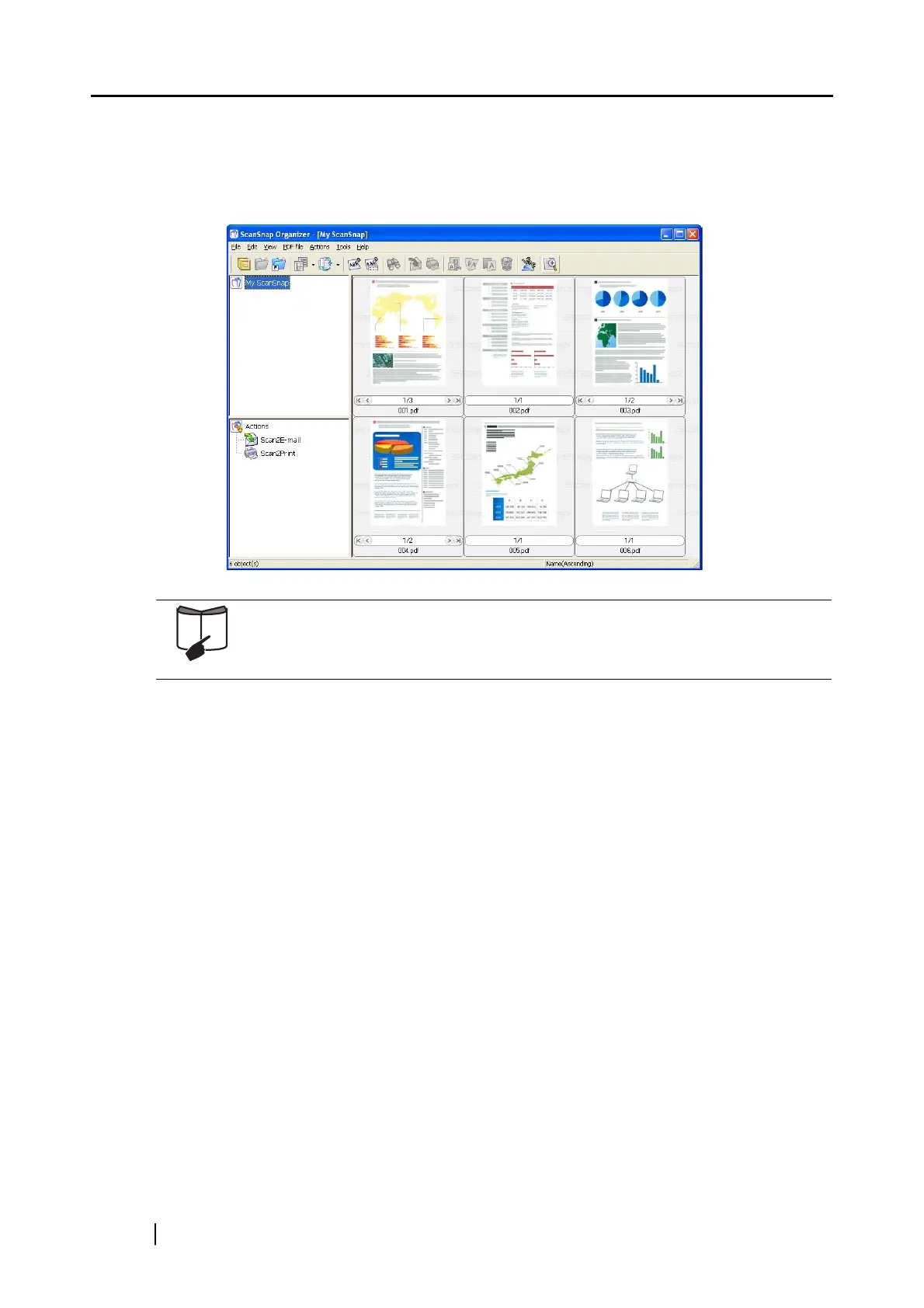
(If you perform [Save with ScanSnap Organizer], PDF files are created based on the
scanned documents and stored in a folder specified in ScanSnap Organizer. Then, ScanSnap
Organizer starts up to display the stored images.)
For details about the settings for the scanning, file name, and destination to
save data, refer to "4.2 Changing Scanning Settings" (page 47).
About the scanning of Business cards, refer to section "6.2 Scanning Business
Cards" (page 157).



 To Next Page
 Loading...













