34
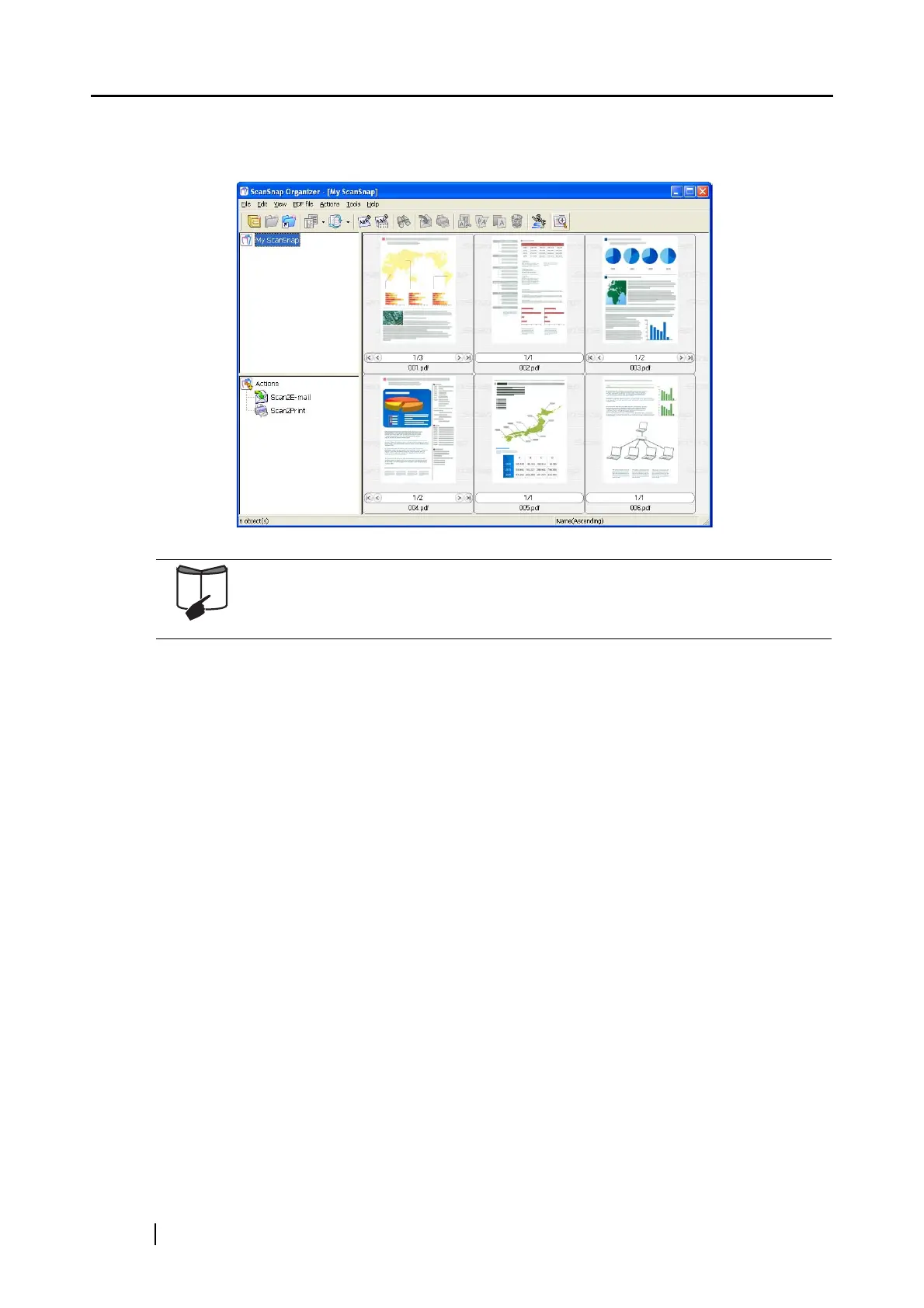
⇒ The supplied application (such as ScanSnap Organizer) becomes active, and you can view
the scanned images.
For details about the settings for the scanning, file name, and destination to
save data, refer to section "4.2 Changing Scanning Settings" (page 47).
About the scanning of Business cards, refer to section "6.2 Scanning Business
Cards" (page 157).



 To Next Page
 Loading...













