Questions? Call (315) 298-8510, or visit us online at www.fulton.com
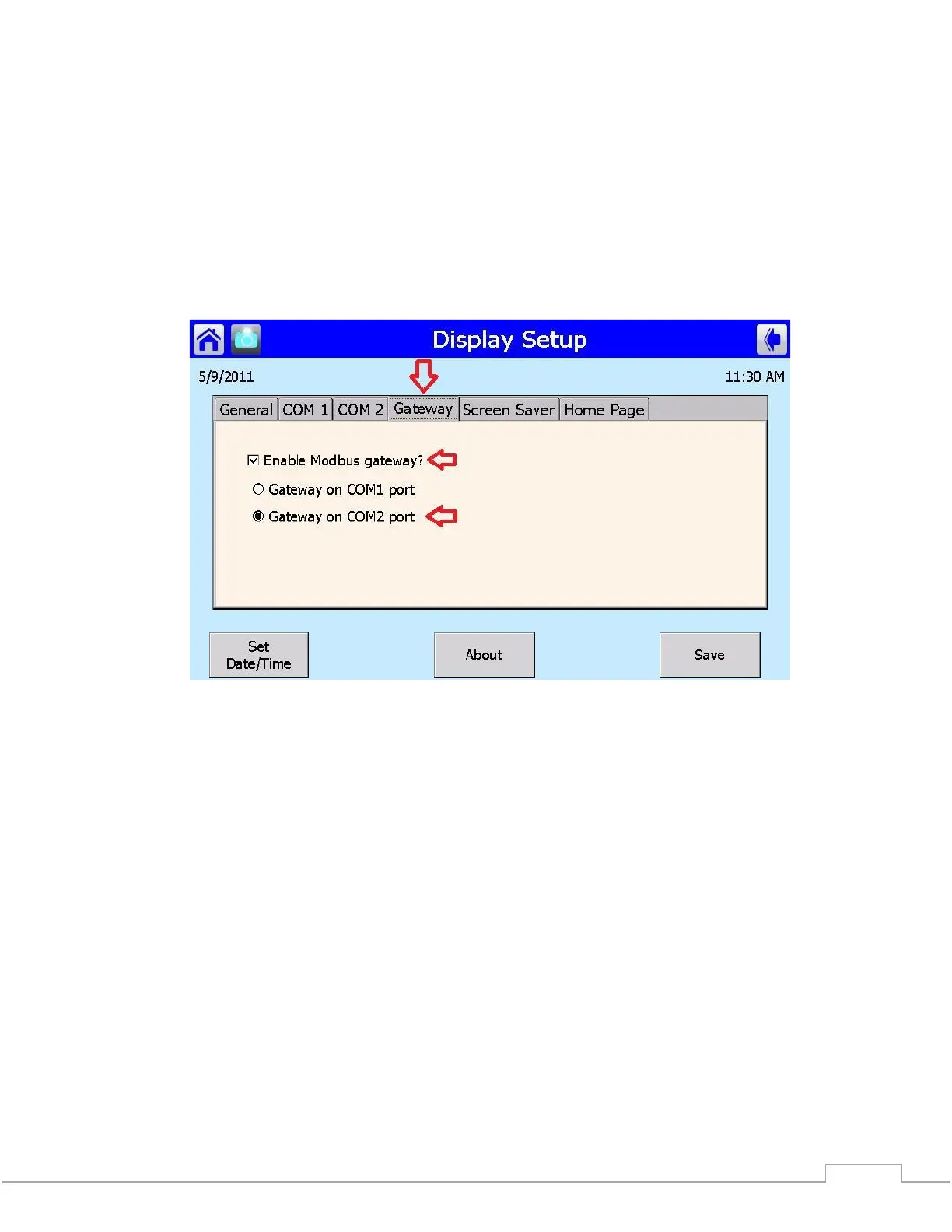
The Gateway must also be enabled and have the COM port selected for the same port that was
configured above.
*** If you do not select ‘Save’ before leaving the Setup screen your new settings will not take effect.
*** In some cases you must cycle power to the panel; this will refresh the ports and make sure that
the new settings are in effect.







 To Next Page