52
Commonfunction
Function
Method
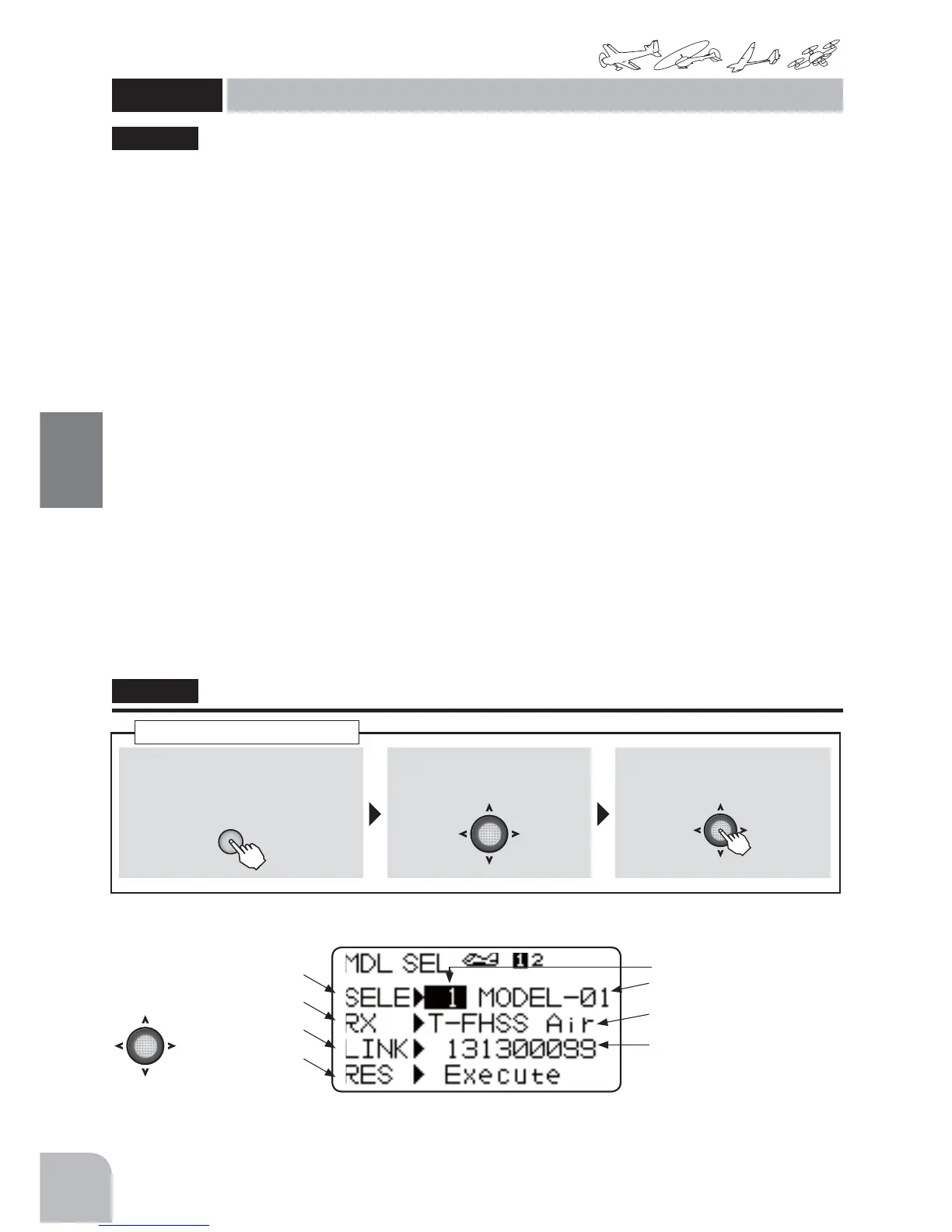
①Callthemenuscreenfromthe
homescreenbypressingthe+key
for1second.
+
② Select
fromthemenuwiththeJog
key.
③Openthesettingscreenby
pressingtheJogkey.
(1second)
Callingthesettingscreen
Modelselect(SELE)
Themodeldataofupto30modelscanbestoredinthetransmitter.Thisfunctionisusedwhen
callingsavedmodeldata.
Receiverselection(RX)
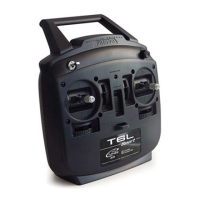
TheR3006SBsuppliedwiththetransmitter,employstheT-FHSSAirsystem.Whenyouwanttouse
anS-FHSSreceiver,switchtoS-FHSShere.However,thetelemetryfunctioncannotbeusedwiththe
S-FHSSsystem.
Link(LINK)
Whenlinkingwiththereceiver,thetransmitterissettothelinkmodehere.TheIDnumberofthe
currentlylinkedreceiverisdisplayed.
Datareset(RES)
Themodeldatacurrentlyinusecanberesettoitsinitialvalue.However,itdoesnotResetother
thanthefollowingofaparameter.
[Thefunctionresetinaparameter:TELEMETRYmode,STKPOSIALRM]
Modelcopy(COPY)
Thisisthemodeldatacopyfunction.Itisconvenientwhenyouwanttostoremodeldataasbackup
orbuildanumberofmodelswiththesamedatasettings.
● Thedataofthemodelmemorycurrentlyinusecanbecopiedtoanothermodelmemory.
"MDLSEL"
MDLSEL
Modelselect(Select / RXtype / Link / Reset / Copy)
(Common)
Modelselect
RXsystem
Link
Reset
(Modelnumber:1-30)
● Originaldata:Modeltype
Modelname
● System(T-FHSSAirorS-FHSS)
●LinkreceiverID
Iftelemetryisused,thereceiver
IDisneeded.
● Selectthesetting
itemwiththeJog
key.
This function is used when calling and copying
model data stored in the transmitter. The selected
model data can also be reset. System changes
(T-FHSS Air, S-FHSS) matched to the receiver type
and linking with the receiver are also done here.



 To Next Page