91
Commonfunction
Function
SENSOR
Sensor
(Common)
This screen registers the telemetry sensors used
ZLWKWKHWUDQVPLWWHU:KHQD)XWDED6%67(
6%$52505%6%6$$6%6&DQG
6%69VHQVRULVXVHGWKLVVHWWLQJLVXQQHFHVVDU\
and the sensor can be used by simply connecting it
WRWKH6%86SRUWRIWKHUHFHLYHU
When using a sensor to which the slot number
ZDVFKDQJHGE\RWKHUWUDQVPLWWHUVRU5REEHVHQVRU
7(039$5,2WKH\PXVWEH
registered here.
[What is a slot?]
6HUYRVDUHFODVVL¿HGE\&+EXWsensorsDUHFODVVL¿HGLQXQLWVFDOOHG"slots". There are slots
from No. 1 to No. 31. Altitude sensors units may use multiple slots.
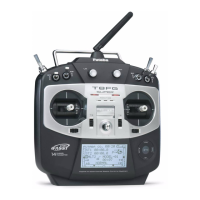
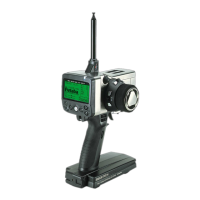
T6K can use 1 of sensor respectively. Any more sensor can't be used.
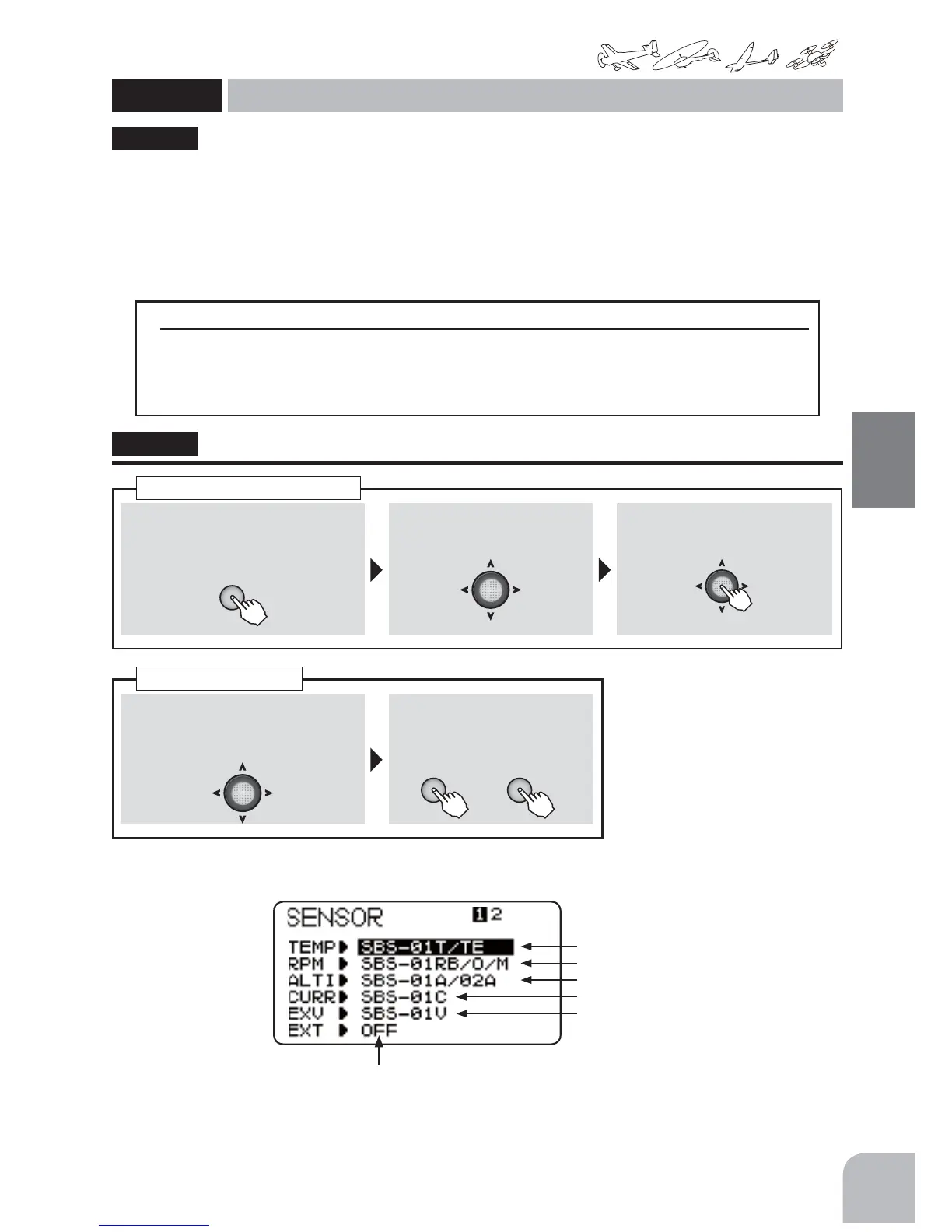
● The"SENSOR"ofamenuischosen,andJogkey
press.
● Thekindofsensors.
● SBS-01RO,SBS-01RM,SBS-01RBisused.
● SBS-01A,SBS-02Aisused.
● SBS-01Cisused.
● SBS-01Visused.
● SBS-01T,SBS-01TEisused.
● OFF → R3008SB:EXTbatteryvoltagecanbeindicated.
Method
①Callthemenuscreenfromthe
homescreenbypressingthe+key
for1second.
+
② Select
fromthemenuwiththeJog
key.
③Openthesettingscreenby
pressingtheJogkey.
(1second)
Callingthesettingscreen
"SENSOR"
①IntheSENSORscreenstate,select
(sensor)fromthemenuwiththe
Jogkey.
② Selectthesensorbypressing
the+keyor‒key.
Changethesensor
+ −
or
● R3008SBReceiver,CA-RVIN-700(externalvoltageinputcablesold
separately)isnecessary.
● Solderedwiringworkisnecessary.



 To Next Page