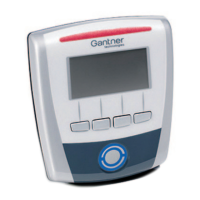
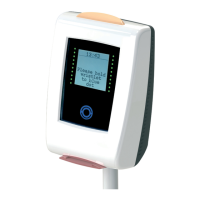
GAT Access 6100 Terminal Series
Commissioning & Configuration
54
HB_GAT-ACCESS6100--EN_14
www.gantner.com
5.4.3 List of Configuration Settings
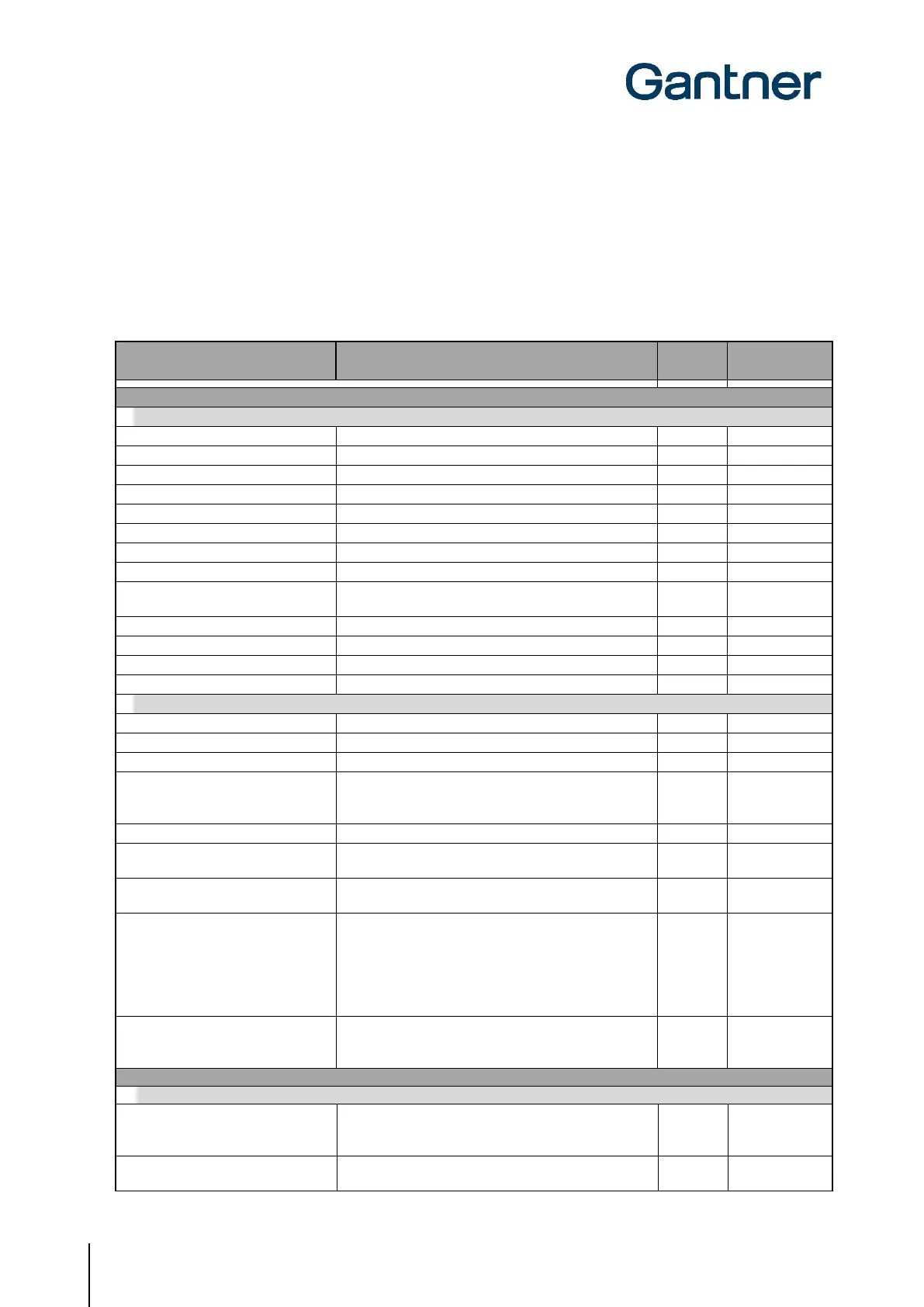
The following table lists all the configuration settings available for the GAT Access 6100 in GAT Config Manager. A
brief description and the format (where applicable) for each setting are shown in the table. Make sure to enter data in
the indicated format for settings such as time definitions, etc.
Port used for communication with the device
The MAC address of the device (cannot be changed)
If enabled, will use the IP settings from a DCHP server
IP address of the device if DHCP is disabled
Subnet mask of the device (if DHCP is disabled)
Primary DNS address of the device (if DHCP disabled)
Secondary DNS address of the device (if DHCP disabled)
Default gateway of the device (if DHCP is disabled)
NetBIOS name of the GAT Access 6100
IP address got from the DHCP Server
Subnet mask got from the DHCP Server
Default gateway got from the DHCP Server
100 MBit Ethernet enabled
Enable 100 MBit Ethernet link, 10 MBit if disabled
Operation mode of the device
Leisure Omron mode active
Indicate if OMRON mode for online communication is
enabled (MIFARE and ISO 15693 data will be sent as
the old LEGIC
format).
Enable the button event command
Set if a verification with fingerprint is required before
CardIdent command is sent.
If this flag is enabled, the number of the pressed button
is transmitted in the "Button_Event" command.
This option defines the behavior of the GAT Access
6100 in case an event at the optocoupler input “external
input” occurs:
Checked: A CardIdent with UID 0 is sent
Unchecked: An access without notification to the host is
triggered
In case second identification is sent to the terminal and
a data carrier is read at the terminal, a second CardIdent
command is sent to the management software
Output for activation/unlocking of a turnstile or door
Inactive state of the Relay:
NO - Normally Open
NC - Normally Closed
Duration (ms) for how long the relay is active

 To Next Page
 Loading...