GAT Access 6100 Terminal Series
Operation
www.gantner.com
HB_GAT-ACCESS6100--EN_14
75
6.7 Standard Operation for the GAT TimeAxx 6150 with Countdown Functionality
Using its relay output and the necessary cabling connections, the GAT TimeAxx 6150 with countdown functionality
can control external equipment such as a shower or a sunbed, depending on the user’s authorization. When the user
has valid authorization, the GAT TimeAxx 6150 will activate the equipment for the configured time.
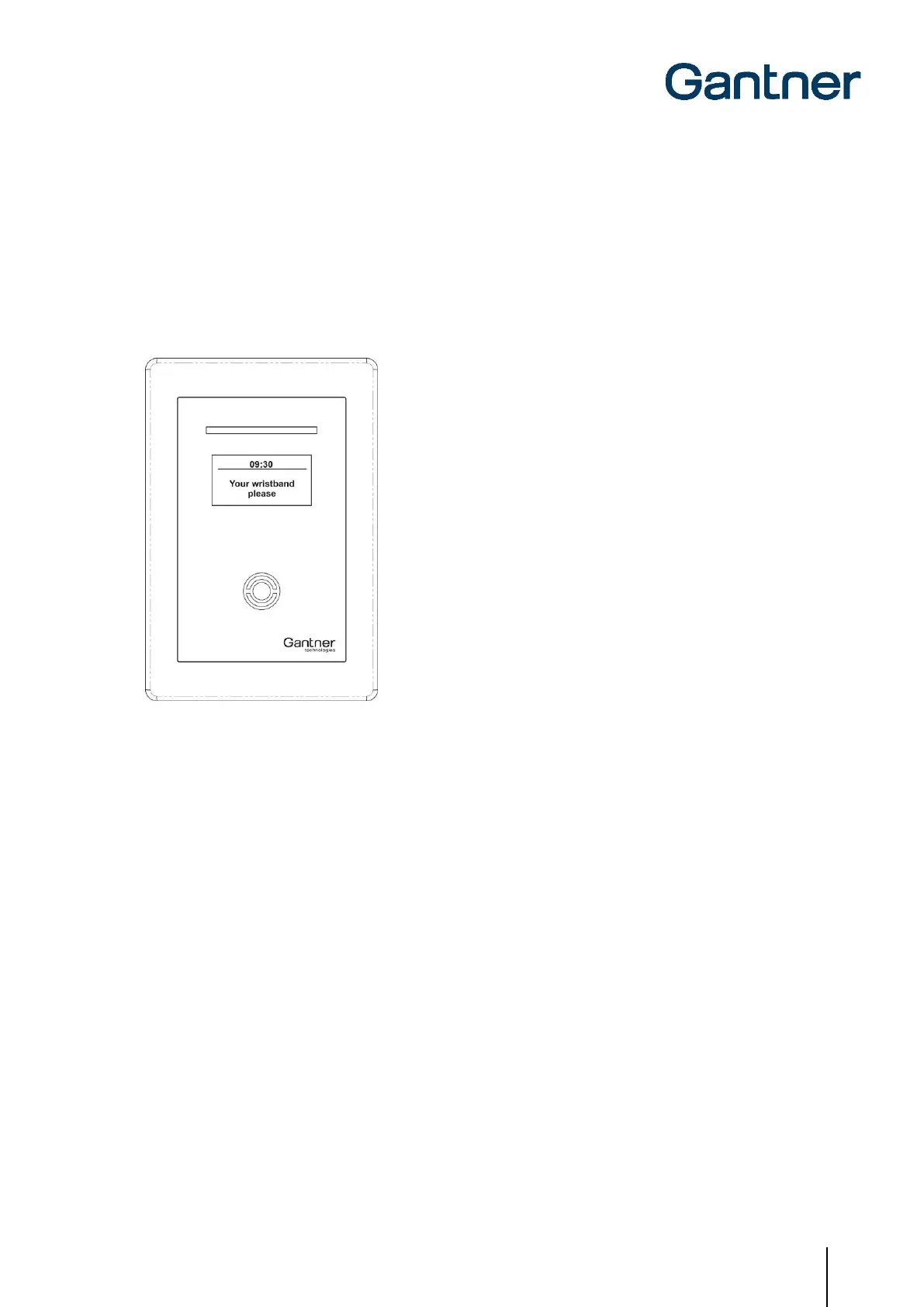
In idle mode the equipment is turned-off, the GAT TimeAxx 6150 displays a configurable message (see Figure 6.8)
and the 4-segment LED bar shines green to indicate that the equipment is available for use.
Figure 6.8 - Information display of GAT TimeAxx 6150 in idle state
In order to activate the equipment, the user holds their data carrier next to the terminal’s scan field. The terminal
sends the user’s data to a server that checks the authorization of the user. Depending on the system configuration, a
fee can be applied for using the equipment. When configured as such the corresponding amount is debited from the
user’s account on the server.
Following the authorization and account debiting process, the GAT TimeAxx 6150 activates the equipment and starts
the countdown. The terminal displays the remaining time to use the equipment and the 4-segment LED display shines
red to indicate that the equipment is currently in use.

 To Next Page
 Loading...