Garmin GPSMAP 695/696 Owner’s Manual
190-00919-00 Rev. G
140
Hazard Avoidance
OverviewGPS NavigationFlight PlanningHazard AvoidanceAdditional FeaturesAppendicesIndex
Or
:
1)
Select the Weather (WX) Page.
2)
Using the FMS Joystick select either the ‘NEXRAD Radar’ or ‘Satellite
Mosaic’ weather product.
3)
Select the ANIMATE Softkey to begin animation.
Or
:
a)
Press the MENU Key.
b)
Select ‘Animate Weather’ and press the ENT Key to begin animation.
4)
To stop animation, deselect the ANIMATE Softkey.
Or
:
Press the MENU Key, turn or move the FMS Joystick to select ‘Stop
Animation’, and press the ENT Key.
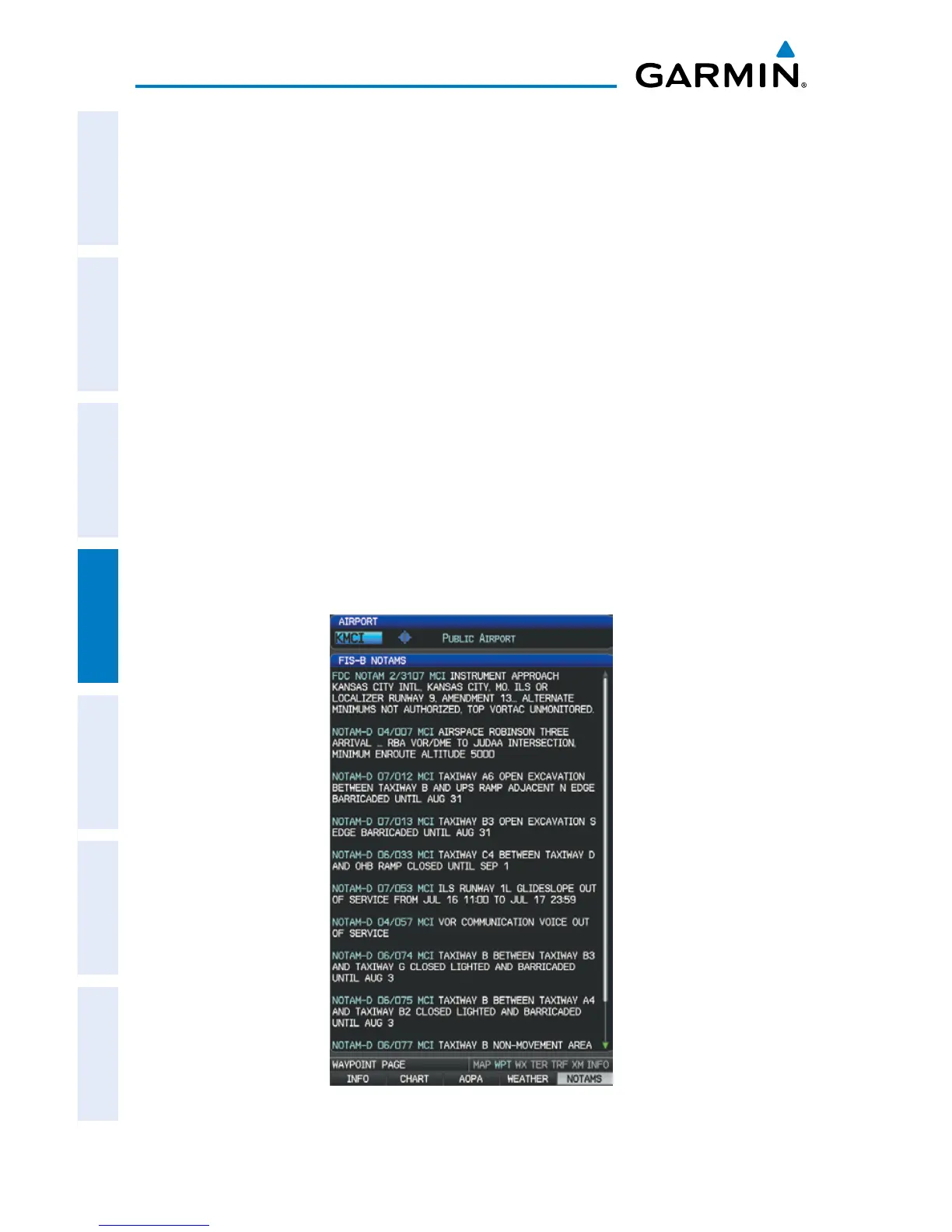
Viewing FIS-B NOTAMs:
1)
From the Waypoints Page press NOTAMS Softkey.
2)
If needed, scroll up or down using the FMS Joystick.
NOTAMS Information Page














 To Next Page