Garmin GPSMAP 695/696 Owner’s Manual
190-00919-00 Rev. G
149
Hazard Avoidance
Overview GPS Navigation Flight Planning Hazard Avoidance Additional Features Appendices Index
TRAFFIC INFORMATION SERVICE (TIS-A)
NOTE:
Refer to Appendix E for general information regarding TIS-A. Refer to
Appendix D for configuration information.
The GPSMAP 695/696 supports TIS-A input from a Garmin Mode S transponder,
such as the GTX 330.
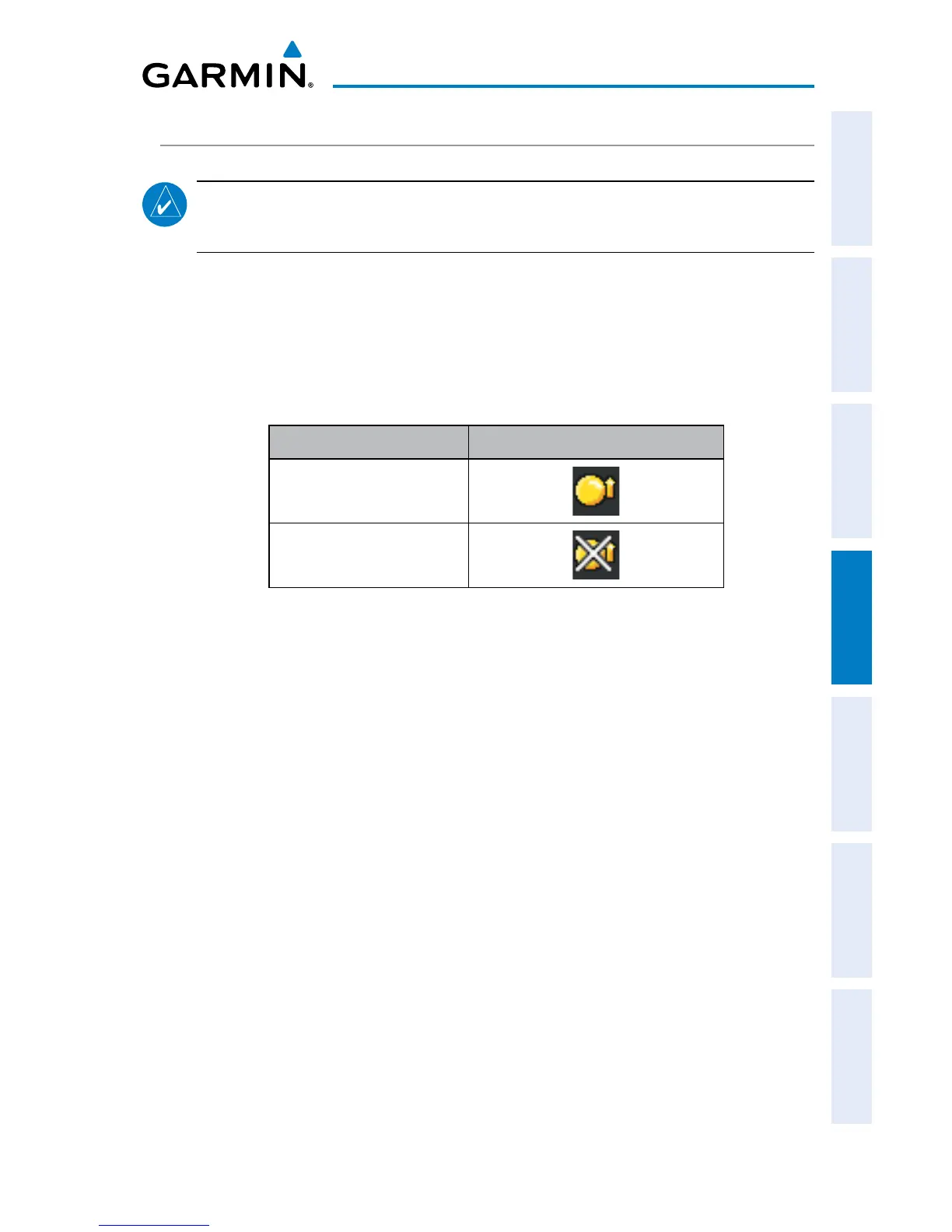
SYSTEM STATUS
The traffic system status is annunciated in the upper right corner of the Map Page.
System Status Traffic Icon
Operating
No Traffic Data Available
If a Traffic Icon is not displayed, check the Map Page range and/or
theTraffic Display Range on the Map Set Up menu.
Traffic Modes
If a Traffic Icon is not displayed, check the Map Page Range and/or the Traffic Display
Range on the Map Setup Menu.
TIS-A SYMBOLOGY
TIS-A traffic is shown on the GPSMAP 695/696 graphically shown on the Map Page,
and in the Traffic Warning Window. A Traffic Advisory (TA) symbol appears as a solid
yellow circle. All other traffic is shown as a hollow white diamond. Altitude deviation
from own aircraft altitude is shown above the target symbol if traffic is above own
aircraft altitude, and below the symbol if they are below own aircraft altitude. Altitude
trend is shown as an up arrow (>+500 ft/min), down arrow (<-500 ft/min), or no
symbol if less than 500 ft/min rate in either direction.














 To Next Page