Garmin GPSMAP 695/696 Owner’s Manual
190-00919-00 Rev. G
22
Overview
OverviewGPS NavigationFlight PlanningHazard AvoidanceAdditional FeaturesAppendicesIndex
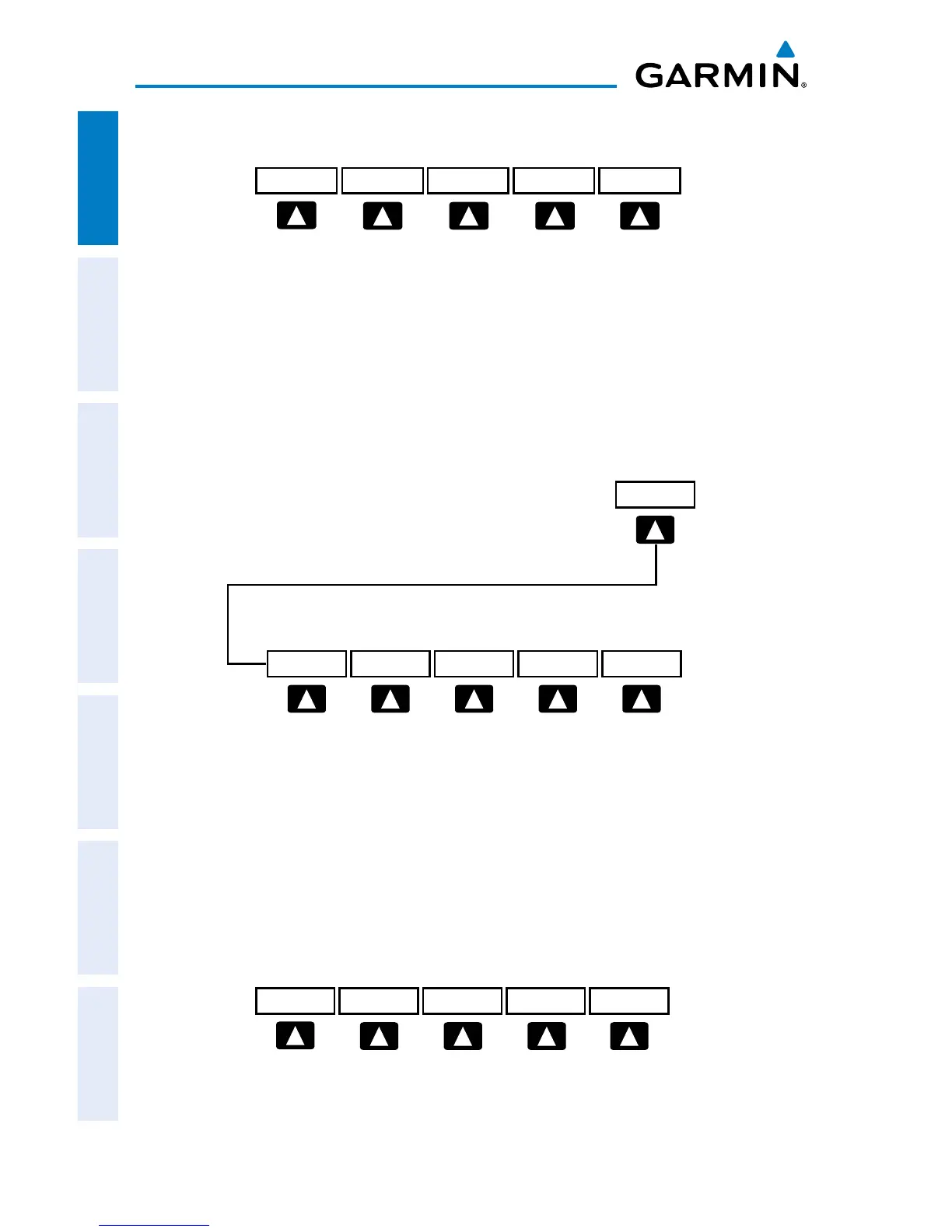
SiriUsXM AUDIO PAGE SOFTKEYS (OPTIONAL)
INFO Displays SiriusXM Information
CATEGORY Highlights the Category field
CHANNEL Highlights the Channels field
FAVORITE Displays a list of favorite channels
VOLUME Enables second-level VOLUME softkeys
Press and hold to toggle Mute on/off.
VOL +
BACK VOL -
MUTE
VOLUME
Press the BACK Softkey to
return to the top-level softkeys.
VOL - Decreases SiriusXM audio volume
VOL + Increases SiriusXM audio volume
MUTE Toggles SiriusXM audio on/off
BACK Returns to top-level softkeys
INFO PAGE SOFTKEY
MESSAGES
MESSAGES Displays system status messages














 To Next Page