Garmin GPSMAP 695/696 Owner’s Manual
190-00919-00 Rev. G
Appendix C
202
OverviewGPS NavigationFlight PlanningHazard AvoidanceAdditional FeaturesAppendicesIndex
TERRAIN
NOTE:
The data contained in the terrain and obstacle databases comes from
government agencies. Garmin accurately processes and cross-validates the
data, but cannot guarantee the accuracy and completeness of the data.
The terrain database is updated periodically and has no expiration date.
UPDATING GPSMAP 695/696 DATABASES
The GPSMAP 695/696 database updates can be obtained by visiting the ‘flyGarmin’
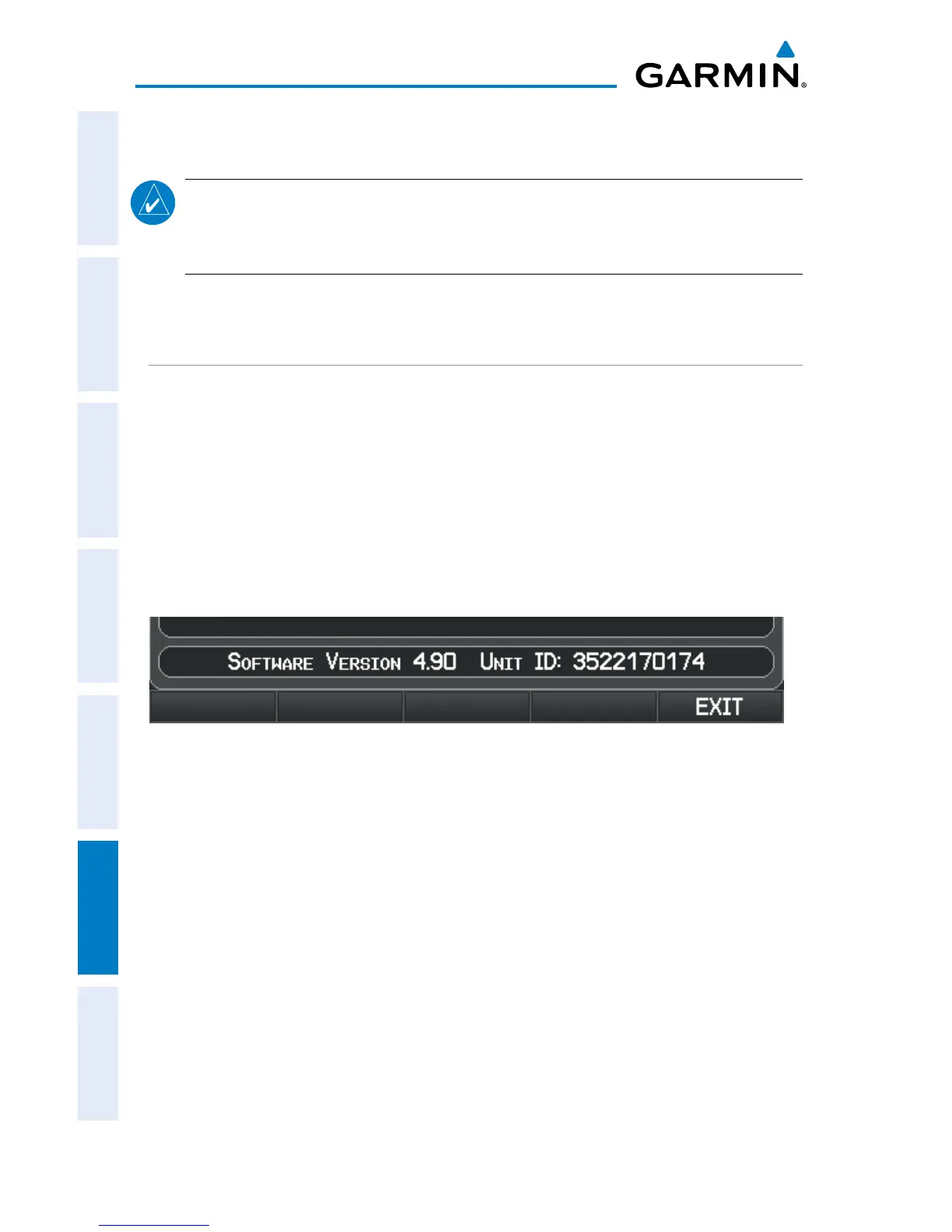
website (www.fly.garmin.com). The ‘flyGarmin’ website requires the unit’s ID to
update databases. This allows the databases to be encrypted with the unit’s unique ID
when copied to the SD Card.
Obtaining the Unit ID:
1)
Press the MENU Key twice to access the Main Menu.
2)
Select ‘System Setup’ and press the ENT Key.
System Setup Page
Or
:
Se
lect ‘Database Information’ and press the ENT Key.














 To Next Page