Garmin GPSMAP 695/696 Owner’s Manual
190-00919-00 Rev. G
Appendix C
203
Overview GPS Navigation Flight Planning Hazard Avoidance Additional Features Appendices Index
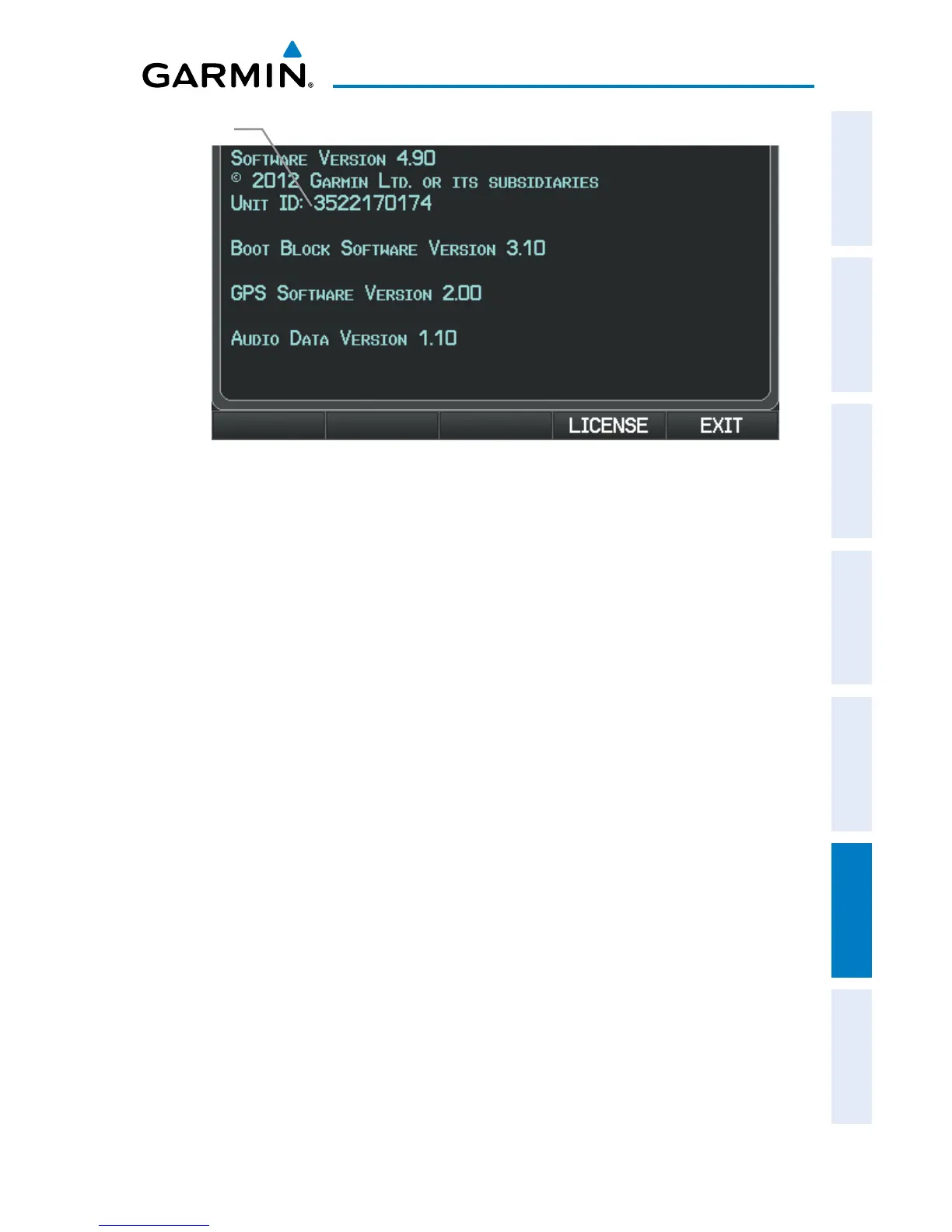
Database Information Page
Unit ID
Updating GPSMAP 695/696 Databases:
Equipment required to perform the update:
•Windows-compatiblePCcomputer(Windows2000orXPrecommended)
•Verbatim96504SDCardReaderorequivalent
•UpdateddatabaseobtainedfromtheyGarminwebsite
•SDCard,2GBrecommended(GarminrecommendsVerbatim96504)
1)
After the data has been copied to the SD Card, insert the SD card in the SD
card slot of the unit.
2)
Power on the unit. The Update Databases Page is displayed. A green
checkbox indicates that the database currently installed on the GPSMAP
695/696 is up to date. An empty checkbox indicates that the database on
the SD card is more current and should be installed.














 To Next Page