Garmin GPSMAP 695/696 Owner’s Manual
190-00919-00 Rev. G
81
Flight Planning
Overview GPS Navigation Flight Planning Hazard Avoidance Additional Features Appendices Index
3.2 FLIGHT PLAN CREATION
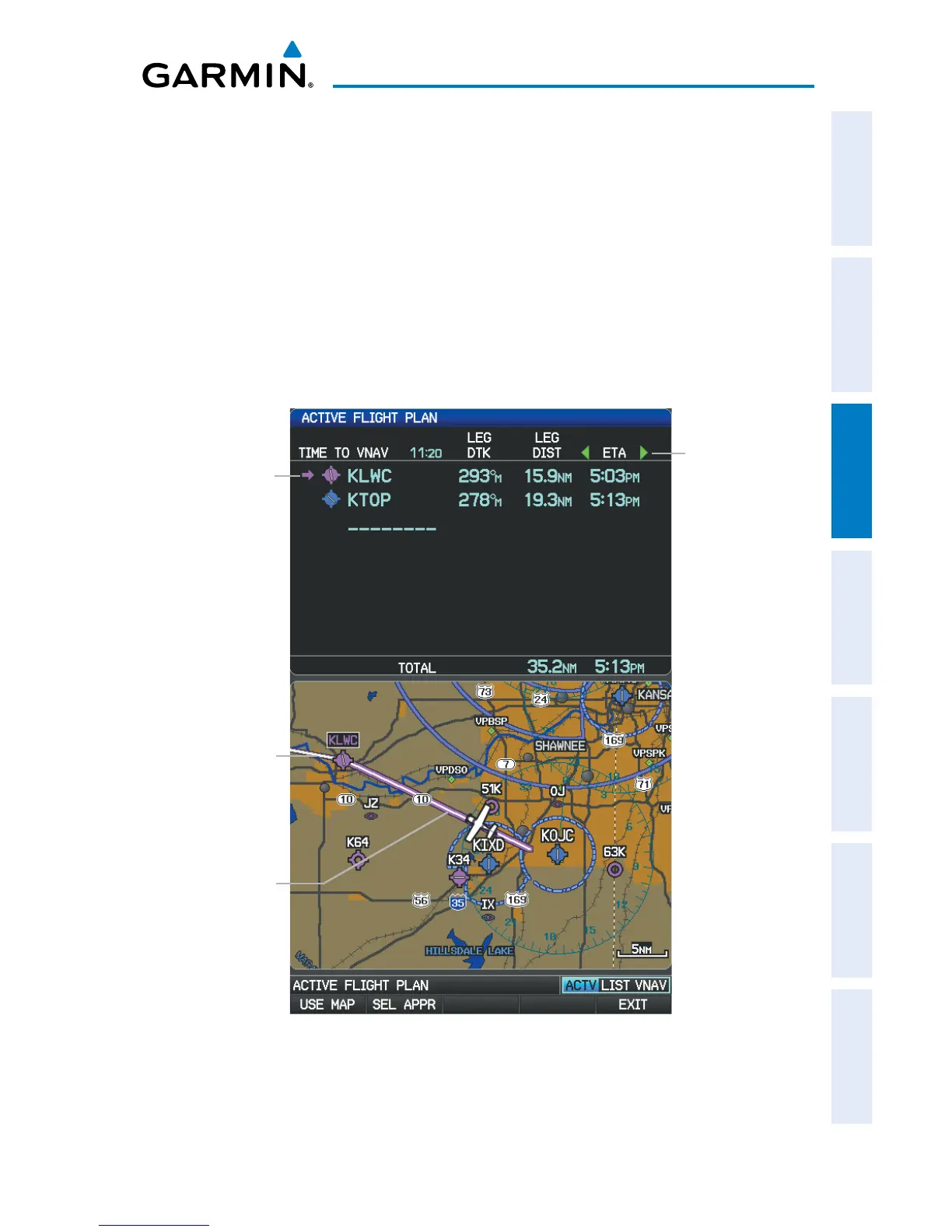
The active flight plan is listed on the Active Flight Plan Page. It is the flight plan
to which the GPSMAP 695/696 is currently providing guidance, and is shown on the
navigation maps. Stored flight plans are listed on the Flight Plan List Page, and are
available for activation (becomes the active flight plan).
The Data Fields in the third column of the Active and Saved Flight Plan Pages can be
scrolled through by moving the FMS Joystick left or right. All other Data Fields can be
changed through the ‘Change Data Fields’ option of the Page Menu.
Active
Leg
Active Flight Plan Page
Non-
Active
Leg
Active
Leg
Data
Fields














 To Next Page