Garmin GPSMAP 695/696 Owner’s Manual
190-00919-00 Rev. G
38
GPS Navigation
OverviewGPS NavigationFlight PlanningHazard AvoidanceAdditional FeaturesAppendicesIndex
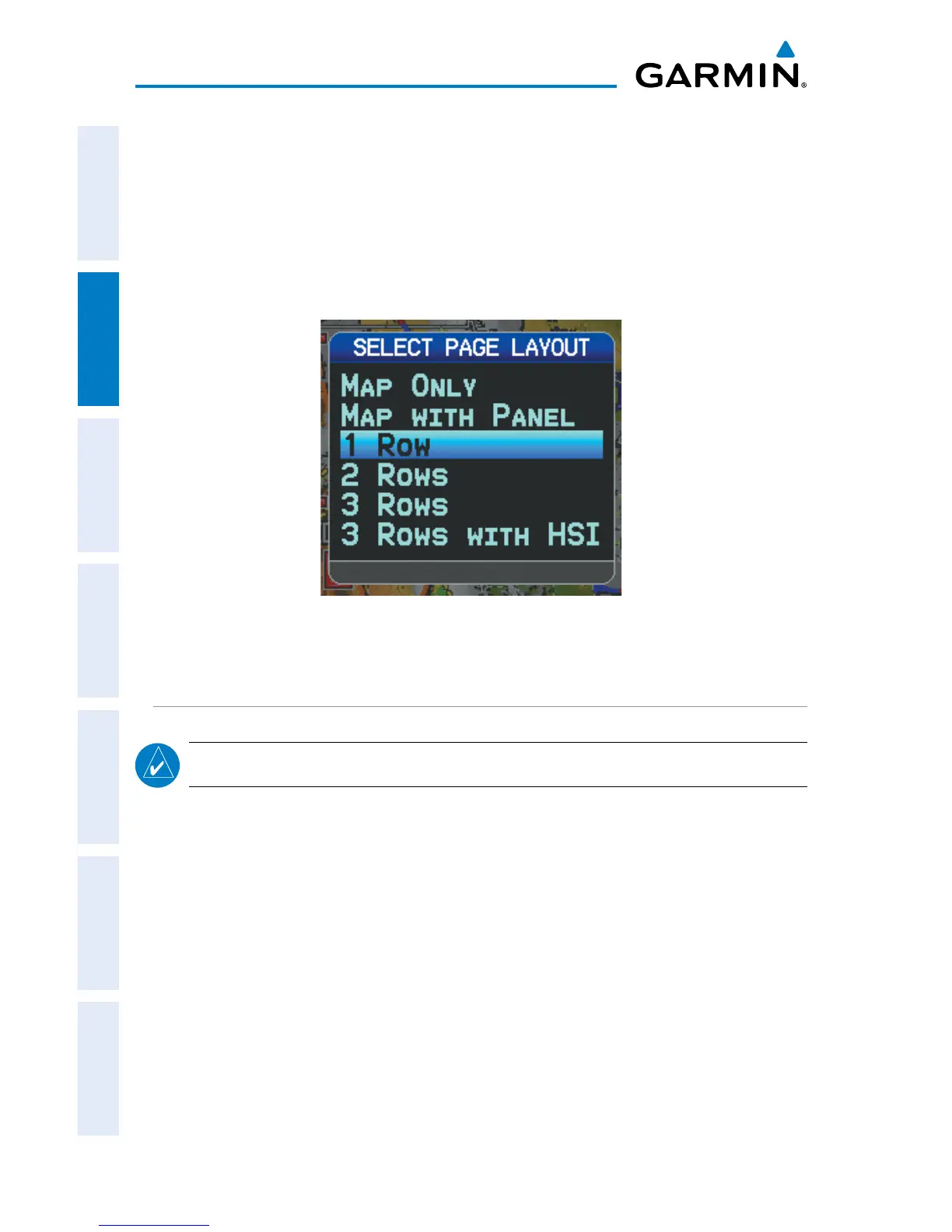
Changing page layout:
1)
From the Map Page, Terrain Page, or the Info Page press the MENU Key.
2)
Turn or move the FMS Joystick to highlight ‘Select Page Layout’ and press
the ENT Key.
3)
Move the FMS Joystick to highlight the desired page layout option, and
press the ENT Key.
Page Layout Window (Map Page)
COMPASS ARC
NOTE:
The compass arc is not available in ‘North Up’ map orientation.
A compass arc appears by default on the Map Page. The route line represents
the course and the magenta bug indicator (similar to the bug indicator on the HSI)
can be set to ‘Bearing’ (default), ‘Course to Steer’, a specific heading reference (‘User
Selected’), or ‘Off’.














 To Next Page