Garmin GPSMAP 695/696 Owner’s Manual
190-00919-00 Rev. G
13
Overview
Overview GPS Navigation Flight Planning Hazard Avoidance Additional Features Appendices Index
PAGES
NOTE: The Weather (WX) Page
and (XM) Audio Page are only available with
the GPSMAP 696.
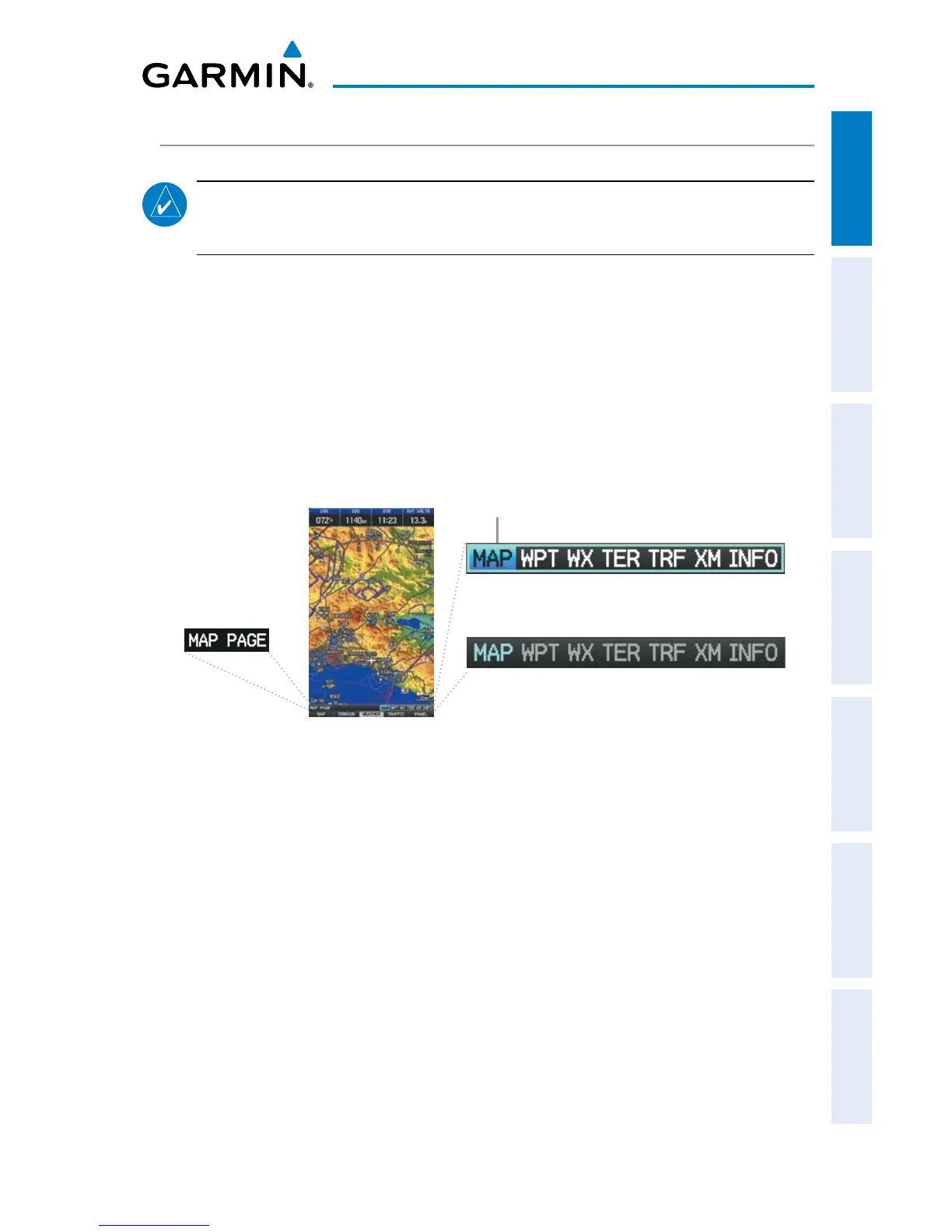
The pages are linked together in a series that you can cycle through using the
FMS Joystick. A page navigation bar is displayed in the lower portion of each page,
directly above the softkey bar. The right side of the page navigation bar shows a list
of abbreviated names for each of the main pages, and the left side shows the name
of the active page.
Press the FMS Joystick to toggle input focus between the page navigation bar and
interaction with the current page (i.e., turning the cursor on/off).
Active Page Title
Input Focus on Navigation Bar
(Page Cursor Off)
Input Focus on Current Page
(Page Cursor On)
Selected Page
There are up to six main pages that can be navigated using the FMS Joystick.
Selecting a Main Page using the FMS Joystick:
1)
If necessary press the FMS Joystick to begin interaction with the Navigation
Bar.
2)
Turn the
FMS Joystick
until the desired page is selected (MAP, WPT, WX,
TER, XM, INFO).














 To Next Page