Garmin GPSMAP 695/696 Owner’s Manual
190-00919-00 Rev. G
187
Additional Features
Overview GPS Navigation Flight Planning Hazard Avoidance Additional Features Appendices Index
To delete a channel from Favorites:
1)
With the Favorites channel selected, press the MENU Key.
2)
With ‘Delete Favorite’ selected, press the ENT Key.
Or
:
Hi
ghlight ‘Delete All Favorites’ and press the ENT Key to delete all channels
from the Favorites list.
VOLUME
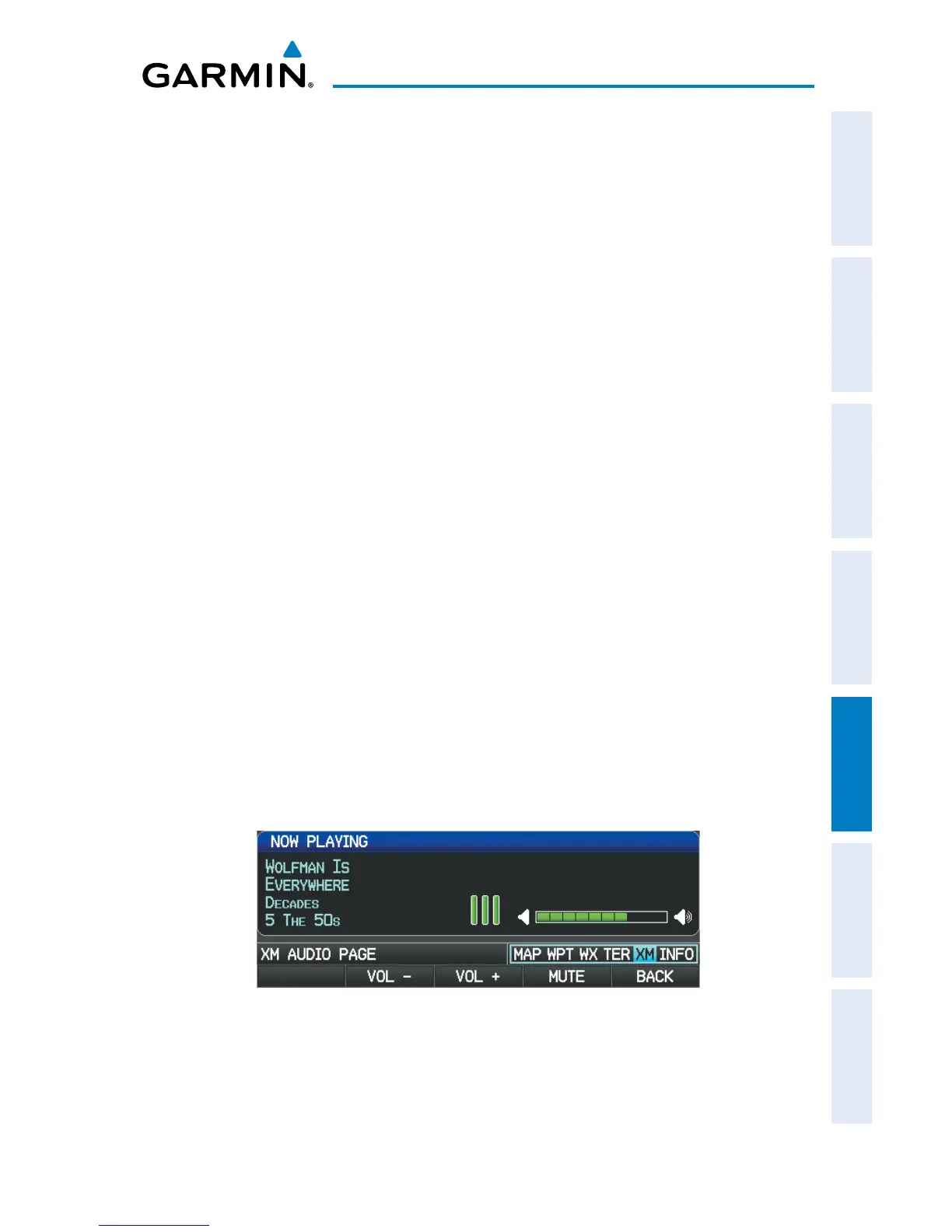
Radio volume is shown in the Now Playing Box.
Adjusting the volume:
1)
With the XM Audio Page displayed, select the VOLUME Softkey.
2)
Select the VOL – Softkey to reduce volume or select the VOL + Softkey to
increase volume.
Or
:
Tu
rn the FMS Joystick ‘right’ to increase the volume or ‘left’ to decrease the
volume.
Muting SiriusXM Audio:
1)
With the XM Audio Page displayed, select the VOLUME Softkey.
2)
Select the MUTE Softkey to mute the audio. Select the MUTE Softkey
again to unmute the audio.
Or
:
Pr
ess and hold the VOLUME Softkey to mute and unmute the audio.
Volume Control














 To Next Page