Garmin GPSMAP 695/696 Owner’s Manual
190-00919-00 Rev. G
46
GPS Navigation
OverviewGPS NavigationFlight PlanningHazard AvoidanceAdditional FeaturesAppendicesIndex
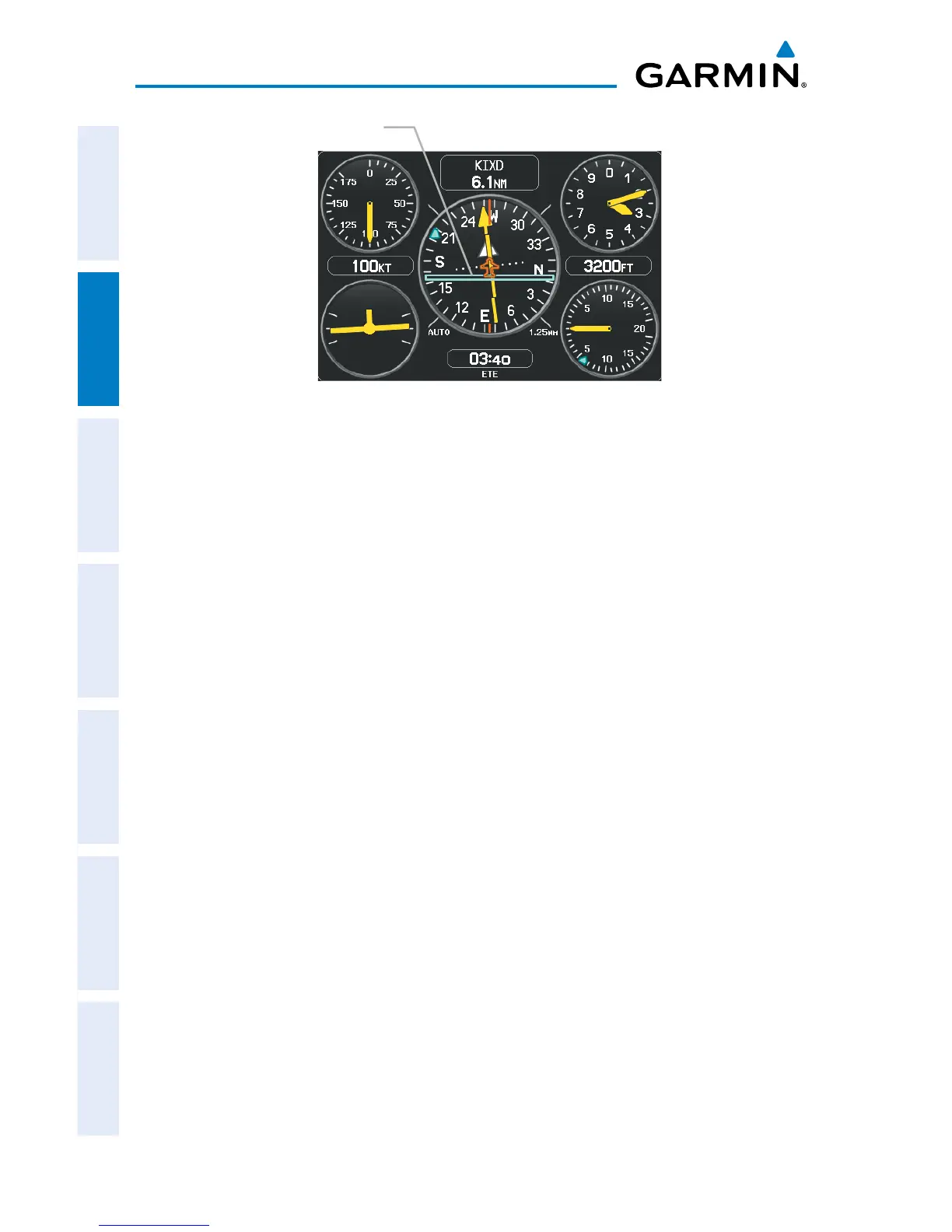
VNAV Indicator (Panel)
VNAV Indicator
Configuring a VNAV profile:
1)
Press the FPL Key.
2)
Turn the FMS Joystick to select the Vertical Navigation Page.
3)
Press the FMS Joystick to activate the cursor.
4)
Enter the desired profile into the fields, and press the EXIT Softkey.
2.4 USING MAP DISPLAYS
Map displays are used extensively in the GPSMAP 695/696 to provide situational
awareness in flight. Most GPSMAP 695/696 maps can display the following
information:
•
Airports, NAVAIDs, airspaces, airways, land data (highways, cities, lakes, rivers,
borders, etc.) with names
•Map Pointer information (distance and bearing to pointer, location of pointer,
name, and other pertinent information)
•Maprange
•Aircrafticon(representingpresentposition)
•Flightplanlegs
•Userwaypoints
•Trackvector














 To Next Page