Garmin GPSMAP 695/696 Owner’s Manual
190-00919-00 Rev. G
75
GPS Navigation
Overview GPS Navigation Flight Planning Hazard Avoidance Additional Features Appendices Index
AIRSPACE ALERT MESSAGES
When an airspace alert appears, press the NRST Key to automatically show nearby
airspace information on the Nearest Airspace Page. This information includes name,
time to entry (if applicable), and status.
There are four types of status information:
•Ahead—Projectedtoentertheairspacewithinthenext10minutesorless.
•Near—Withintwonauticalmilesofanairspacebutnotprojectedtoenterit.
•Near & Ahead—Projecttoentertheairspacewithintwonauticalmiles.
•Inside Airspace—Withintheboundariesoftheairspace.
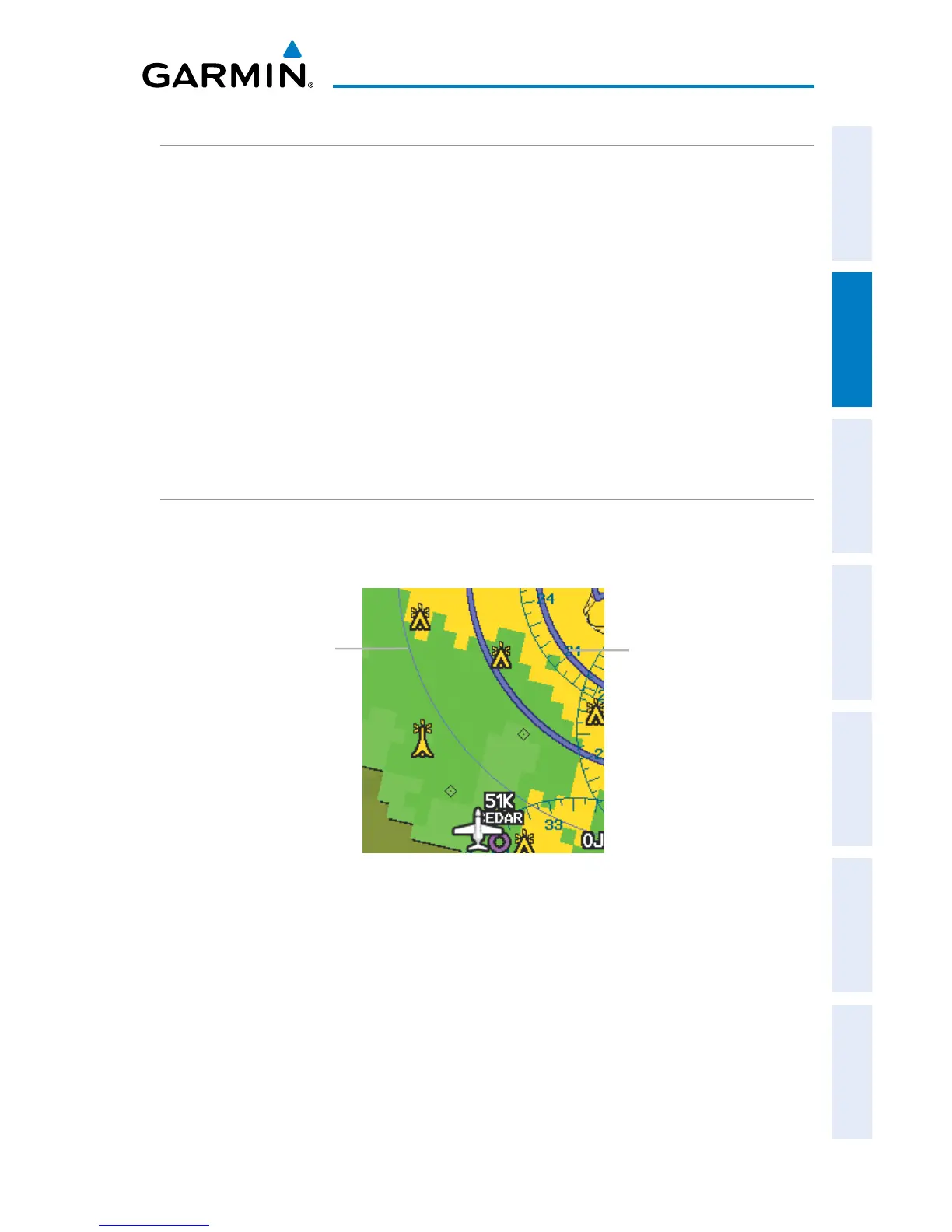
SMART AIRSPACE
™
Smart Airspace
™
shows airspace at and immediately surrounding the aircraft’s
current altitude in bold. Airspaces at all other altitudes are de-emphasized.
Smart Airspace
™
De-emphasized
Airspace
Bold Airspace














 To Next Page