Garmin GPSMAP 695/696 Owner’s Manual
190-00919-00 Rev. G
25
Overview
Overview GPS Navigation Flight Planning Hazard Avoidance Additional Features Appendices Index
1.4 SYSTEM SETTINGS
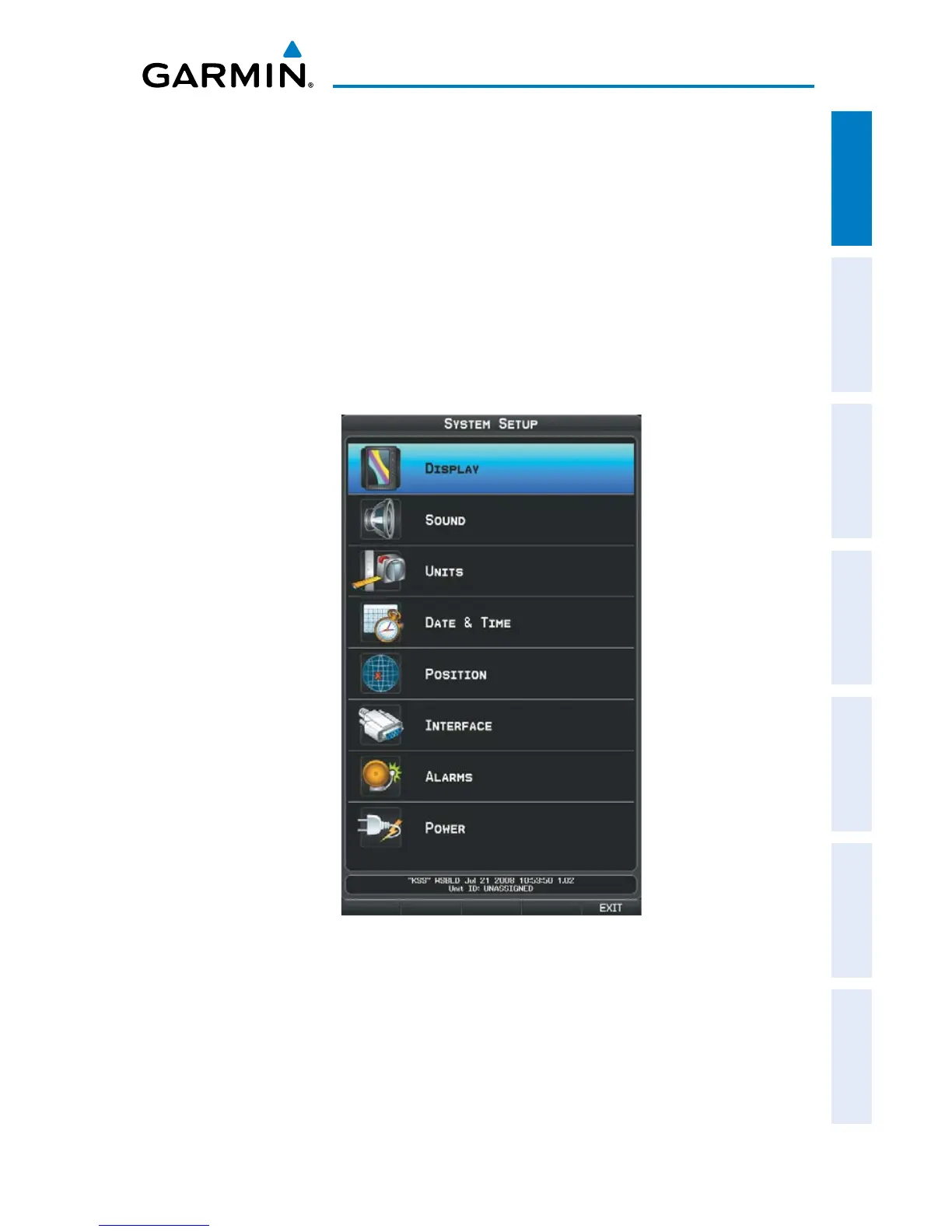
The System Setup Menu in the Main Menu allows management of the following
system parameters:
•Display
•Sound
•Units
•Date&Time
•Position
•Interface
•Alarms
•Power
System Setup Menu
Restoring system setting defaults:
1)
Press the MENU Key twice to display the Main Menu.
2)
Turn or move the FMS Joystick to highlight ‘System Setup...’ and press the
ENT Key.














 To Next Page