Garmin GPSMAP 695/696 Owner’s Manual
190-00919-00 Rev. G
177
Additional Features
Overview GPS Navigation Flight Planning Hazard Avoidance Additional Features Appendices Index
CHART RANGE
Changing the chart range:
Use the down arrow on the
RNG
Key to zoom in (decreasing), or the up
arrow to zoom out (increasing). Move the
FMS
Joystick to scroll the chart
up, down, left, or right.
Or
:
To quickly zoom all the way out, press the
CHART
Softkey. Press it again to
return to the previous range.
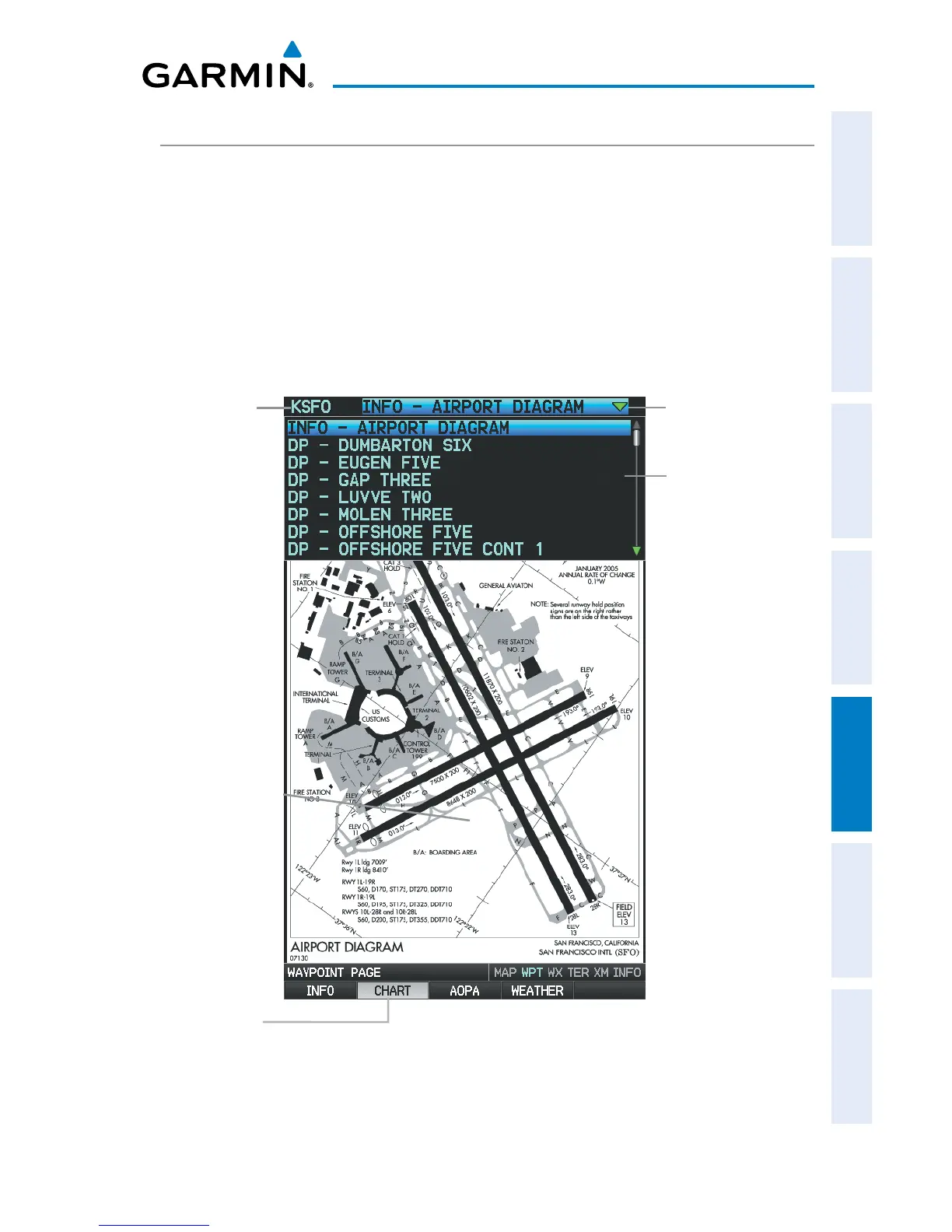
FliteCharts
®
(Waypoint (WPT) Page)
FliteChart Softkey
Chart Field
Available Approaches
Airport Identifier
Field














 To Next Page