Garmin GPSMAP 695/696 Owner’s Manual
190-00919-00 Rev. G
52
GPS Navigation
OverviewGPS NavigationFlight PlanningHazard AvoidanceAdditional FeaturesAppendicesIndex
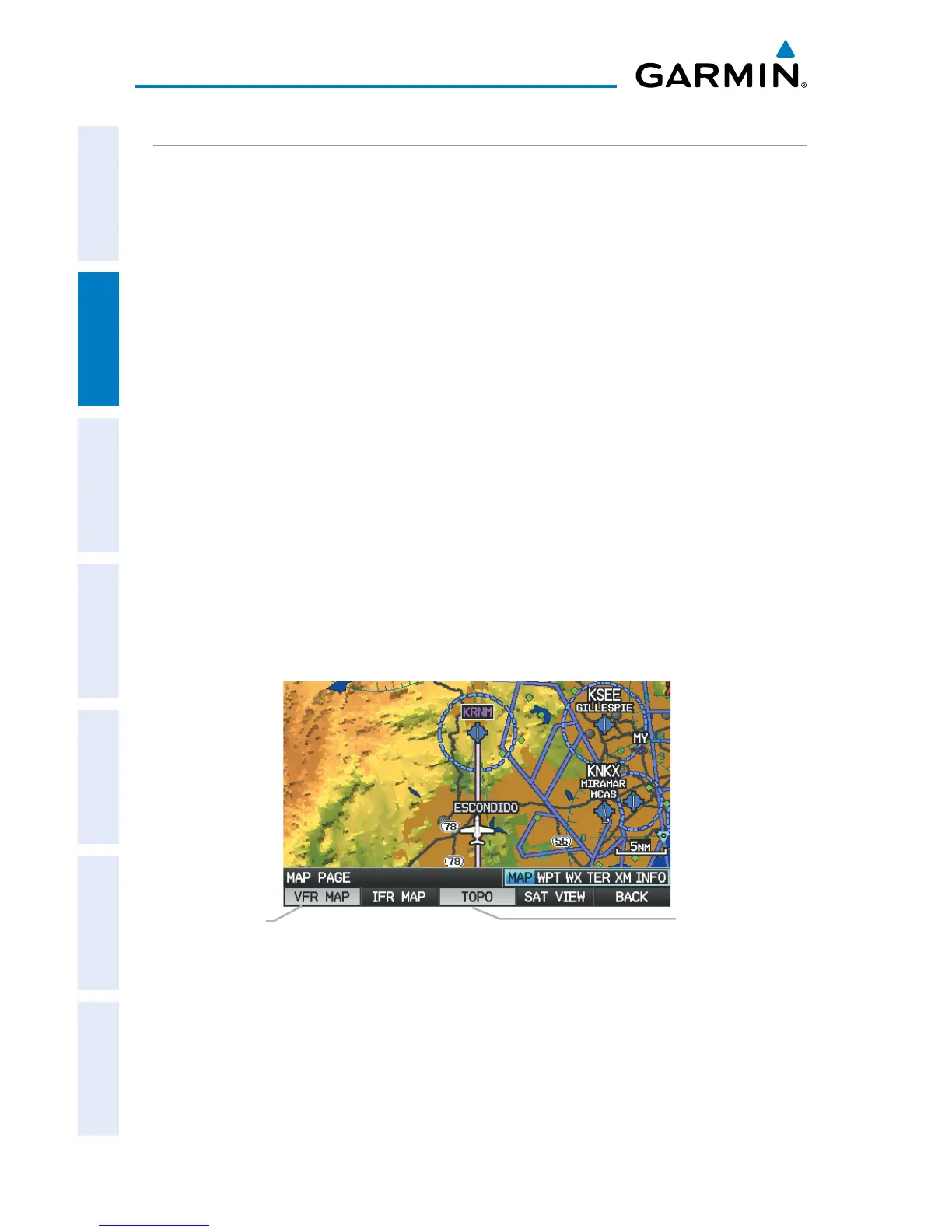
TOPOGRAPHY
Topographic data can be displayed or removed as described in the following
procedures.
Displaying/removing topographic data:
1)
Press the MAP Softkey on the Map Page. Press the VFR MAP Softkey if
necessary.
2)
Press the TOPO Softkey. Topographic data is displayed.
3)
Press the TOPO Softkey again to remove topographic data from the
Navigation Map.
Or
:
1)
From the Map Page, press the MENU Key.
2)
Turn or move the FMS Joystick to highlight ‘Set Up Map’, and press the
ENT Key.
3)
Turn the FMS Joystick to highlight the ‘Map’ Category from the horizontal
list.
4)
Move the FMS Joystick to highlight the ‘Topo Shading’ field.
5)
Turn the FMS Joystick to select ‘On’ or ‘Off’, and press the ENT Key.
Topographic Data (Map Page)
TOPO Softkey
VFR MAP Softkey














 To Next Page