Garmin GPSMAP 695/696 Owner’s Manual
190-00919-00 Rev. G
32
Overview
OverviewGPS NavigationFlight PlanningHazard AvoidanceAdditional FeaturesAppendicesIndex
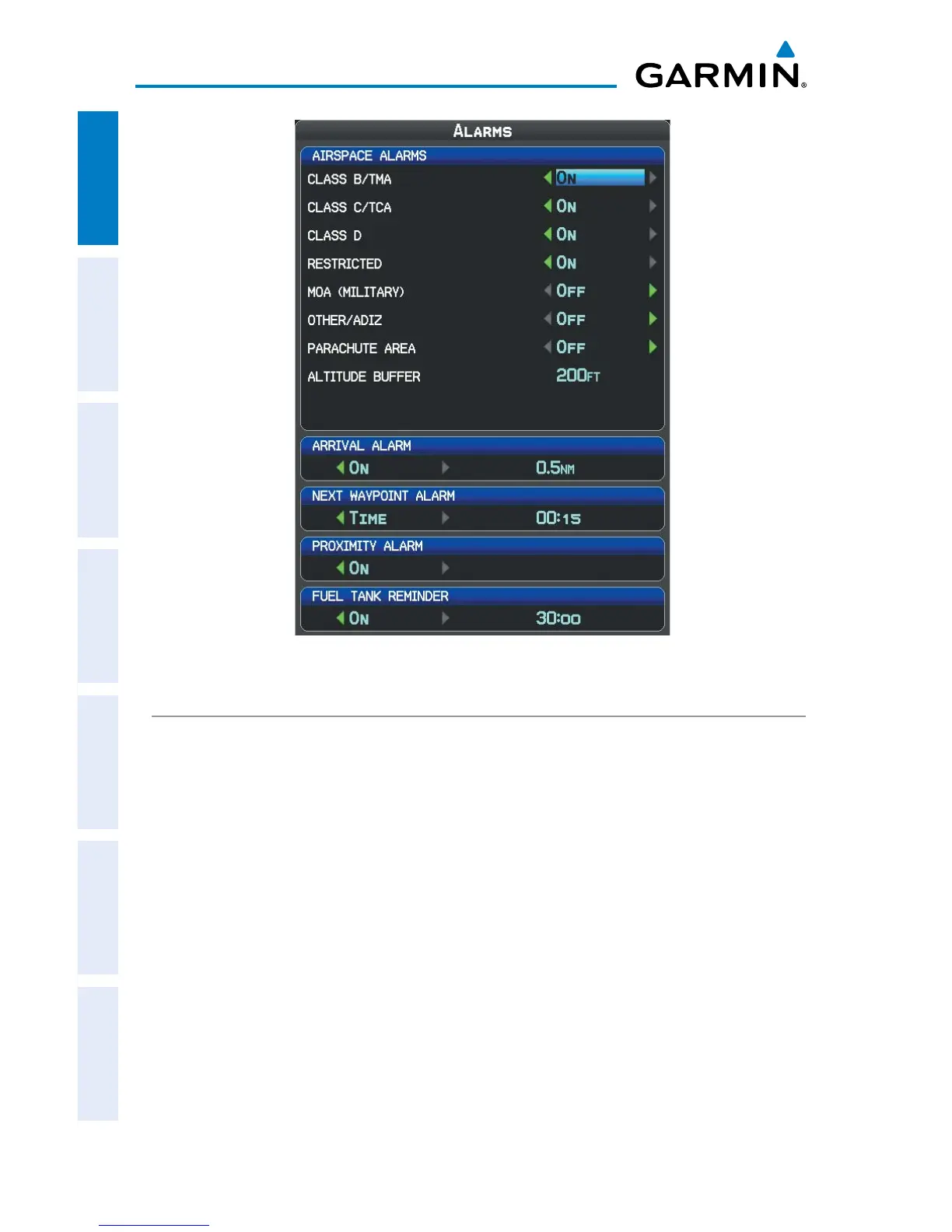
Alarms Page
POWER
Turning the power loss warning on/off:
1)
Press the MENU Key twice to display the Main Menu.
2)
Turn or move the FMS Joystick to highlight ‘System Setup...’, and press the
ENT Key.
3)
Turn or move the FMS Joystick to highlight ‘Power’ and press the ENT Key.
4)
Turn the FMS Joystick to select ‘On’ or ‘Off’, and press the ENT Key.














 To Next Page