Garmin GPSMAP 695/696 Owner’s Manual
190-00919-00 Rev. G
34
Overview
OverviewGPS NavigationFlight PlanningHazard AvoidanceAdditional FeaturesAppendicesIndex
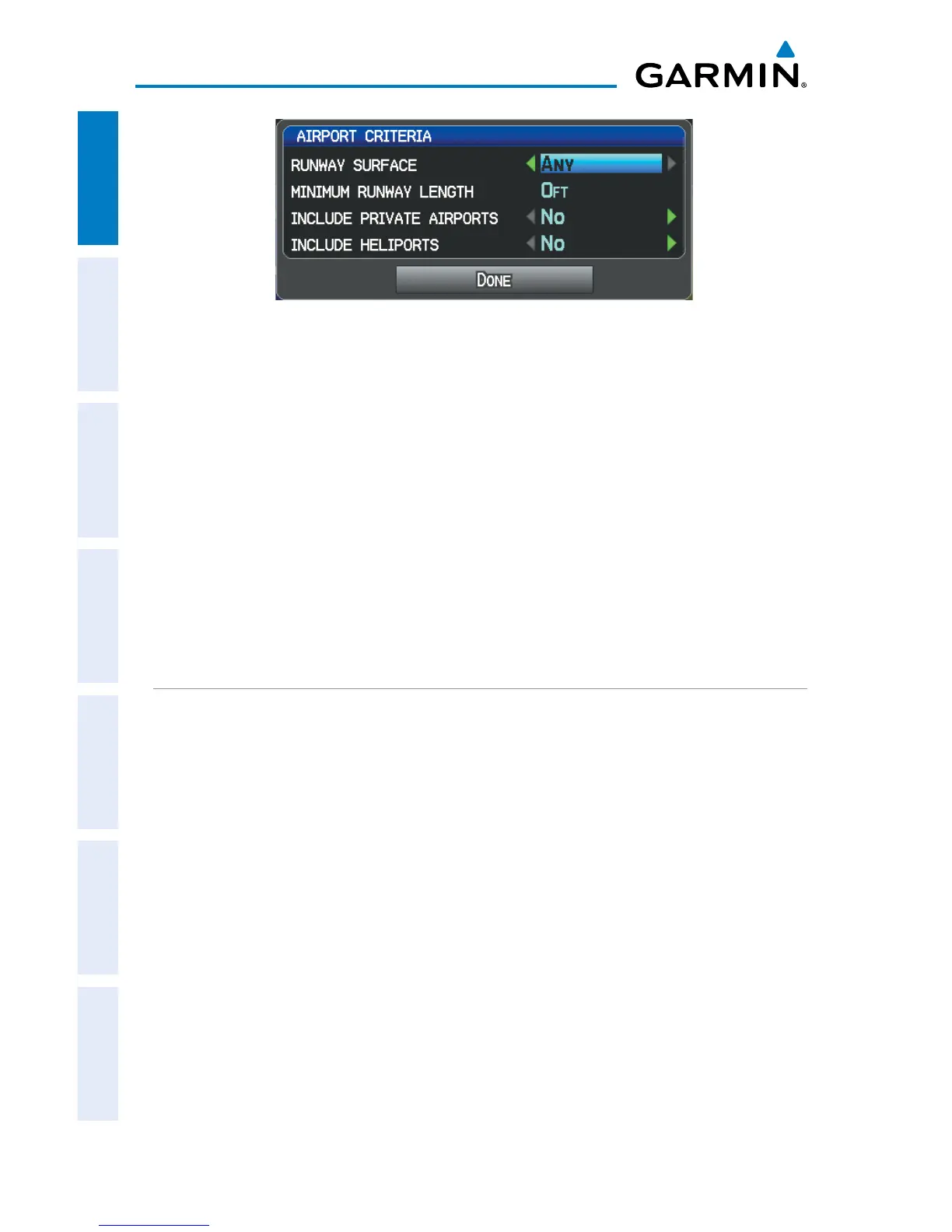
Airport Criteria Window
6)
With ‘Done’ highlighted press the ENT Key.
To restore airport criteria defaults:
1)
Press the NRST Key.
2)
Turn the FMS Joystick to select the Nearest Airports Page.
3)
Press the MENU Key to display the Page Menu.
4)
Turn or move the FMS Joystick to select ‘Set Airport Criteria’, and then
press the ENT Key. A window appears with the current settings.
5)
Press the MENU Key.
6)
With ‘Restore Default’ highlighted press the ENT Key.
UTILITIES
Refer to Appendix F for information on Flight Log, Track Log, E6B, Aircraft Profile,
and Weight & Balance.














 To Next Page