Garmin GPSMAP 695/696 Owner’s Manual
190-00919-00 Rev. G
Appendix C
197
Overview GPS Navigation Flight Planning Hazard Avoidance Additional Features Appendices Index
SD CARD USE AND DATABASES
SD CARD USE
The GPSMAP 695/696 uses an optional SD Card for storing MapSource
®
data and
user-downloaded vehicles.
MAPSOURCE DETAILED MAPS
The included USB Interface Cable is used to transfer MapSource
®
CD-ROM data to
the optional SD Card.
For compatible MapSource
®
products, refer to the Garmin web site at www.garmin.
com/cartography.
INSTALLING AND REMOVING SD CARDS
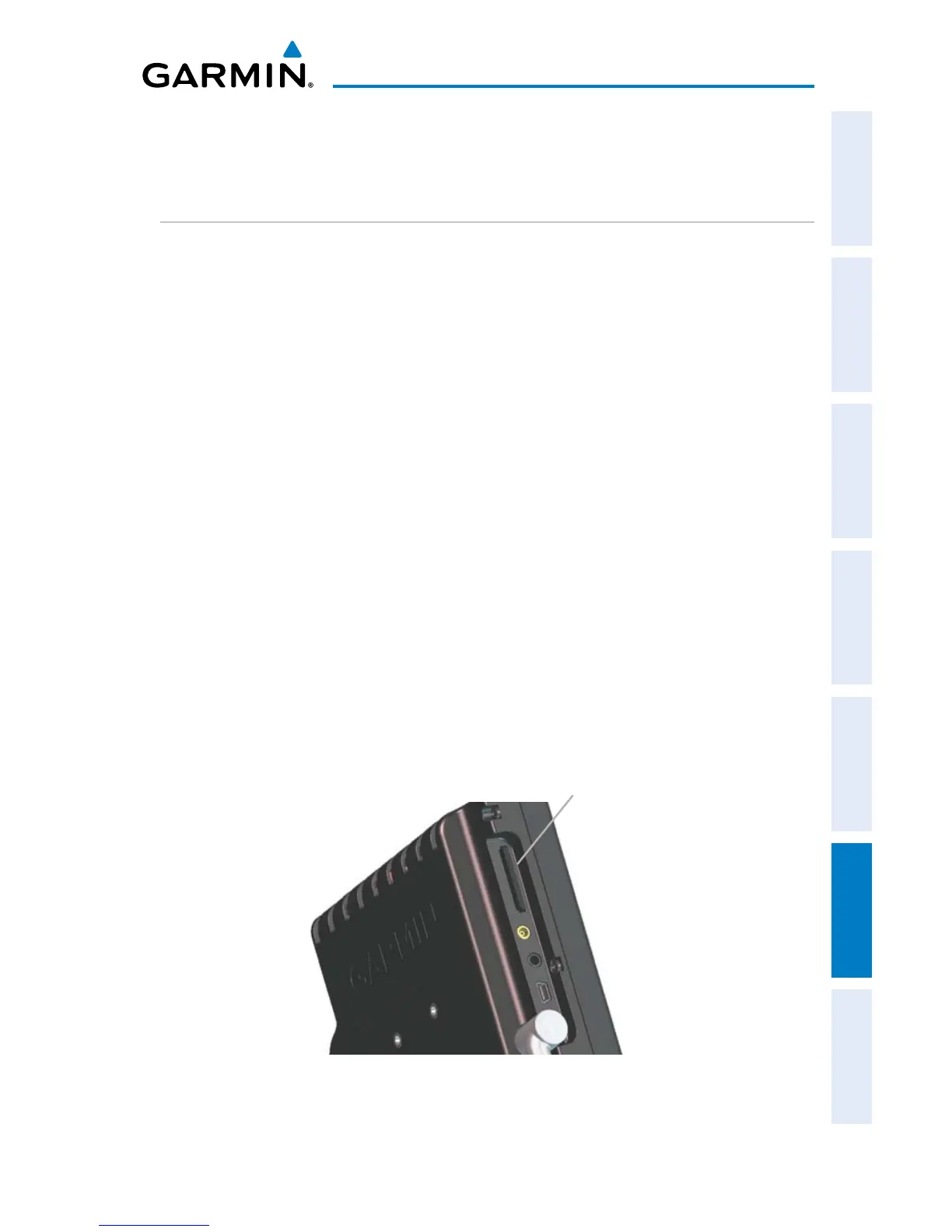
Install the SD Card in the slot located on the top, left side of the unit. Install or
remove the SD Card at any time, whether the unit is on or off.
You can load a variety of information on your SD Card, such as MapSource detailed
maps in a MapSource program. You can buy pre-programmed SD Cards to use with
your GPSMAP 695/696.
SD Cards are not waterproof. They should not be exposed to moisture or excessive
static charges, and should be stored in the case supplied with the card.
SD Card Slot
GPSMAP 695/696 SD Card Slot














 To Next Page