Garmin GPSMAP 695/696 Owner’s Manual
190-00919-00 Rev. G
21
Overview
Overview GPS Navigation Flight Planning Hazard Avoidance Additional Features Appendices Index
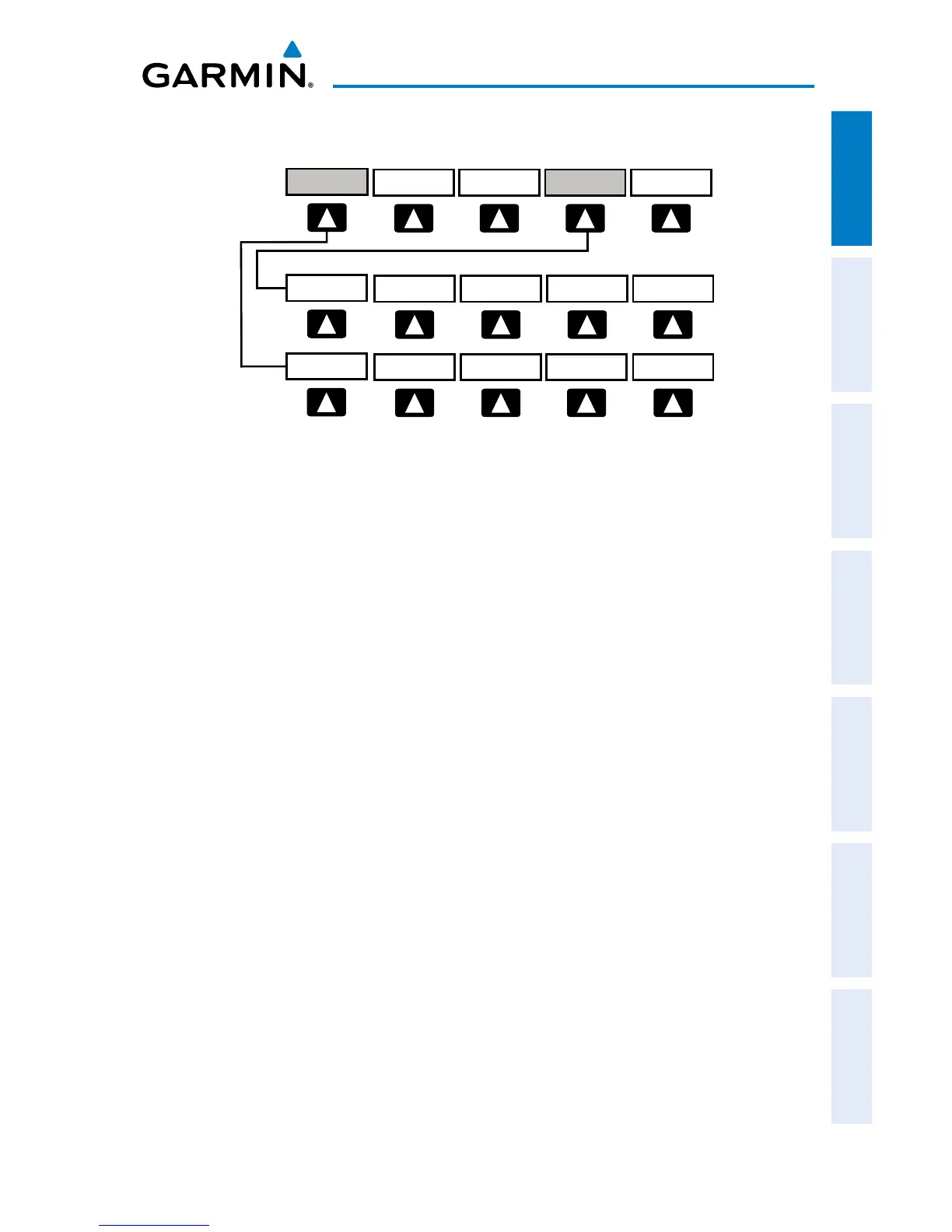
TRAFFIC PAGE SOFTKEYS (OPTIONAL GDL 39)
PAN MAP
ANIMATE
LEGEND
INFO
CHART
APPRCH
AOPA WEATHER
MAP
VFR MAP
BACK
IFR MAP TOPO
BACK
Press the BACK Softkey to
return to the top-level softkeys.
SAT VIEW
HIGH AWYLOW AWYIFR MAPVFR MAP
MAP
TERRAIN
WEATHER
INFO Select to view Data Link and Weather info
TREND Displays TargetTrend
™
traffic vectors.
FLT ID Displays FLT ID information.
ALT MODE Select to set altitude mode.
DISABLE Temporally disables traffic alerts
ALT MODE Softkey selected
BELOW Displays non-threat and proximity traffic from 2700 feet
above the aircraft to 9000 feet below the aircraft.
Typically used during descent phase of flight.
NORMAL Displays non-threat and proximity traffic from 2700 feet
above the aircraft to 2700 feet below the aircraft.
Typically used during enroute phase of flight.
ABOVE Displays non-threat and proximity traffic from 9000 feet
above the aircraft to 2700 feet above the aircraft.
Typically used during enroute phase of flight.
UNREST (Unrestricted): All traffic is displayed.
INFO Softkey selected
STATIONS Displays ADS-B ground station(s) information.
SETUP Select to set pressure altitude sensor on or off in the
GDL 39.
EXIT Returns to the Traffic Page.














 To Next Page