Garmin GPSMAP 695/696 Owner’s Manual
190-00919-00 Rev. G
152
Hazard Avoidance
OverviewGPS NavigationFlight PlanningHazard AvoidanceAdditional FeaturesAppendicesIndex
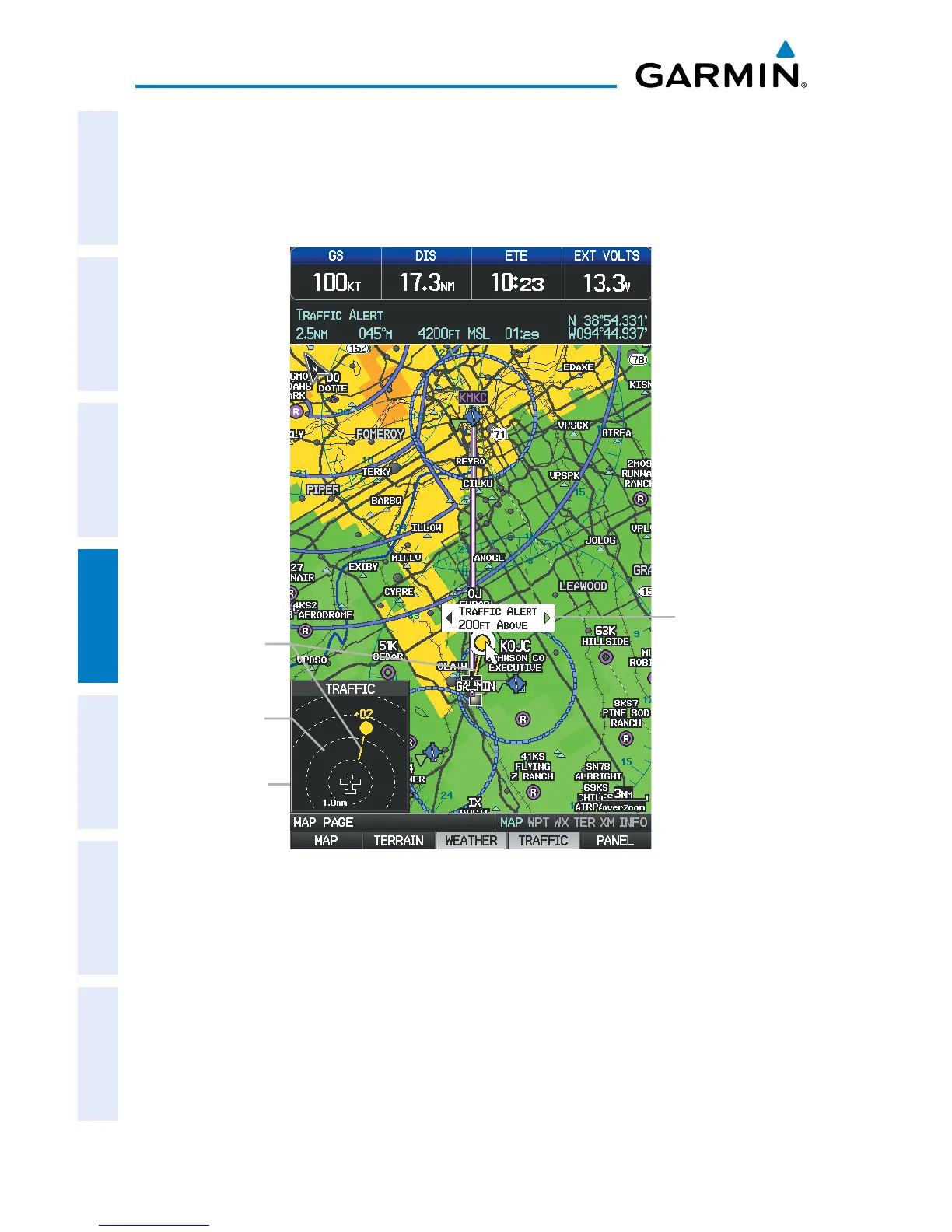
Displaying TIS-A information using the Map Pointer:
1)
With traffic displayed on the Map Page, press the FMS Joystick. The Map
Pointer is activated.
2)
Move the FMS Joystick to highlight the desired traffic.
TIS-A (Map Page)
Traffic Ground
Track
Traffic Warning
Window
Traffic Range
and Altitude
Separation using
Map Pointer
Range Rings














 To Next Page