Garmin GPSMAP 695/696 Owner’s Manual
190-00919-00 Rev. G
Appendix D
212
OverviewGPS NavigationFlight PlanningHazard AvoidanceAdditional FeaturesAppendicesIndex
3)
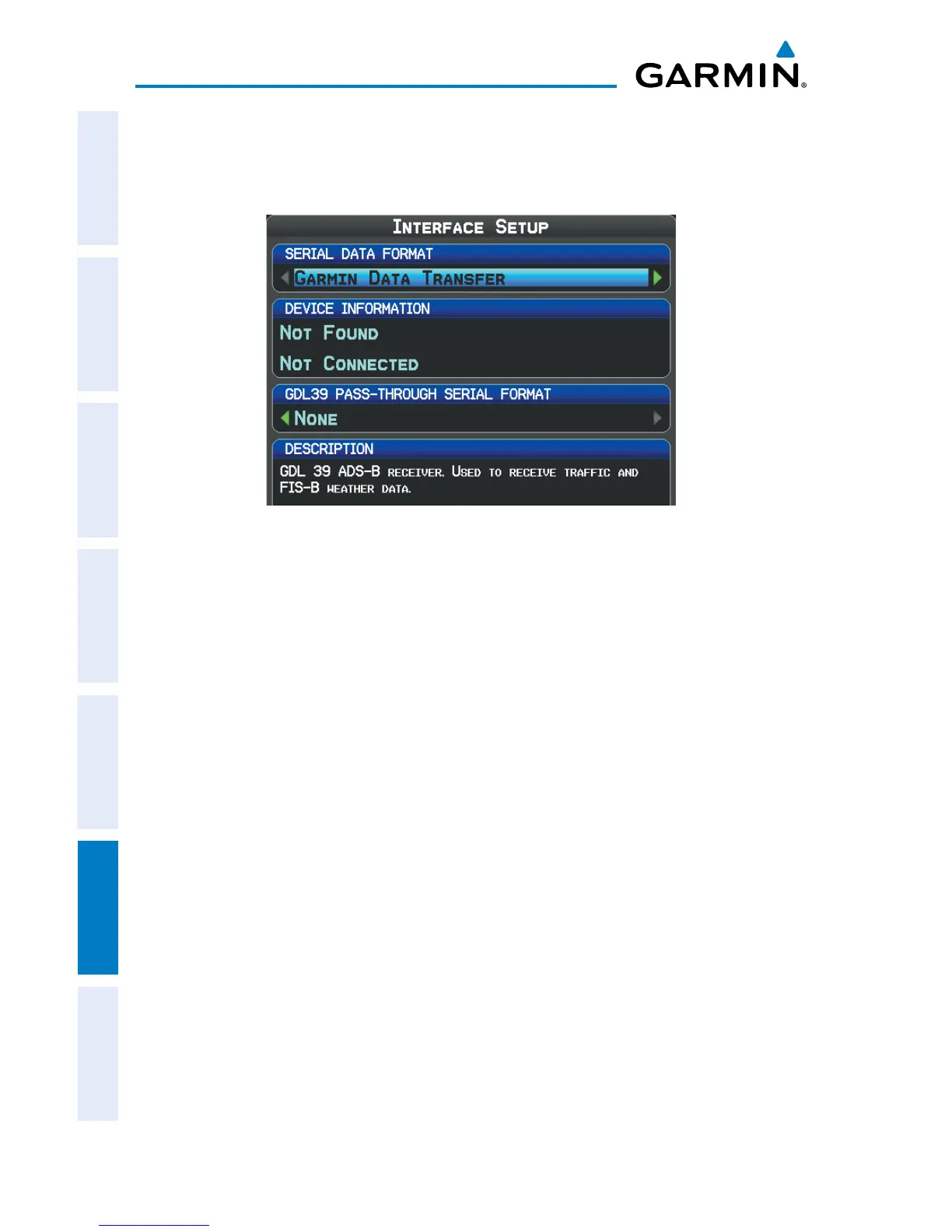
Turn or move the FMS Joystick to select ‘Interface’, and press the ENT Key.
4)
With the Serial Data Format field highlighted, turn the FMS Joystick to
select the desired Serial Data Format.
Interface Setup (Main Menu)
seriAl dAtA formAts
• GarminDataTransfer—theproprietaryformatusedtoexchangedatawithaPC,
Garmin GDL 39, or another Garmin GPSMAP 695/696.
• NMEA In/NMEAOut—transmitsNMEAposition,velocity,andnavigationdata.
• AviationIn—theproprietaryformatusedforconnectiontoaGarminpanel-
mounted GPS receiver. This eliminates the need to enter the destination on both
units.
• AviationIn/NMEA&VHFOut—receivesaviationdataandtransmitsoutboth
NMEA data, at 9600 baud, and VHF frequency tuning information to a Garmin
Nav/Comm radio.
• GTXTIS-AIn—receivesTIS-AdatafromaGarminModeStransponderorother
compatible device.
• GTXTIS-AIn/NMEA&VHFOut—receivesTIS-Adataandtransmitsoutboth
NMEA data, at 9600 baud, and VHF frequency tuning information to a Garmin
Nav/Comm radio.
• None—providesnointerfacingcapabilities.














 To Next Page