102 232003110G (03)
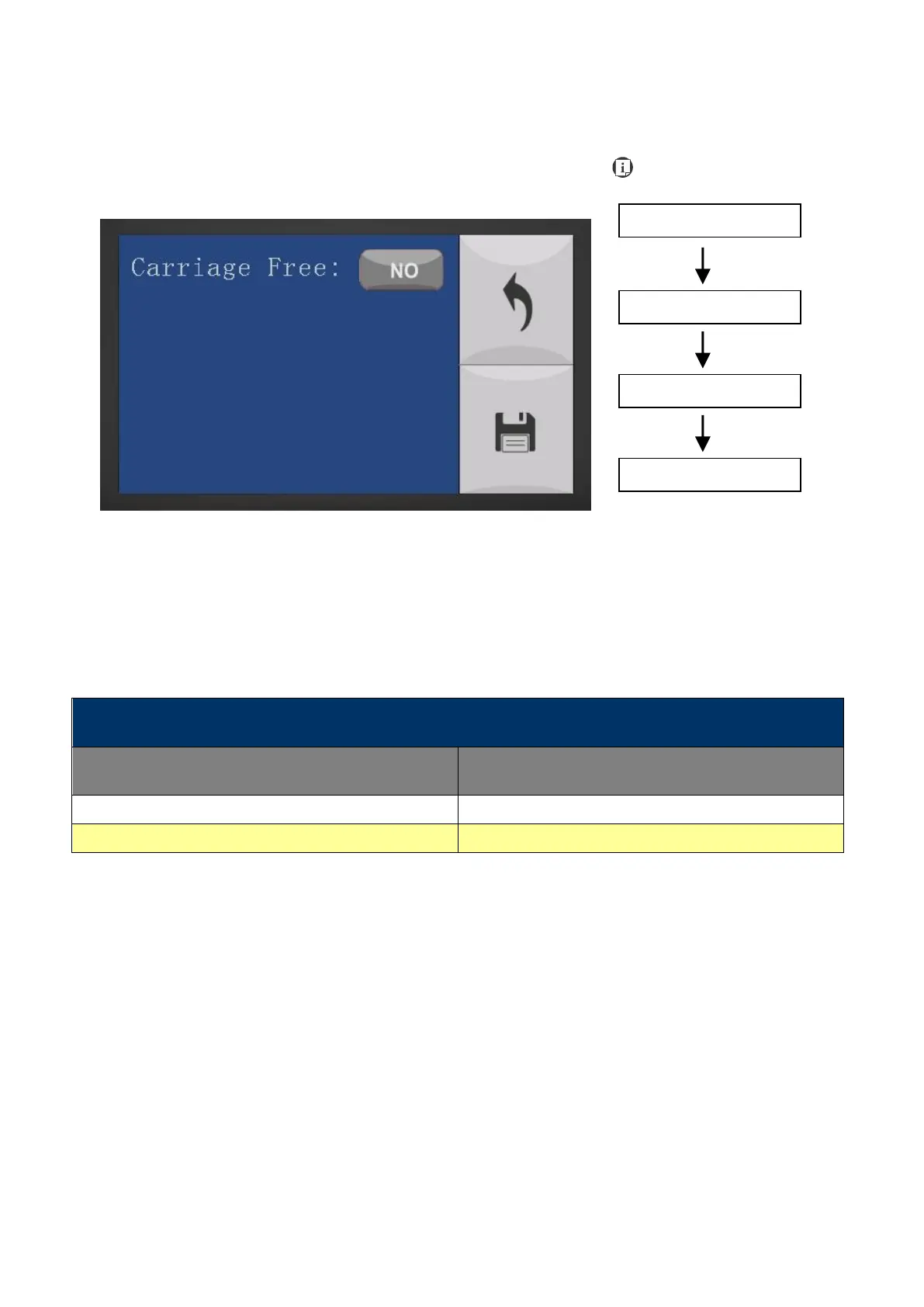
Machine Setting- Carriage Free Page
The Carriage Free Page allows you to decide whether the lens carriage to be locked or free for
hand movement. If the Carriage Free setting is set to <YES>, then you will be able to manually
move the lens carriage along the X and Y axis by hand with the top door open. Whereas setting
the Carriage Free to <NO> will lock the lens carriage and movement or positioning can only be
done by the Touch Screen arrow keys.
• Carriage Free YES / NO
Save your current settings



 To Next Page