190 232003110G (03)
8.3.3 Removing and Cleaning the Focal Lens
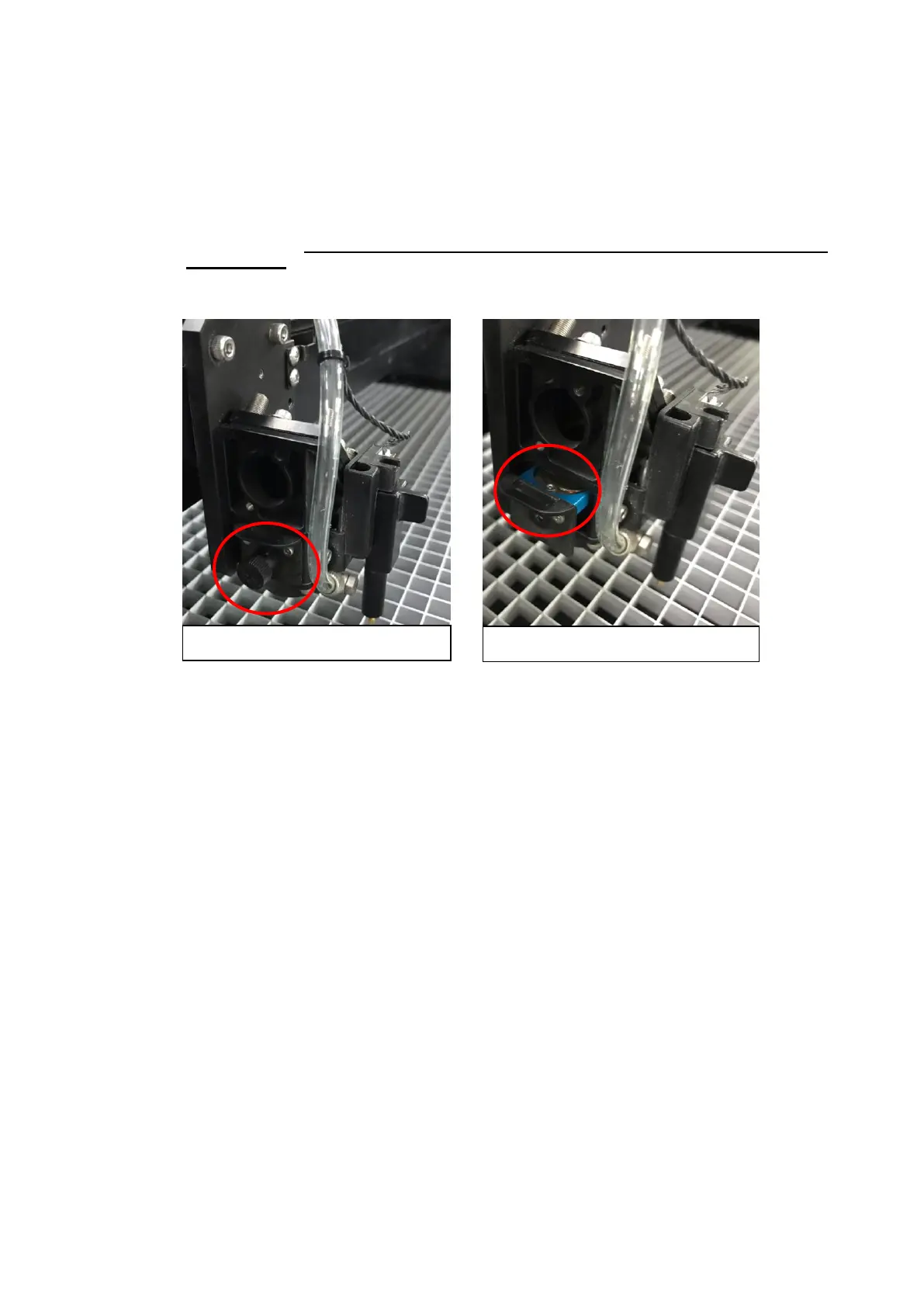
1) Unscrew the three thumbscrews securing the lens carriage panel and remove the lens
carriage panel to reveal the focal lens.
2) Carefully pull out the focal lens.
3) Clean the focal lens with a cotton swab and lens cleaner solution. Be sure to clean both sides
of the focal lens (DO NOT apply any finger pressure or other cleaning solutions to the
lens surface).
4) After cleaning, use a cotton swab to gently dry the focal lens and lens cover.
8.4 Cleaning the Exhaust Duct
Efficient exhaust ventilation is crucial to laser cutting quality. We suggest you to clean the Exhaust
Duct from accumulated dust regularly will help to maintain the ventilation efficiency of your laser
engraving system.
Step 1. Remove screws fixing the rear door panel of laser machine
Step 2. Remove screws securing exhaust duct on rear door panel
Step 3. Open the rear door and take out the exhaust duct to clean with water
Step 4. Fix and secure the exhaust duct and rear door panel back to the laser machine



 To Next Page