145 232003110G (03)
6.1 Raster Engraving
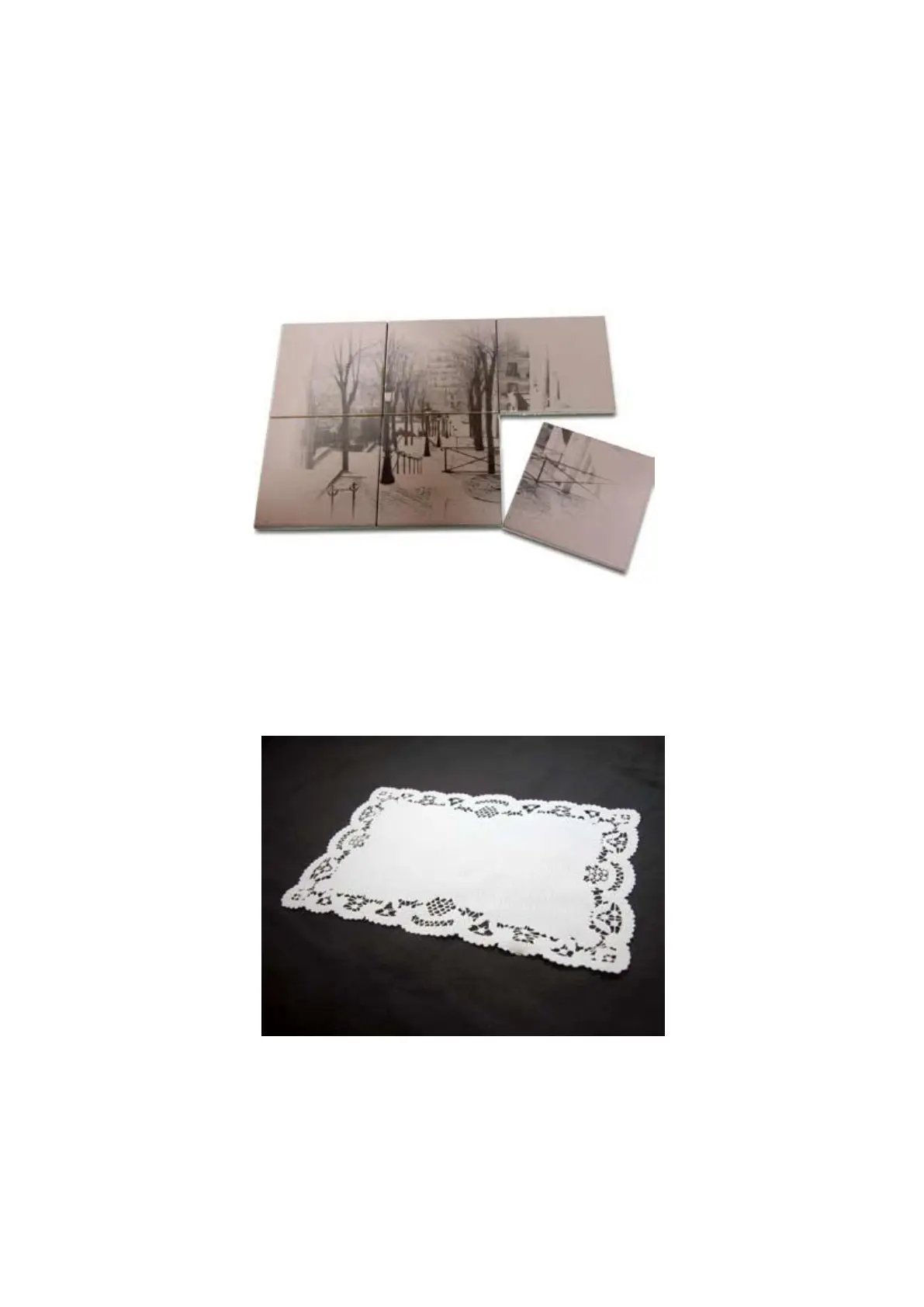
A CO2 laser engraver can process text, scanned image, digital picture, or design by “laser firing” grids
/dots of individual pixels into a raster image. Think of this as simply “printing” your job onto any
particular material. An example of a raster engraved piece would be a photo engraving on tile, as shown
in the picture below.
6.2 Vector Cutting
A CO2 laser engraver can process text, design, and images composed of lines through
continuous-firing of the laser to cut out various shapes. When performing vector cutting operations,
imagine the laser head as a pair of scissors cutting out the lines specified in your design. An example
of a vector cut piece would be a customized dining mat, as shown in the picture below.
The S400 Print Driver determines which sections should be raster engraved or vector cut based on
the outline width of that particular area or section of the design. In order to prep a particular section for
vector cutting, you will need to set that object’s fill color to white and set its outline thickness between
0.001" (0.025 mm) to 0.004" (0.1 mm) via the graphics software.
Below is an example of how to prep an area (in this case, we will use a section of text) for vector
cutting. CorelDRAW will be used as the selected graphics software.
1) With the text function, create a string of characters and select those characters by clicking on
the text.



 To Next Page