65 232003110G (03)
4.1.3 USB Storage Setup
GCC laser engraver is built-in with USB storage port allow you to transmit data from USB flash drive.
You can format and use a USB flash drive as an USB storage of GCC laser engraver.
USB flash drive minimum requirements
Windows FAT16/FAT32 file system format
A maximum of 32G of storage capacity
Following are our certified brands for GCC LaserPro USB storage
USB storage port of GCC laser engraver is compatible with USB 2.0.
Please use above certified brands for GCC LaserPro USB storage.
Using USB 3.0 or other brands which are not in the list may cause an exception.
Step 1. Make sure the page setup and orientation is match GCC LaserPro S400 Hybrid. Please refer
to Chapter 5.2.1 for page setup and orientation.
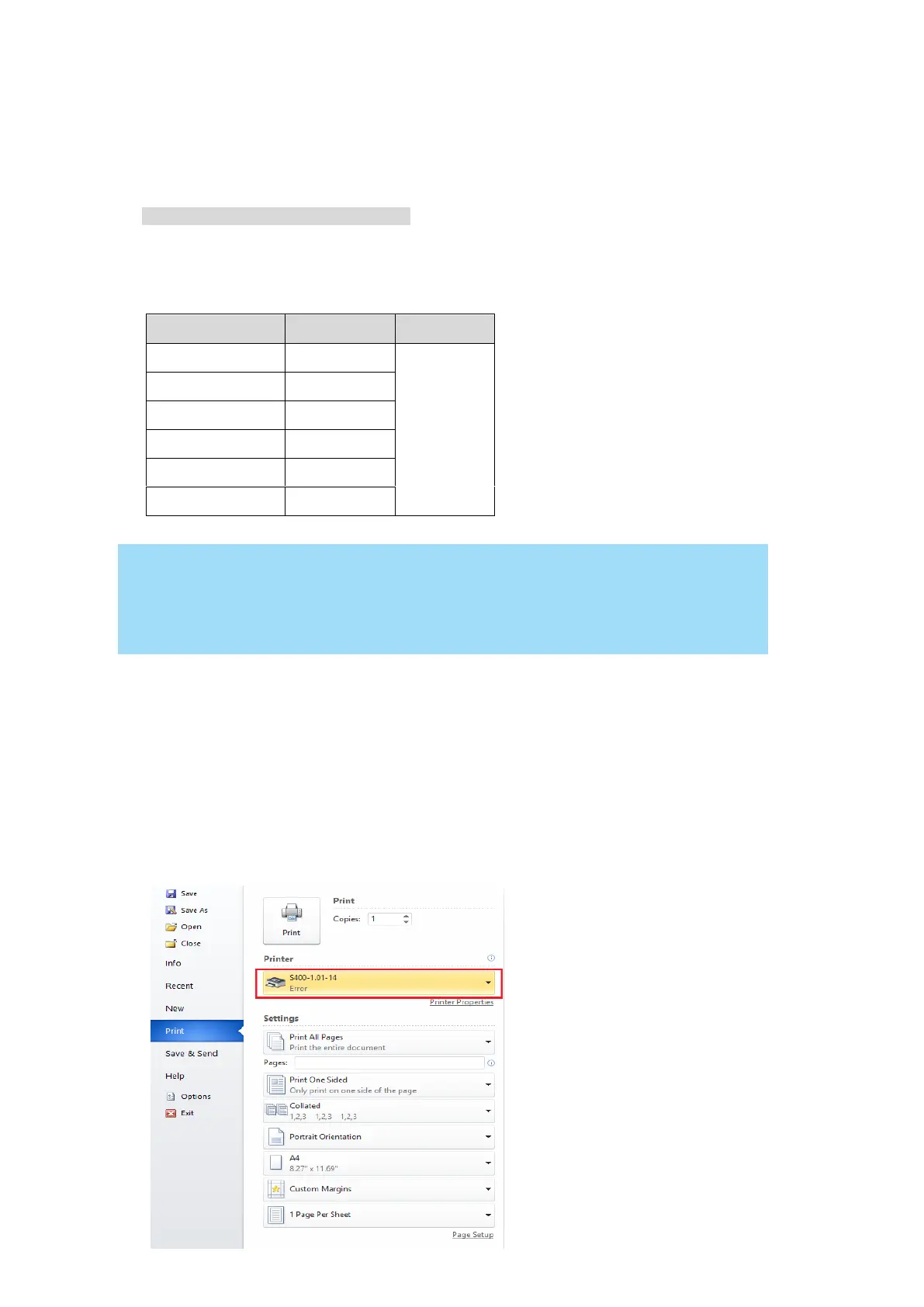
Step 2. Open the file in graphics software and click File Print from menu bar, and the Print window
will appear
Step 3. From the navigation bar Printer. Click S400.



 To Next Page