155 232003110G (03)
6.5 Modify Image Settings of Picture for Better Engraving Quality
1. Connect your digital camera to the computer by USB cable.
2. Download the picture from the digital camera to the computer
3. Select the picture that you want to engrave.
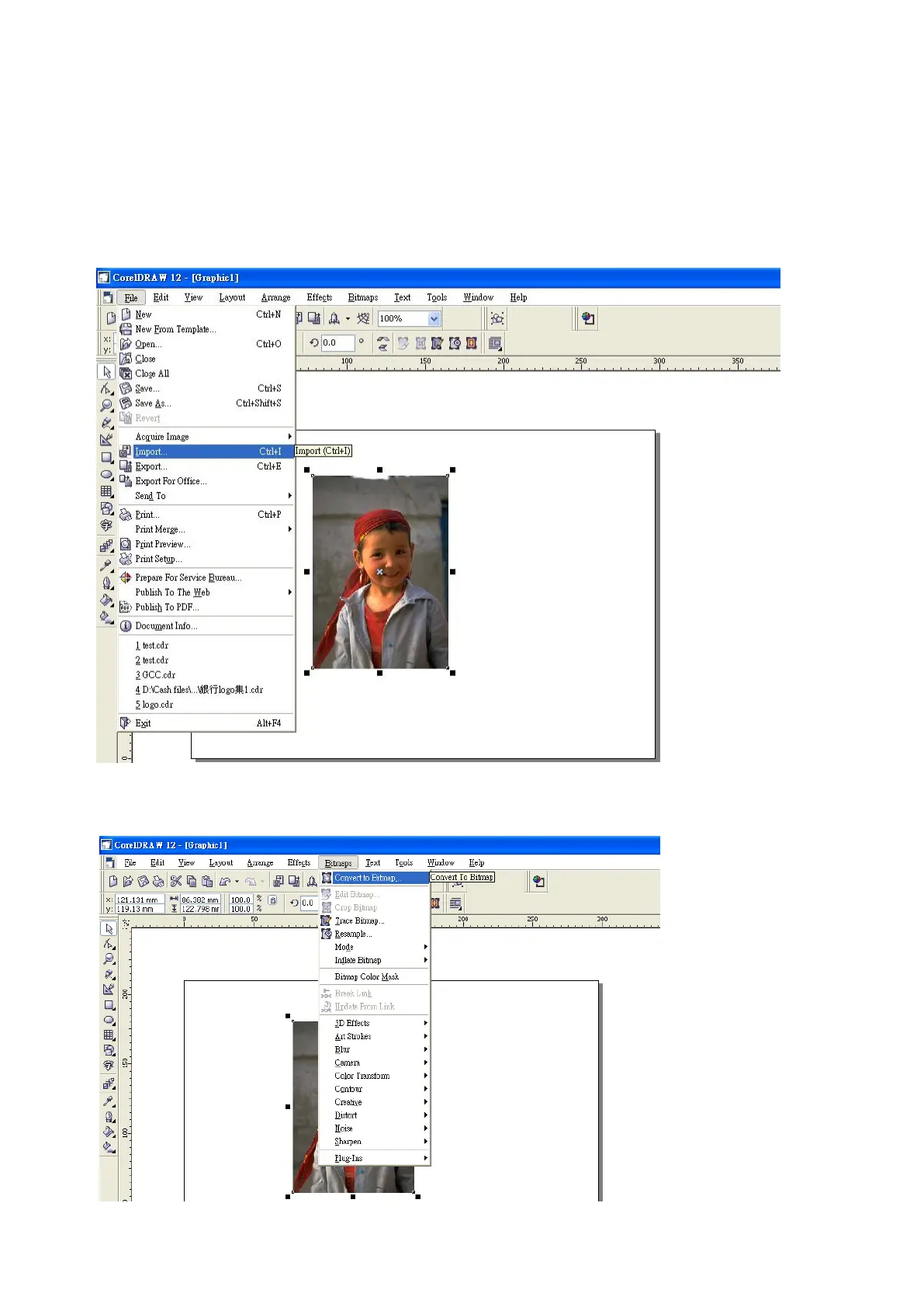
4. Import the image from the folder where the picture is located by selecting File/Import
5. Convert the image to Bitmap by selecting the image and click on Bitmaps/Convert to Bitmap



 To Next Page