86 232003110G (03)
5.1.4 Touch Screen Function Pages
When the LaserPro S400 is powered on, the machine will perform a series of safety checks and
initialization routines. The LCD display screen will display the GCC copyright, LaserPro logo,
and machine initialization pages before going to the main work page.
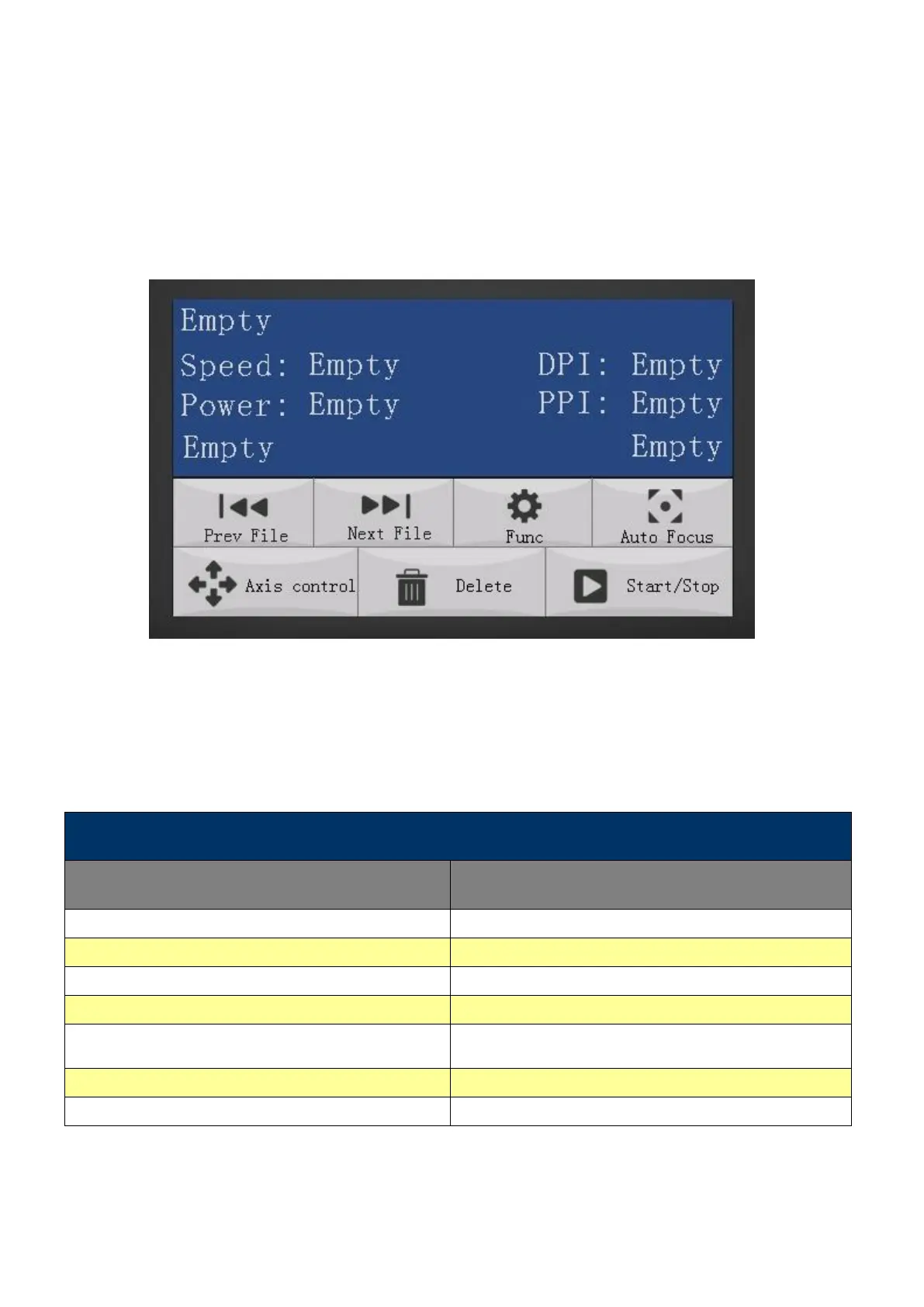
Main Work Page
The main work page is the page that the LaserPro S400 will default to upon startup and will be
the “home base” for when navigating through the various functions of the control panel. This
will be the page that is displayed when you are processing your jobs. This page contains
specific job information such as the current job’s name, Speed, Power, PPI, DPI, processing /
remaining times, and jobs loaded.
Scroll through previous jobs
Initiate the auto focus function
Manually adjust the X, Y-axis position of the lens
carriage and the height of the work table (Z-axis)
Delete the current selected job
Start / Stop the current job



 To Next Page