187 232003110G (03)
8.3 Cleaning the Optics System
8.3.1 Removing the Mirrors
We recommend that you check the mirrors once or twice a week to see if they require cleaning.
If any debris or smoke residue is present, use the following steps to clean them.
• Mirrors should be removed for cleaning
on
e a
t
a
t
i
m
e to avoid beam misalignment
after placing them back to the lens holders.
• Refer to section 8.3.2 on how to clean the mirrors.•
The following section will illustrate the location of the four mirrors found on the LaserPro S400
for cleaning.
Mirror 1
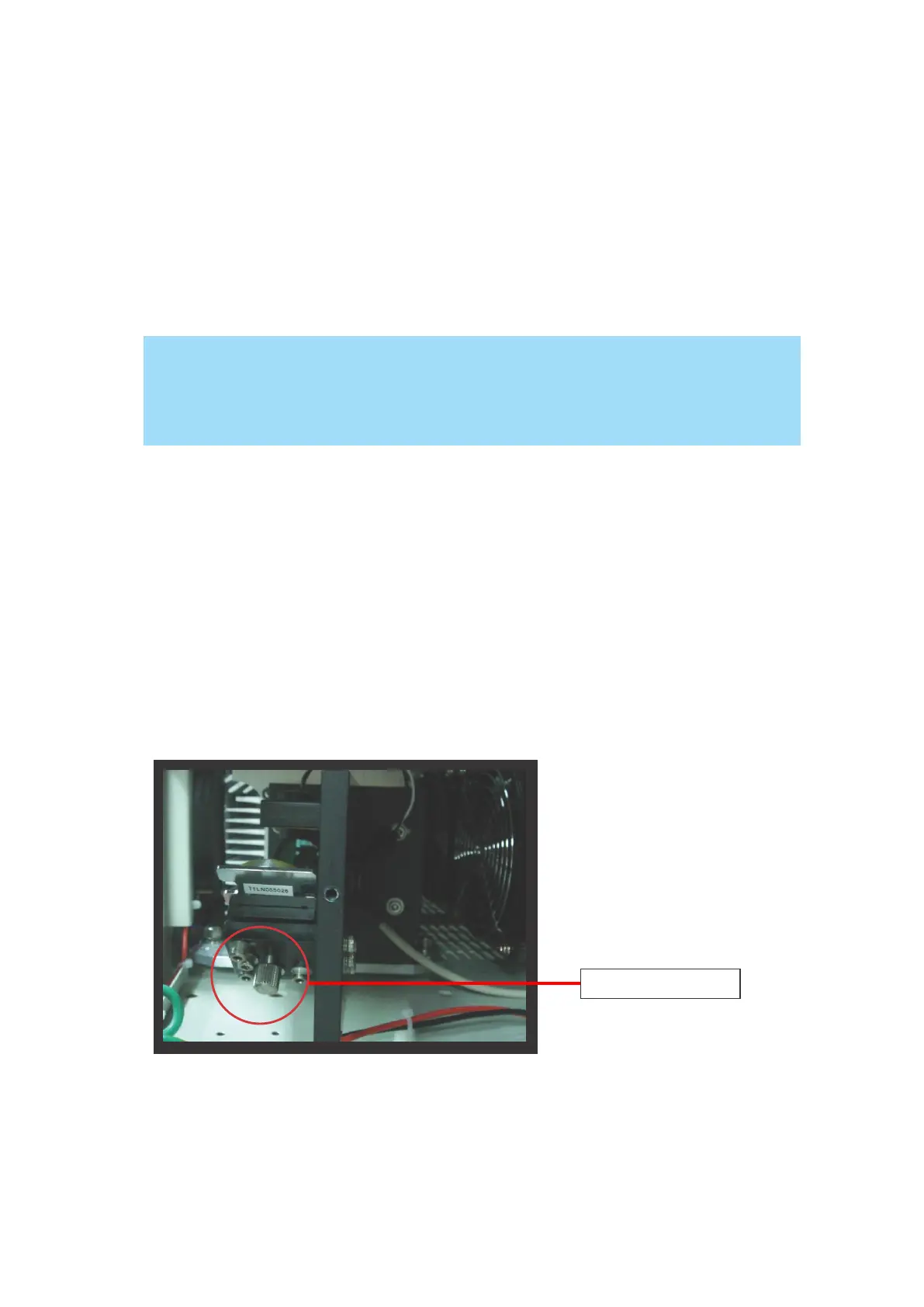
Mirror #1 is located inside the bottom left access door panel of the LaserPro S400.
1) Use a #2 Phillips Screwdriver to open the access panel located on the bottom left side of the
LaserPro S400.
2) Open the slot cover on the bottom left side of S400 machine
3) Loosen the thumbscrew and remove the black dust cover in front of laser tube.
4) Loosen the thumbscrew securing mirror #1.
4) Clean the mirror in the proper manner.
5) Place the mirror back to the optics holder after cleaning.
6) Tighten the thumbscrew.
7) Close and secure all the covers.



 To Next Page