165 232003110G (03)
7.4 Pass-Through Door Options
GCC S400 laser systems are designed to be Class II safety requirement, the laser would stop firing if any
door open during operation to protect operator safety. For users installed optional Pass-Through Door
switch module, GCC laser system will be converted to Class IV safety machine, operators must follow the
safety notice stated in Chapter 1.5 of this manual.
How to Install Pass-Through Door Switch Option
Step 1. Open the top window of laser machine then lower down the work table of laser system to the
bottom.
Step 2. Locate the Pass-Through Door switch key connector at the top-right corner of machine chassis
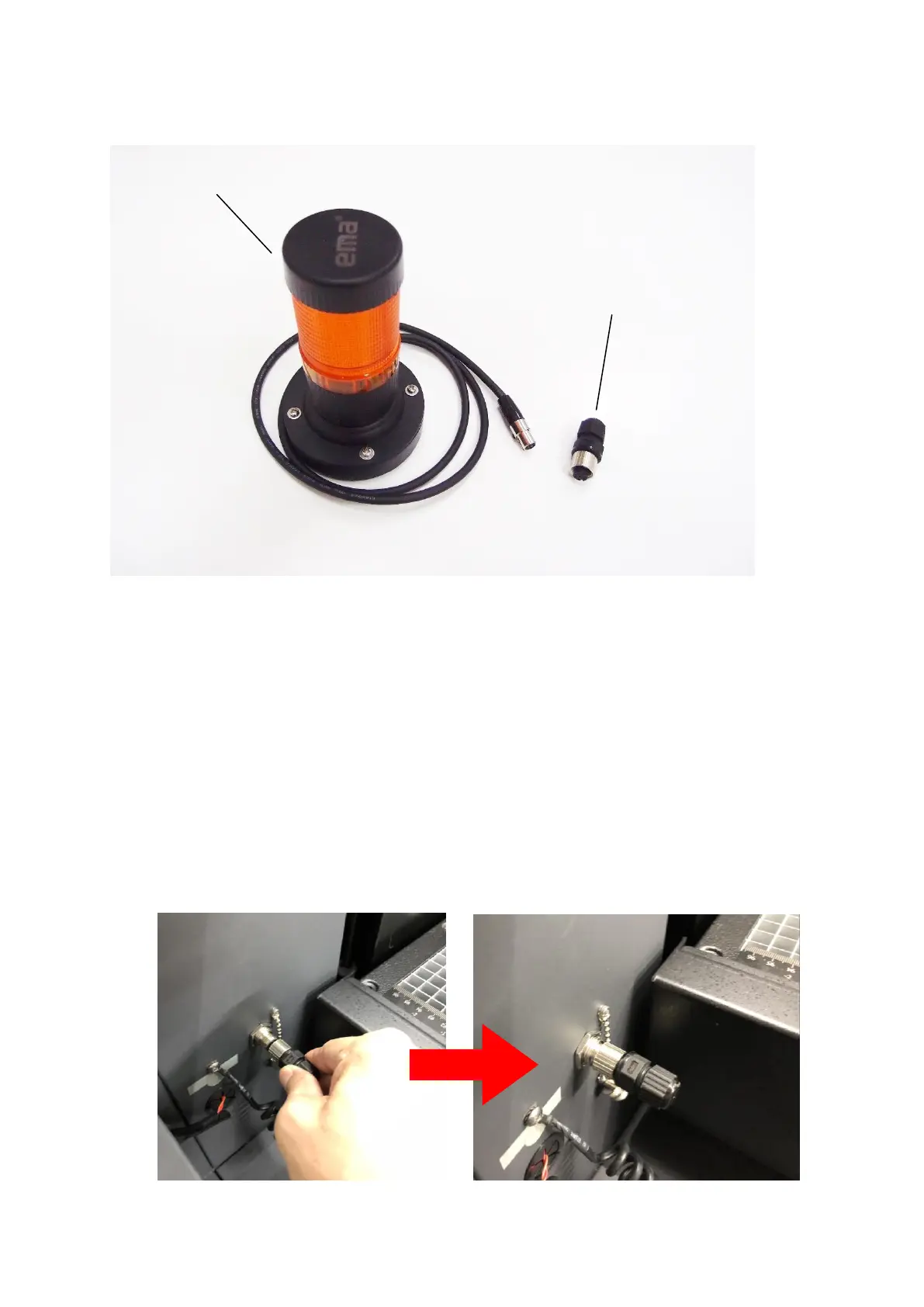
Step 3. Plug the Pass-Through Door switch key to the female connector
Pass-Through Door Switch Key



 To Next Page