189 232003110G (03)
3) Clean the lens in the proper manner.
4) Place the mirror back to the optics holder after cleaning.
5) Tighten the top five screws.
6) Reinstall the lens carriage panel and tighten the three thumbscrews.
8.3.2 Cleaning the Mirrors
After you have removed each mirror, you will want to inspect each mirror for scratches, smoke
residue, or debris. If any residue or debris is present, use the following steps to clean the
mirrors.
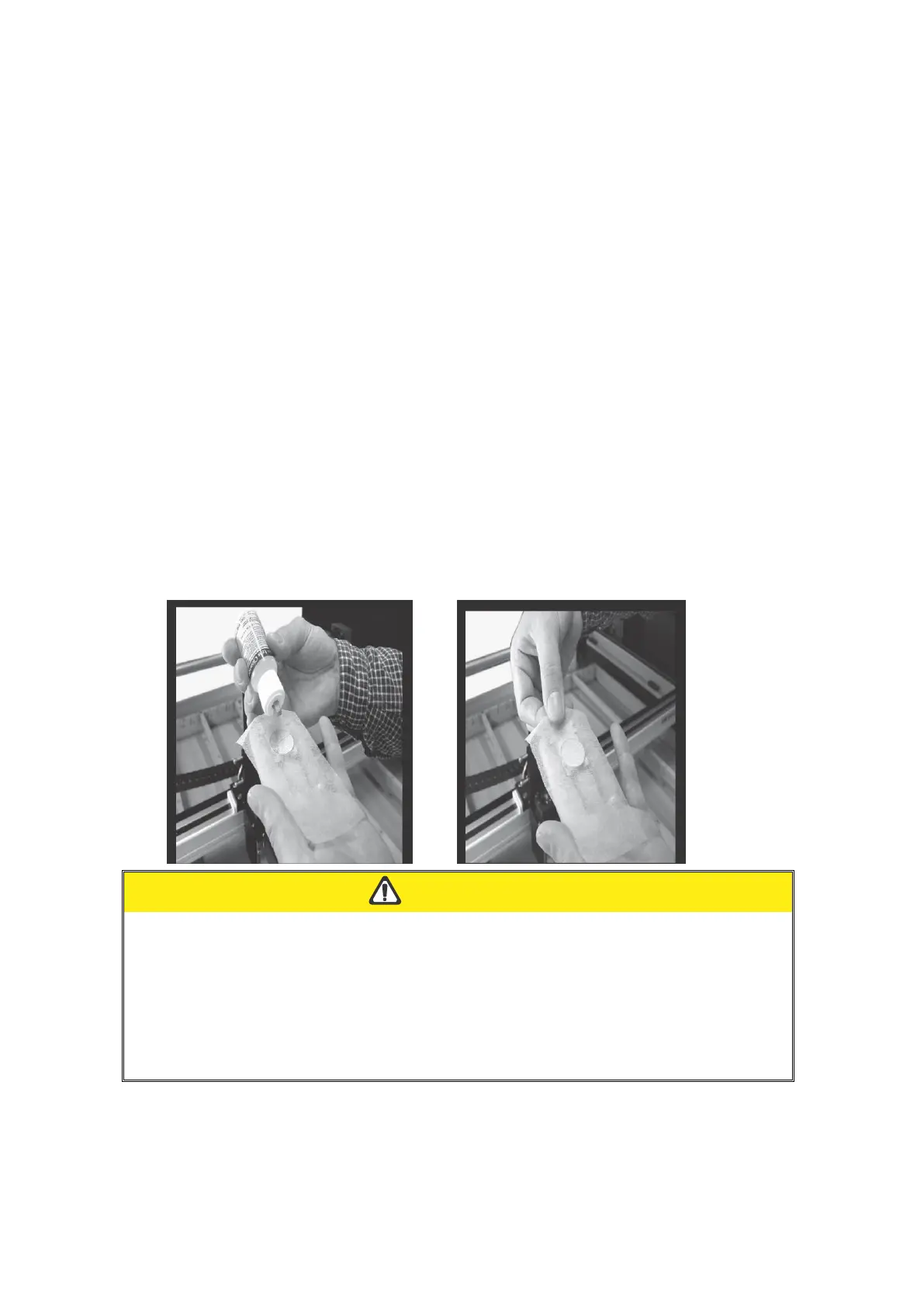
1) Hold the mirror with the reflective side up, without touching the reflective side of the mirror
(DO NOT apply any finger pressure or any other cleaning solutions to the
mirror surface).
2) Drape a new sheet of lens tissue over the mirror.
3) Apply a few drops of lens cleaner on the tissue covered mirror (apply enough so that the
tissue absorbs just enough solution to cover the mirror surface).
4) Pull the tissue across the mirror in only one direction.
5) Repeat the cleaning processes if the mirror is not completely clean after the first attempt.
6) Make sure that the mirror is completely dry before reinstalling it.
If the center of the mirror is scratched, contact your GCC LaserPro representatives for
replacement.
DO NOT apply any finger pressure or any other cleaning solutions to the mirror or focal
lens surface.
The optics components are very fragile, handle carefully and follow the cleaning
procedure well.



 To Next Page