127 232003110G (03)
Auto Focus (Pen Page) [DEFAULT SETTING: Unselected]
This checkbox sets the Auto Focus for that particular job. With the Auto Focus button checked,
the S400 will automatically initialize the auto focus procedure before starting the job. This will
ensure the focal distance is properly set based on the particular material you are working with
and the focal lens you have installed.
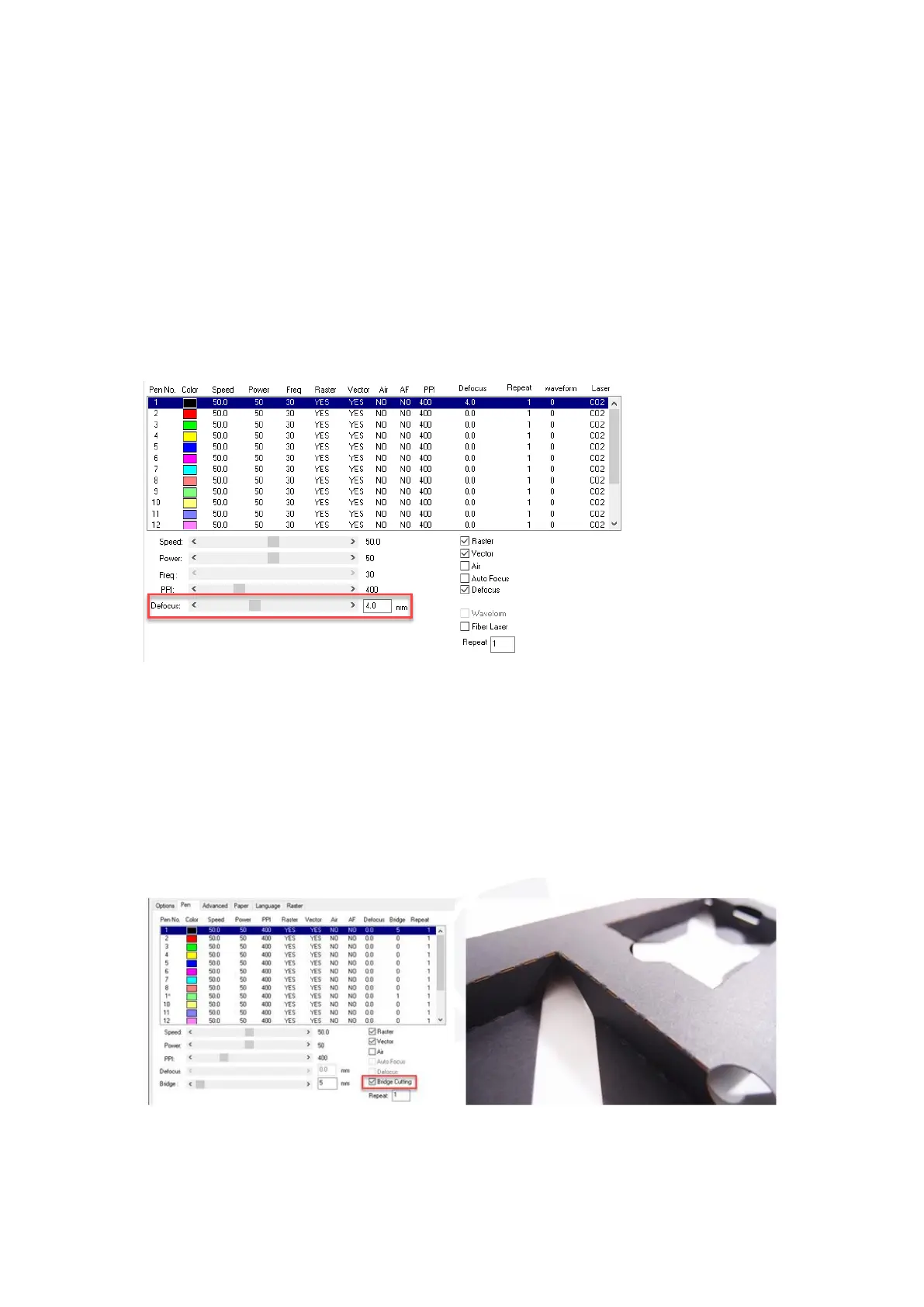
Defocus (Pen Page) [DEFAULT SETTING: Unselected]
This function allow users to set the defocus or out of focus distance for a particular job. One of
application is polishing, the acrylic can be polished after engraving.
Bridge Cutting
(Pen Page) [DEF
AUL
T SETTING: Unselected /
0.0 mm]
Checking the Bridge Cutting checkbox will allow users to easily create perforation lines
(dash-line). Once seethe line color along with another corresponding pen can be used in
tandem to indicate the length of the gap and the uncut part of a perforation line. (If Pen 1 is
selected for bridge cutting, Pen 9 will be reserved to the length of the connected lines of the
perforation. If Pen 2 is selected, Pen 10 will be reserved and so on…)



 To Next Page