170 232003110G (03)
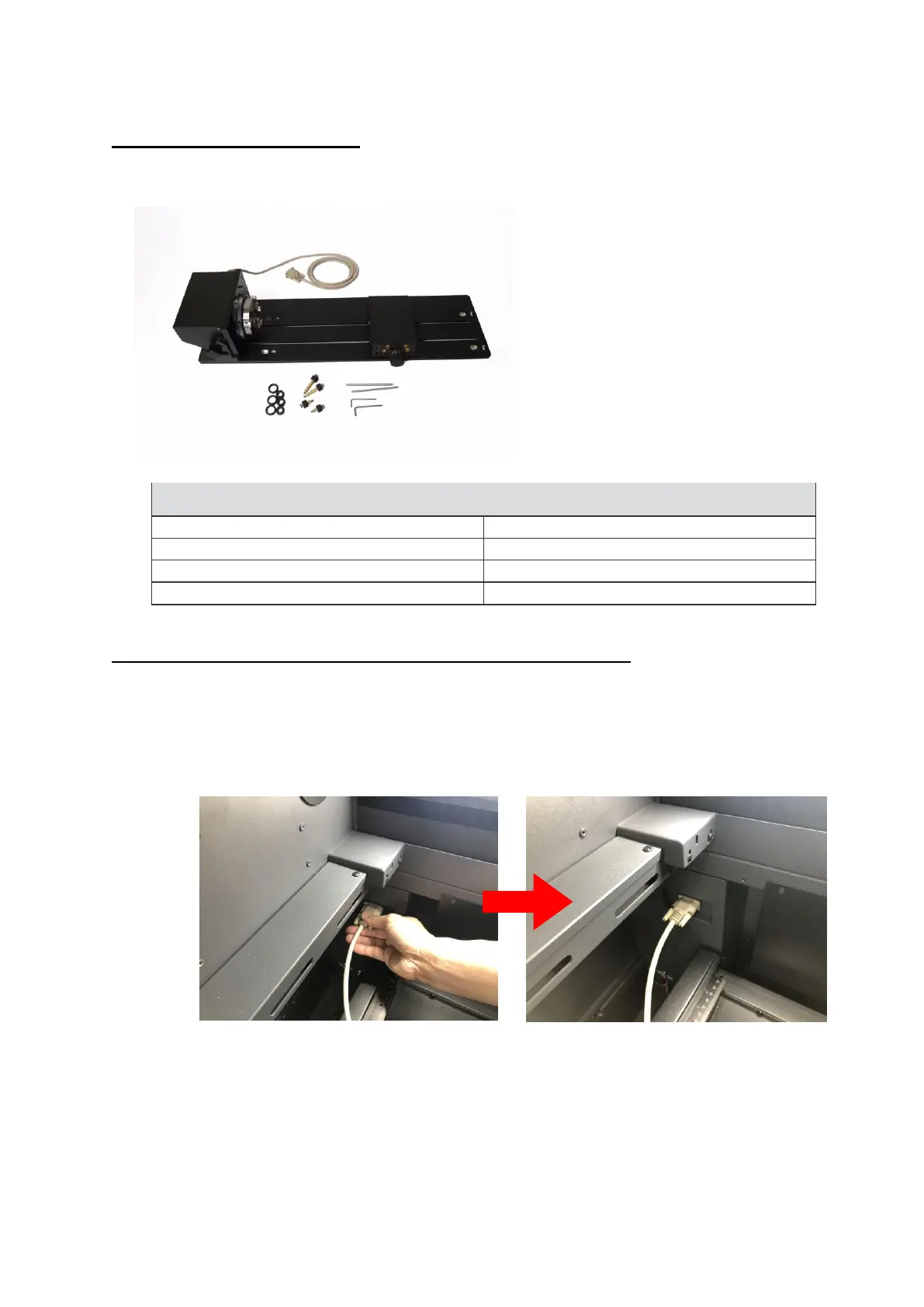
Rotary Chuck Specification:
GCC LaserPro offers different design options to work with cylindrical objects. The Rotary Chuck can hold smaller
diameter of working object tightly, tilt with different angles for laser processing.
INST
ALLA
TION for Rotary Attachment and Rotary Chuck:
1) Turn off the power of the engraver before installing the Rotary option (Rotary attachment and
Rotary chuck.) and table down.
2) Remove Aluminum grid cutting table.
3) Connect the Rotary cable.
4) Set the rotary option onto the engraving table so that the bottom mounting screws correspond
to the positional holes on the engraving table. In addition, the top end of the rotary option must
be leveled against the engraving table with the rotary’s positional indicator (center point of the
top of the rotary) aligned to the center position on the engraver’s Y (vertical) axis.



 To Next Page