89 232003110G (03)
Functions Page
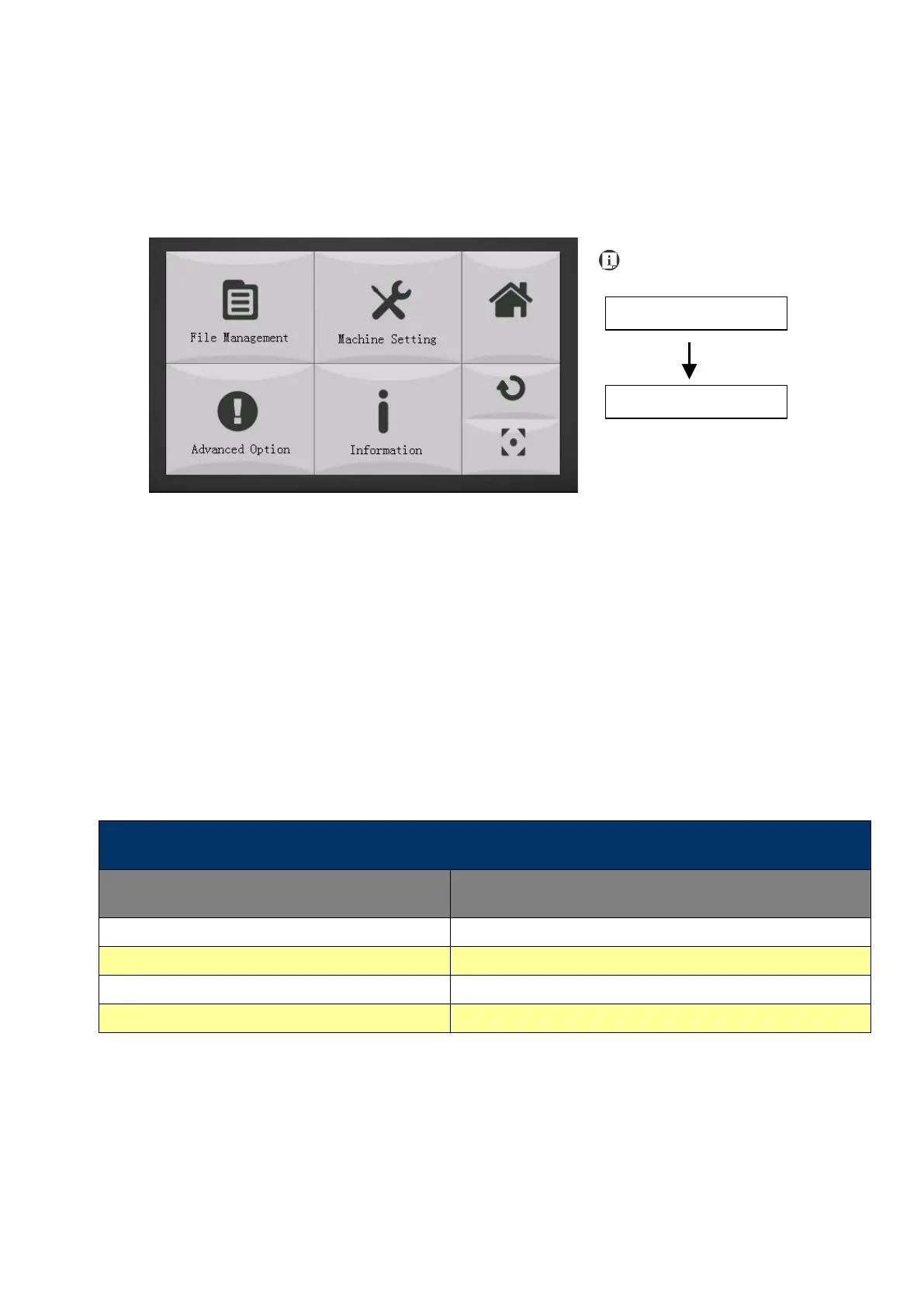
The Functions Page allows you to edit file management and machine settings. From this page,
you will be able to access the File Management, Machine Setting, and Machine Information
pages.
• File Management Page – this page allows you to manage the files that you have loaded
onto the LaserPro S400.
• Machine Setting Page – this page allows you to access and modify various machine
settings, including: Set Lens, Tune Auto Focus, Set Table Down, Set Red Beam, Carriage
Lock, Set Command Mode, Set File Save Mode, Set Vector Mode, LAN Setup, Other,
Reset.
• Advanced Option Page- this page allows you to enable different optional usages for the
laser machine, such as roll to roll auto-feeder, CCD calibration for contour cutting,
SmartGUARD fire alarm etc.
Information Page – this page allows you to view information regarding the system
such as the GCC logo, machine name, firmware version, and other information.
*refers to Machine Setting Page for save position and recall position functions.
Recall the saved position as origin for subsequent jobs
Initiate the auto focus function



 To Next Page