EasyManua.ls Logo

GCC Technologies LaserPro S400 - Page 95

GCC Technologies LaserPro S400
198 pages
Print Icon
To Next Page IconTo Next Page
To Previous Page IconTo Previous Page
Loading...
93 232003110G (03)
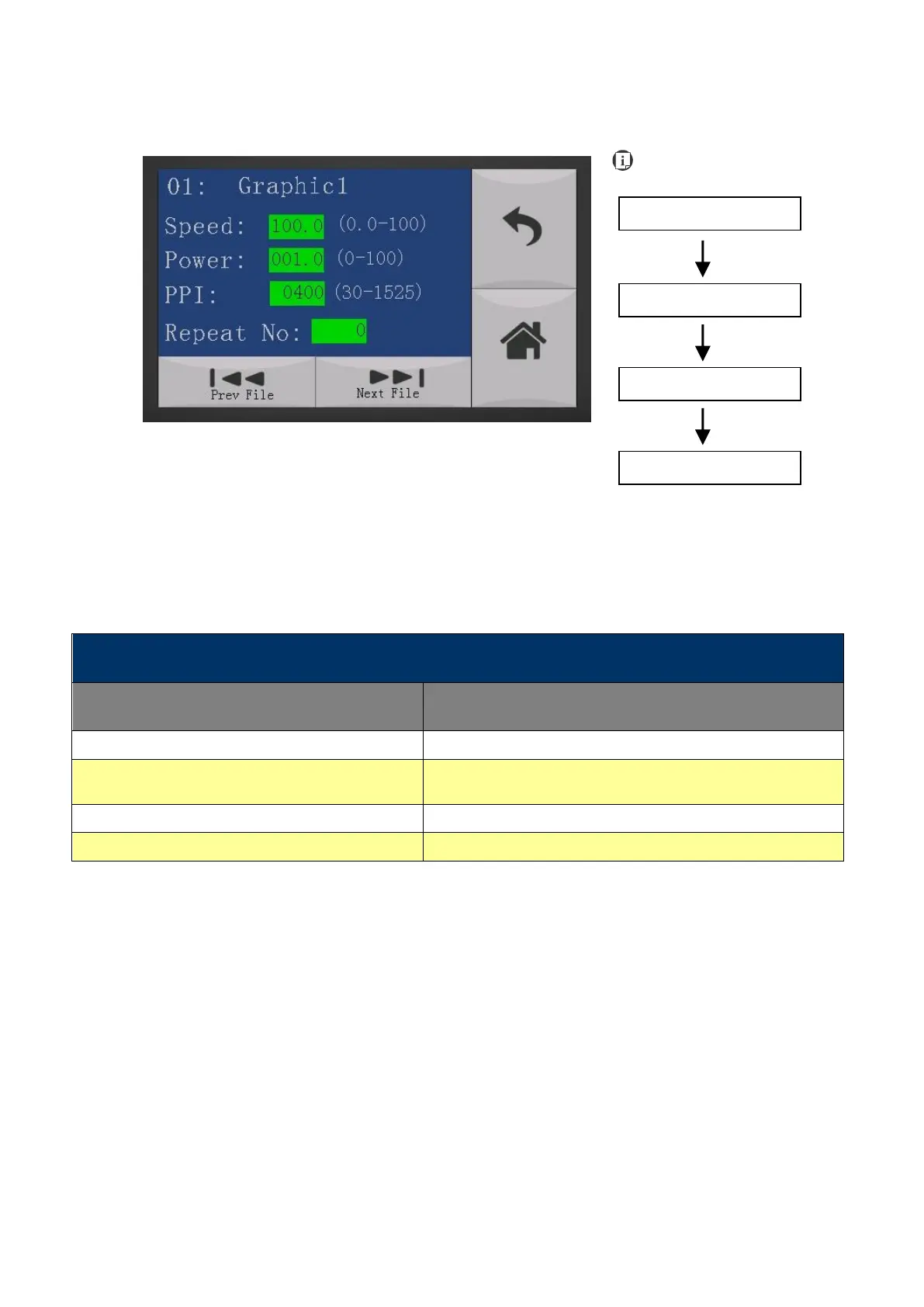
File Information Page
The File Information Page allows you to view the speed, power, DPI, and PPI settings of the
selected job. In addition, you will be able to go to the File Management Edit Page from this menu
to change raster/ vector speed and power settings for the selected job.
File Information Page
Relevant Buttons
Function
Back
Back to previous page
Edit
Go to the File Management Edit Page for the selected
job
Return
Back to Main Work Page
Home
Back to Home Page
Main Work Page
Functions Page
Navigating to this page:
File Management Page
Select<File Manage-
ment>from the menu
File Information Page
Select a job file and
press E
n
t
e
r

Table of Contents

Related product manuals