95 232003110G (03)
File Edit Raster Page
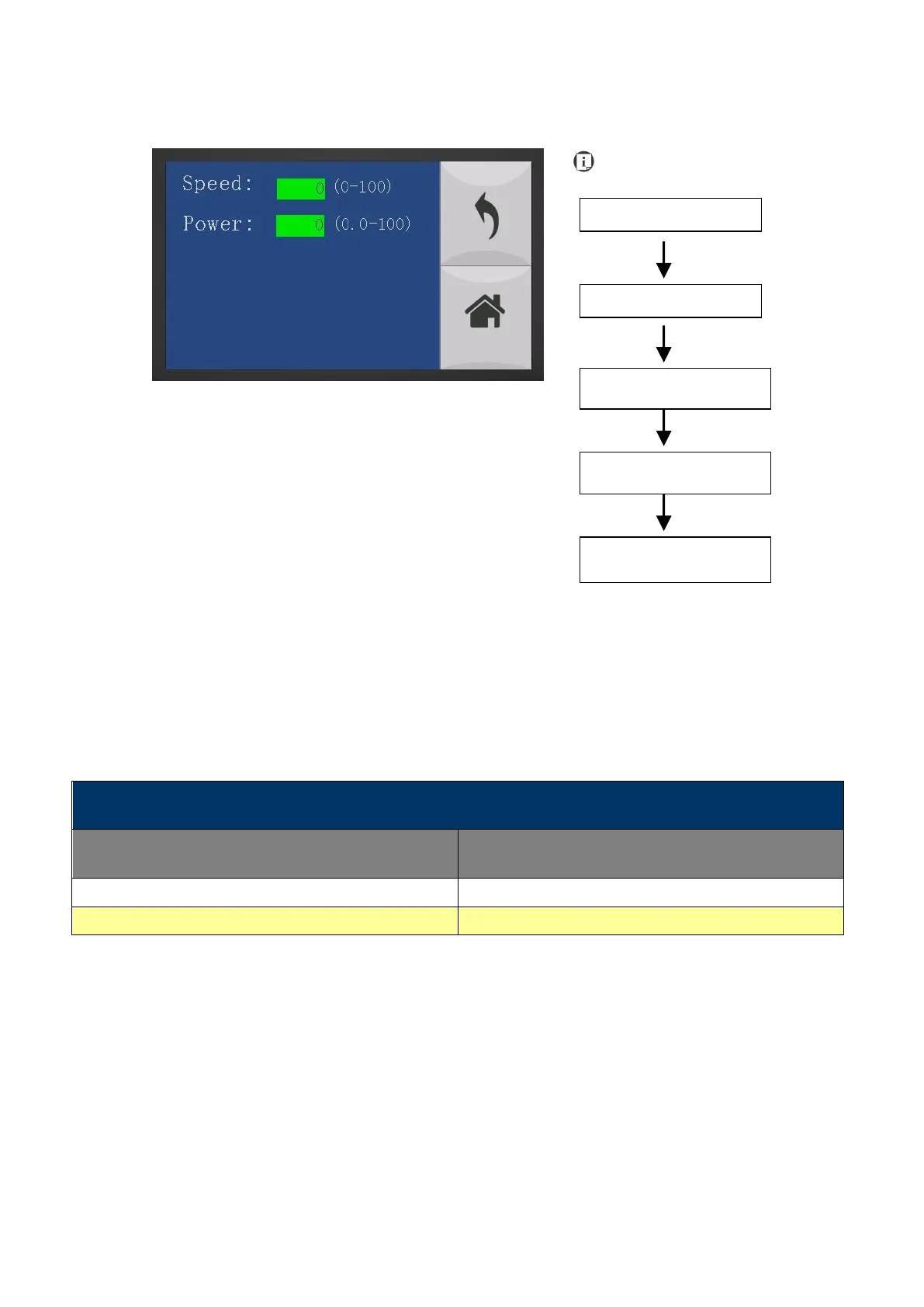
The File Edit Raster Page allows you to edit the raster power and speed settings, as well as enable or disable
SmartACT for the selected job. These settings correspond to the same settings found on the LaserPro S400
print driver. This page allows you to easily adjust these values to make immediate adjustments while
processing your loaded jobs, even when you have disconnected your computer from the LaserPro S400.
• Raster Power: 0.0% - 100%
• Raster Speed: 0.0% - 100%
• SmartACT: YES/ NO
Go back to Main work page



 To Next Page