Replacement Procedures
8-18 LOGIQ e – Basic Service Manual
5461614-100 English Rev. 6
Loading the System Software with USB memory stick (continued)
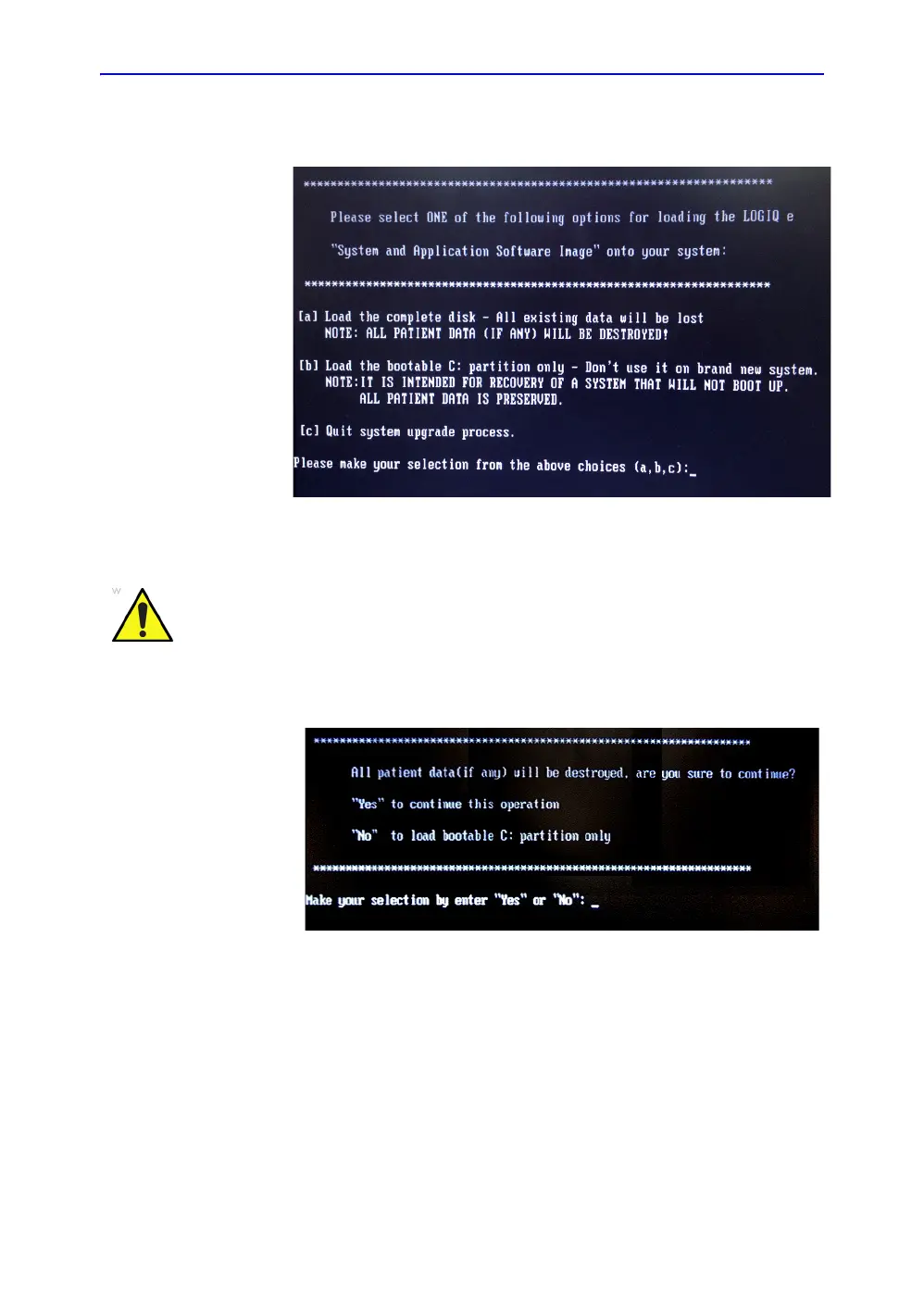
Figure 8-2. System Software load instruction
6. Input “Yes” or “No” and press Enter key to continue.
Figure 8-3. Confirmation on loading the system
WARNING
While the software install procedure is designed to
preserve data, you should select choice [b] to format disk
C only.



 To Next Page